The Alternating U-Shaped Process diagram presents six sequential stages through a connected layout of rounded U-shaped lines. Each stage combines a numbered label, a heading, supporting text, and an icon placeholder. Designed for PowerPoint and Google Slides, this editable infographic helps organize processes that require a clear progression from the first step to the last.
Diagram Preview
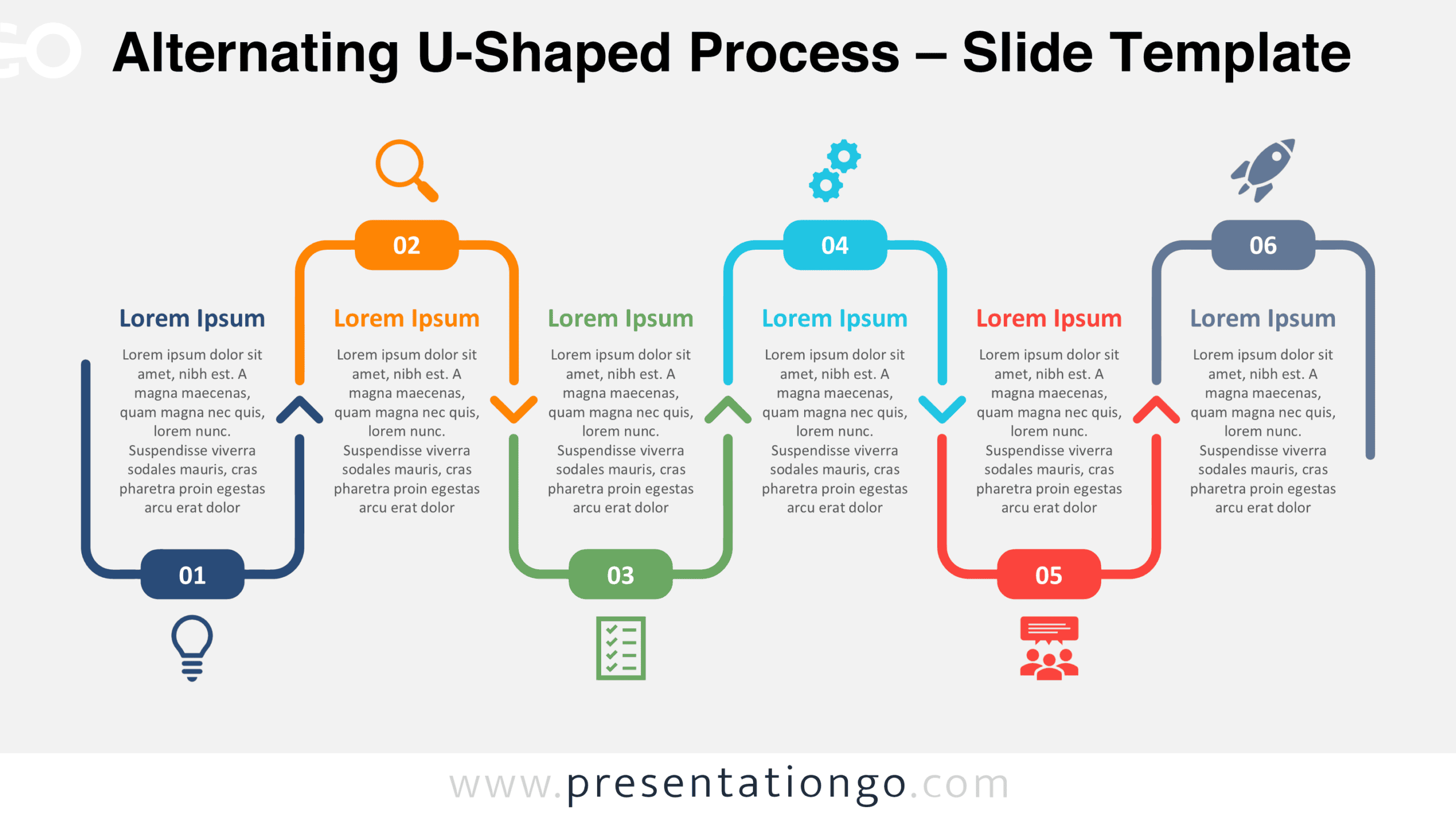
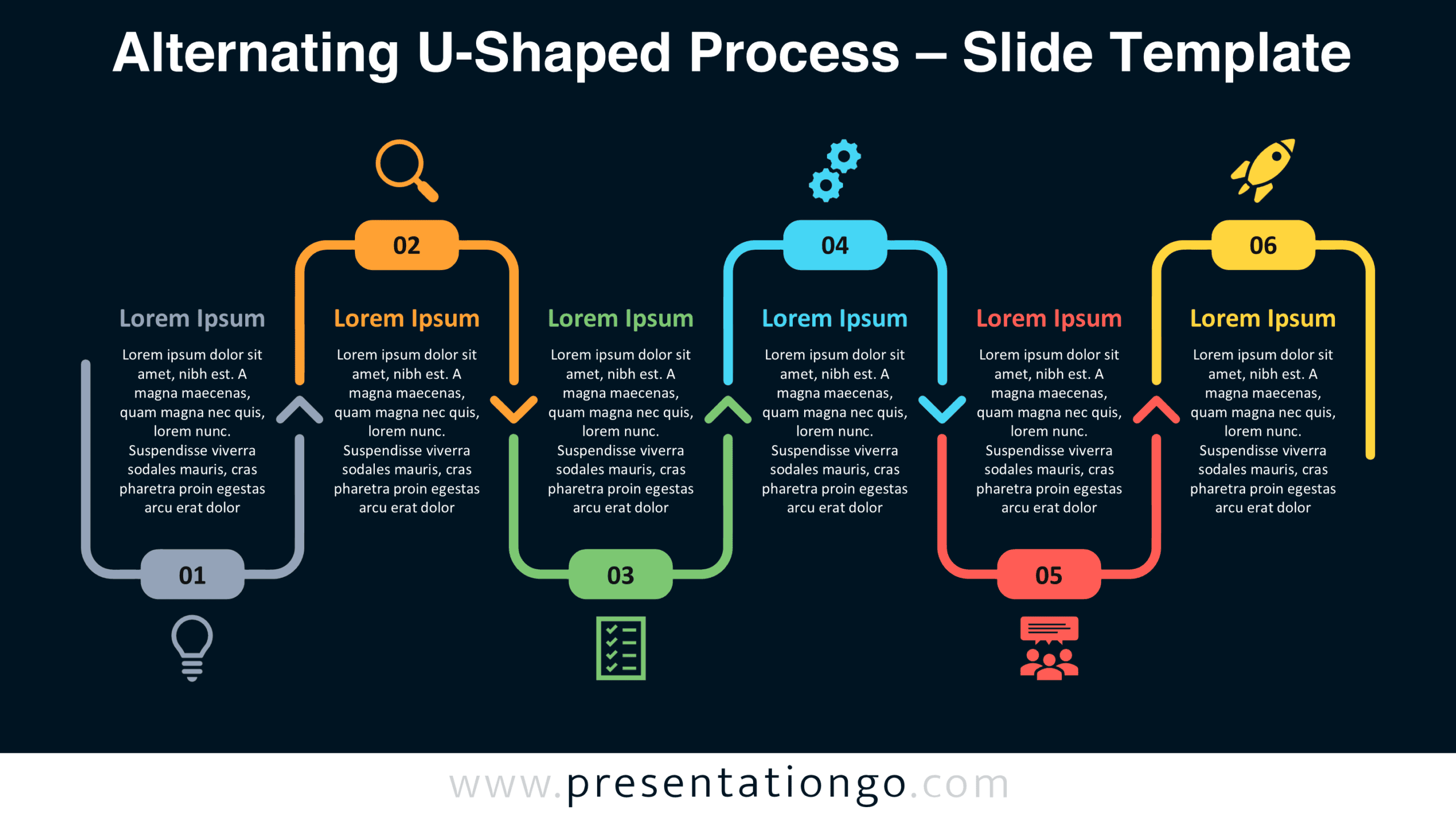
The preview shows two versions of the same six-stage layout, each adapted to a different presentation background. Both preserve the alternating connector structure, numbered labels, and icon positions. Choose the version that fits your existing slide design.


Features and Customization Options
- Compatible with Microsoft PowerPoint and Google Slides.
- Six-step process diagram with alternating U-shaped connectors.
- Editable text, shapes, and icon placeholders.
- Adjustable connectors and directional arrows.
- Icons shown are for illustration purposes only.
- Office library icons are easy to modify or replace.
- Includes both light and dark background versions.
Design and Structure
The diagram arranges six stages in a horizontal sequence, using U-shaped connectors that alternate between upward and downward orientations. Each connector forms an open frame around its corresponding content block. Rounded rectangular labels identify the stages from 01 to 06. Small chevron-shaped markers appear between neighboring frames, reinforcing the reading direction without introducing a separate connecting line. This staggered arrangement establishes a consistent rhythm across the entire diagram while keeping each stage visually distinct.
Every stage contains a heading followed by a compact, centered description. The text blocks maintain consistent widths and spacing to support a balanced presentation. Icon placeholders sit outside the connector frames, alternating above and below the numbered labels. Their positions follow the same vertical pattern as the surrounding shapes. The layout combines repeated geometric elements with alternating placement, creating a structured composition that accommodates six separate pieces of information.
Practical Applications
- Product development: Outline discovery, research, planning, prototyping, testing, and launch.
- Project management: Present six implementation phases with their primary activities and deliverables.
- Marketing campaigns: Map audience research, positioning, content creation, promotion, measurement, and reporting.
- Employee onboarding: Explain six milestones from preboarding through the first performance review.
- Sales operations: Illustrate prospecting, qualification, needs assessment, proposal, negotiation, and closing.
- Process improvement: Document the stages of identifying, analyzing, correcting, validating, and monitoring operational issues.
- Training programs: Organize learning objectives, instruction, exercises, practice sessions, assessment, and feedback.
Summary
The Alternating U-Shaped Process diagram offers a structured way to present six related activities without merging them into one continuous text block. Its numbered frames, directional markers, and alternating icon positions distinguish individual stages while preserving their connection. Use the editable layout to match your process terminology and presentation needs.