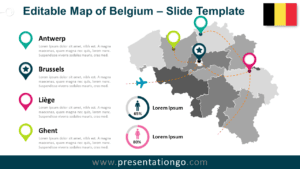
The Belgium Dotted Map Infographic is a clean and modern visual solution designed to help you present geographic data clearly in PowerPoint and Google Slides. Built with evenly spaced dot patterns, this map highlights the shape of Belgium while keeping the design minimal and professional.
This infographic is ideal for business reports, market analysis, logistics planning, and educational content. Its structured dot layout allows you to add markers, percentages, or labels without overwhelming your audience. The result is a balanced visual that supports data-driven storytelling.
Map Preview
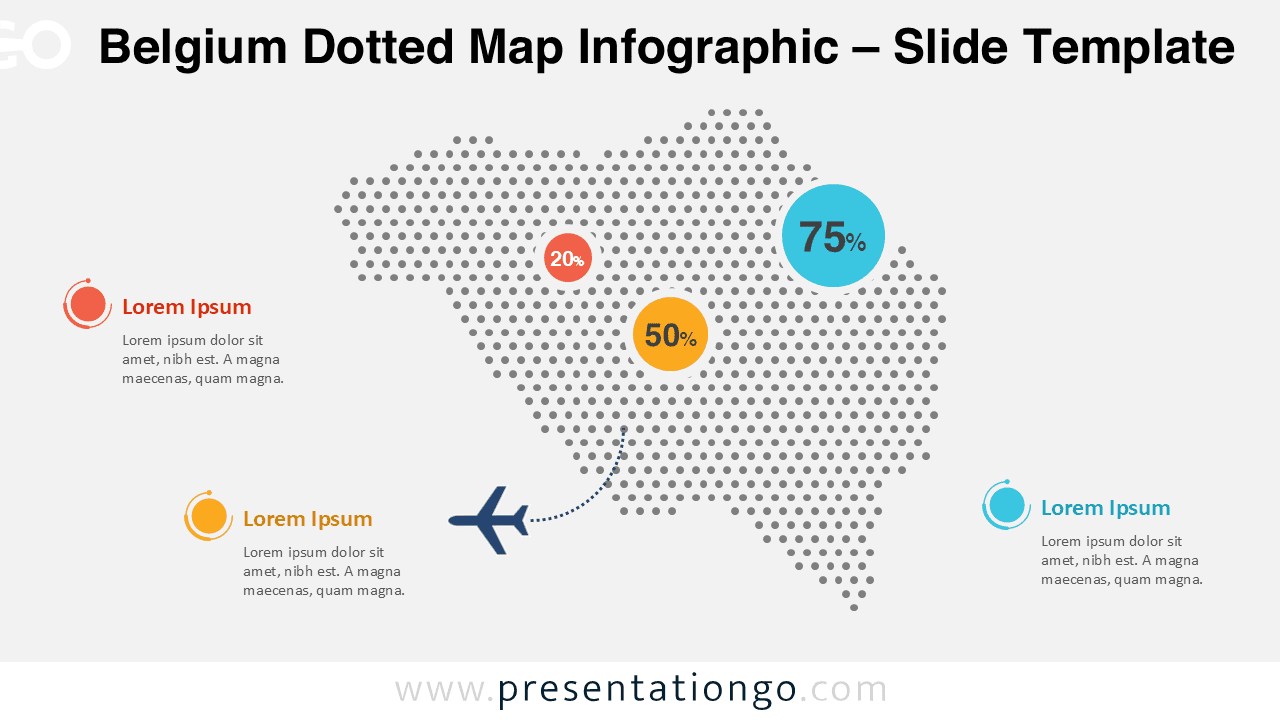
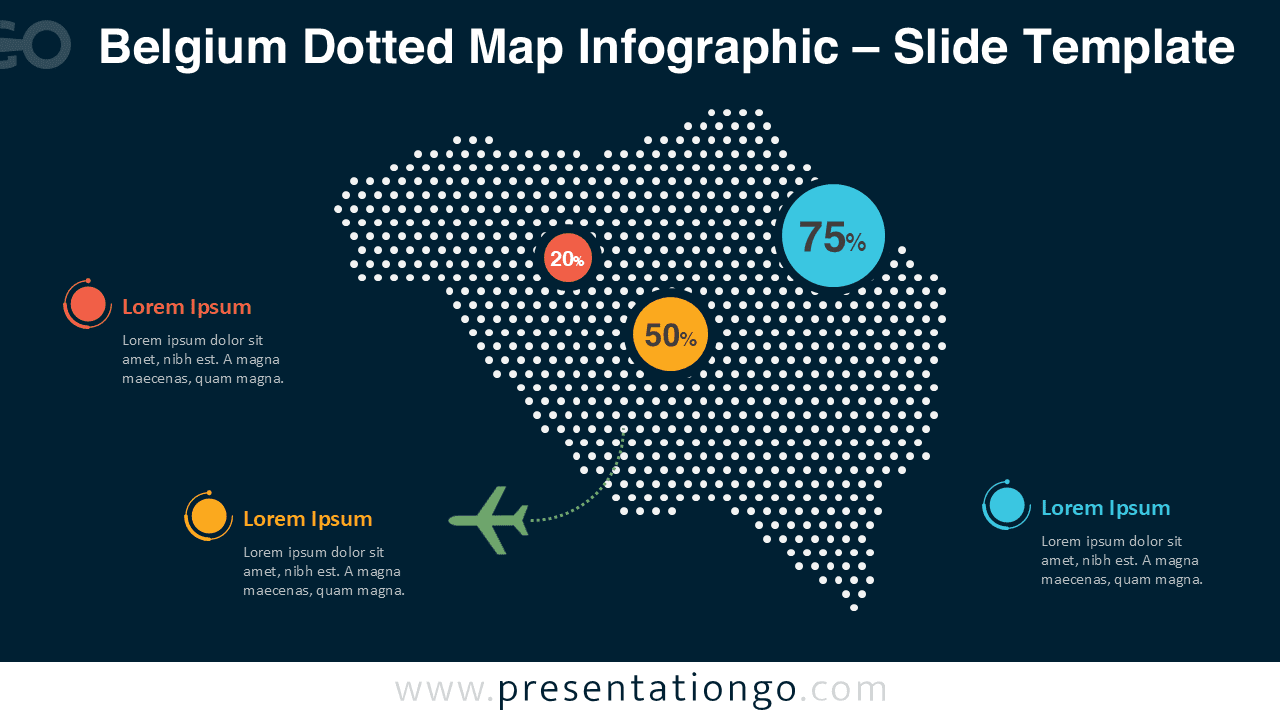


The dotted construction gives the map a contemporary look while maintaining strong geographic recognition. You can easily customize colors, resize elements, or add callouts to emphasize specific regions or insights related to Belgium.
Features and Customization Options
- Editable dotted map of Belgium
- Optimized for PowerPoint and Google Slides
- Includes light and dark background versions
- Easy color and size customization
- Clean layout suitable for data visualization
Design and Structure
The map uses a consistent dot grid to form the national outline of Belgium. This structure provides visual clarity and makes it easier to overlay data points, icons, or text labels. Accent elements such as percentage markers and callouts can be adjusted to match your brand or presentation theme.
The overall design remains neutral and professional, ensuring compatibility with corporate, academic, and institutional presentations. The dotted pattern also helps reduce visual noise when presenting complex information.
Practical Applications
- Market presence and regional analysis
- Sales territory and logistics mapping
- Demographic and statistical reporting
- Educational geography presentations
- Corporate and government briefings
Summary
The Belgium Dotted Map Infographic offers a versatile and visually appealing way to present geographic information. With full editability and a modern dotted style, it helps you communicate insights clearly and effectively in PowerPoint and Google Slides.