

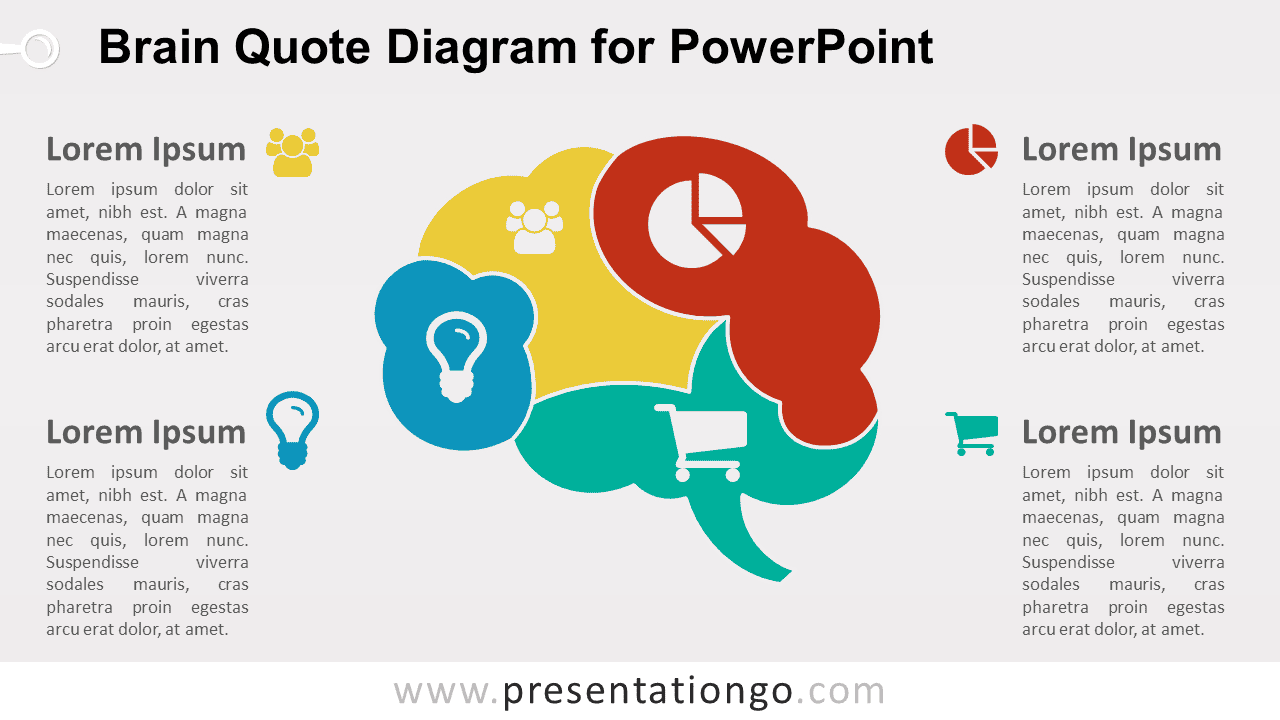
The Brain Quote Diagram for PowerPoint organizes four related ideas around a segmented brain visual. Each section includes an editable icon placeholder, while four surrounding text areas provide space for headings and concise explanations. The layout works well for strategic thinking, brainstorming, analysis, innovation, decision-making, and concept-driven presentations.
Diagram Preview


Features and Customization Options
- Includes 16:9 and 4:3 versions for Microsoft PowerPoint
- Includes 2 editable slides with matching layouts
- Editable text, shapes, colors, and icon placeholders
- 100% editable vector shapes — no quality loss when resized
- Replace or recolor icon placeholders freely
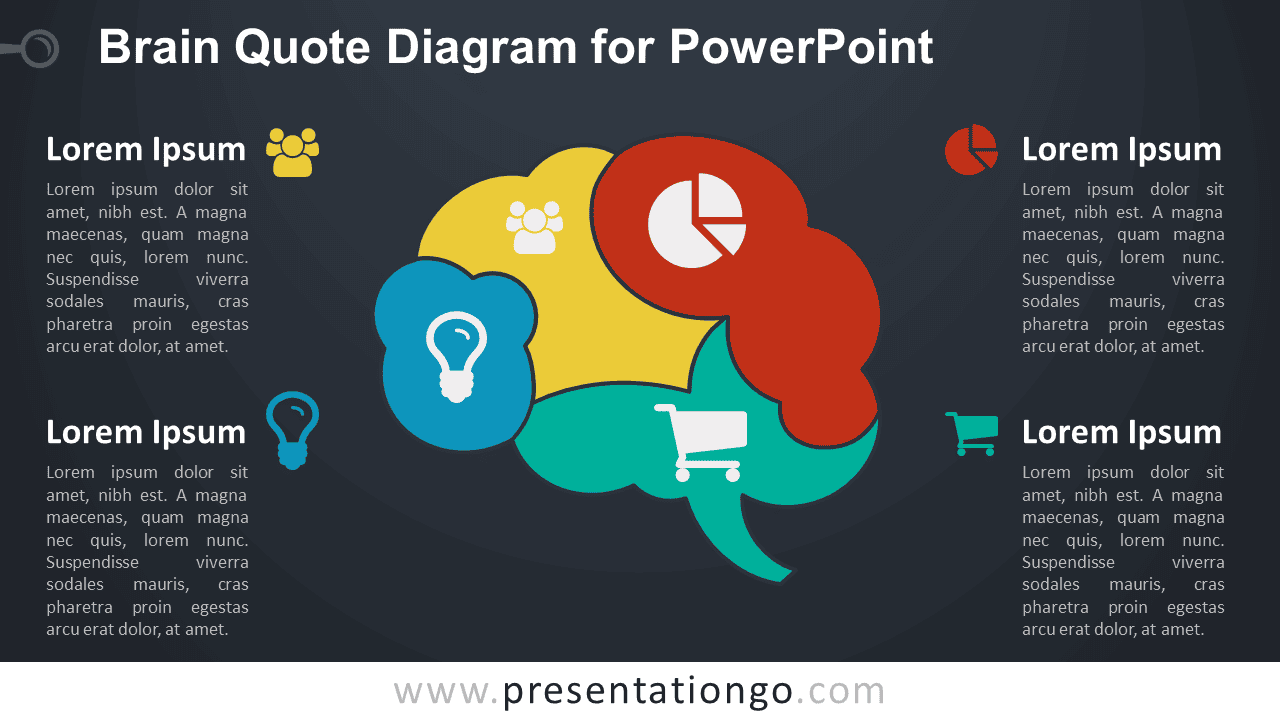
- Includes both light and dark background versions
Design and Structure
The Brain Quote Diagram uses four connected sections to divide a central brain illustration into distinct concept areas. Each segment contains an editable icon placeholder that helps identify its theme. Four supporting text blocks surround the central visual, giving every section space for a heading and explanation without crowding the brain graphic.
The segmented structure makes the diagram useful when four ideas belong to one broader topic. You can edit the headings, descriptions, shapes, and placeholders directly in PowerPoint. Replace the existing icons with your own graphics, resize individual elements, or reposition sections to fit your content. The package includes both 16:9 and 4:3 presentation sizes for different slide setups.
Practical Applications
- Present four strategic ideas or priorities
- Organize brainstorming themes
- Explain decision-making factors
- Summarize four research insights
- Structure innovation or creativity topics
- Present four dimensions of a business concept
Summary
The Brain Quote Diagram provides an editable PowerPoint layout for presenting four related ideas around one central concept. Its segmented brain structure, text areas, and editable icon placeholders suit strategy, analysis, brainstorming, innovation, and insight-based presentations.



