
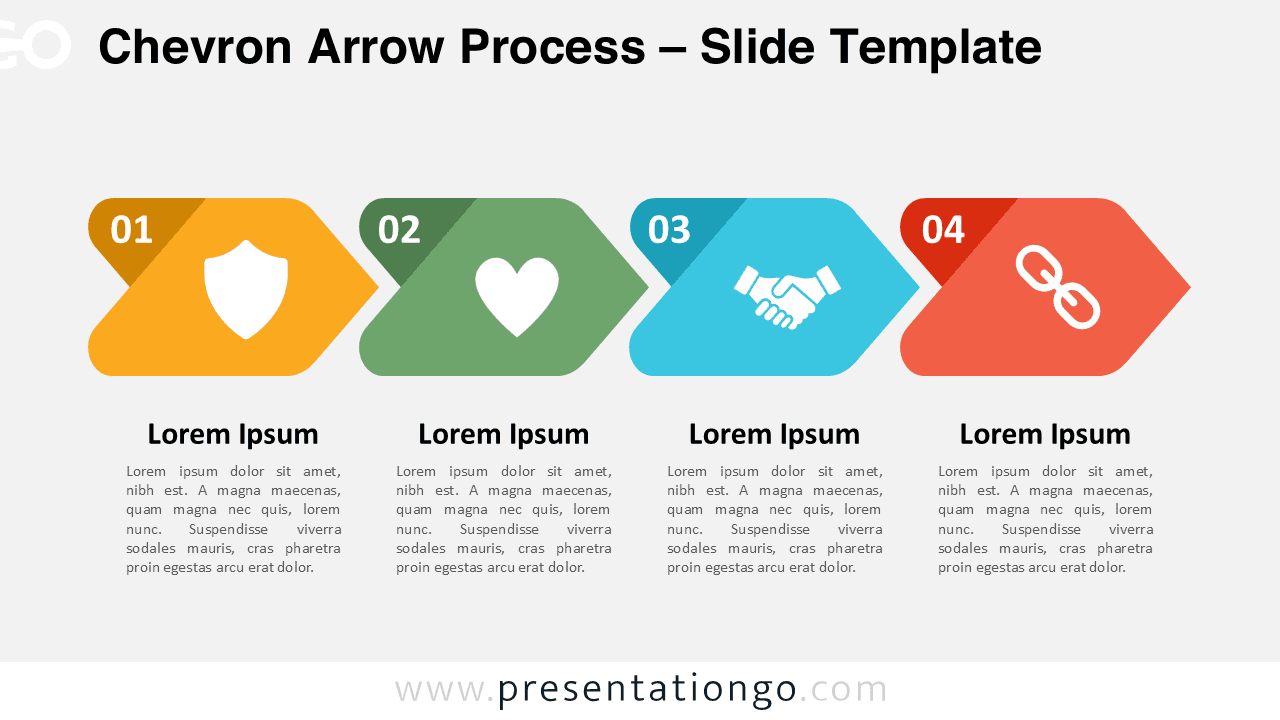
The Chevron Arrow Process diagram for PowerPoint and Google Slides features four sequential steps in a horizontal flow design for illustrating processes or workflows.
A Four-Step Process Diagram to Show Step-by-Step Progressions
Each chevron-shaped element connects seamlessly, forming a continuous path that guides the viewer through the process. The four steps are numbered for clarity, and each features a distinct icon, reinforcing the meaning of each stage. The combination of colors ensures a clear visual distinction between steps while maintaining a cohesive design. This layout enhances readability and keeps the audience engaged.
Presenters use process diagrams like this in presentations to illustrate workflows, strategies, and multi-step procedures. This particular design is especially useful for demonstrating progressions, task sequences, or movement through phases. For instance, a project manager can showcase milestones in a roadmap, while a business analyst may use it to outline key decision-making steps. Additionally, educators can apply this structure to explain a learning framework.
This template includes two fully editable slides, pre-populated with numbers, icons, and text placeholders. The shapes can be customized to match specific themes or branding needs. Users can choose between light and dark background options, ensuring optimal visibility in different presentation settings. It is available in both Standard (4:3) and Widescreen (16:9) formats and is compatible with PowerPoint and Google Slides.
Download this four-step Chevron Arrow Process diagram today and simplify the way you present sequential information in your slides.
Widescreen (16:9) size preview:


This template offers:
- 2 unique slides
- Options for both light and dark themes
- Pre-populated with numbers, icons, and text placeholders
- Fully customizable shapes for complete control
- Available in both Standard (4:3) and Widescreen (16:9) ratios
- Offered in both PowerPoint PPTX and Google Slides formats







