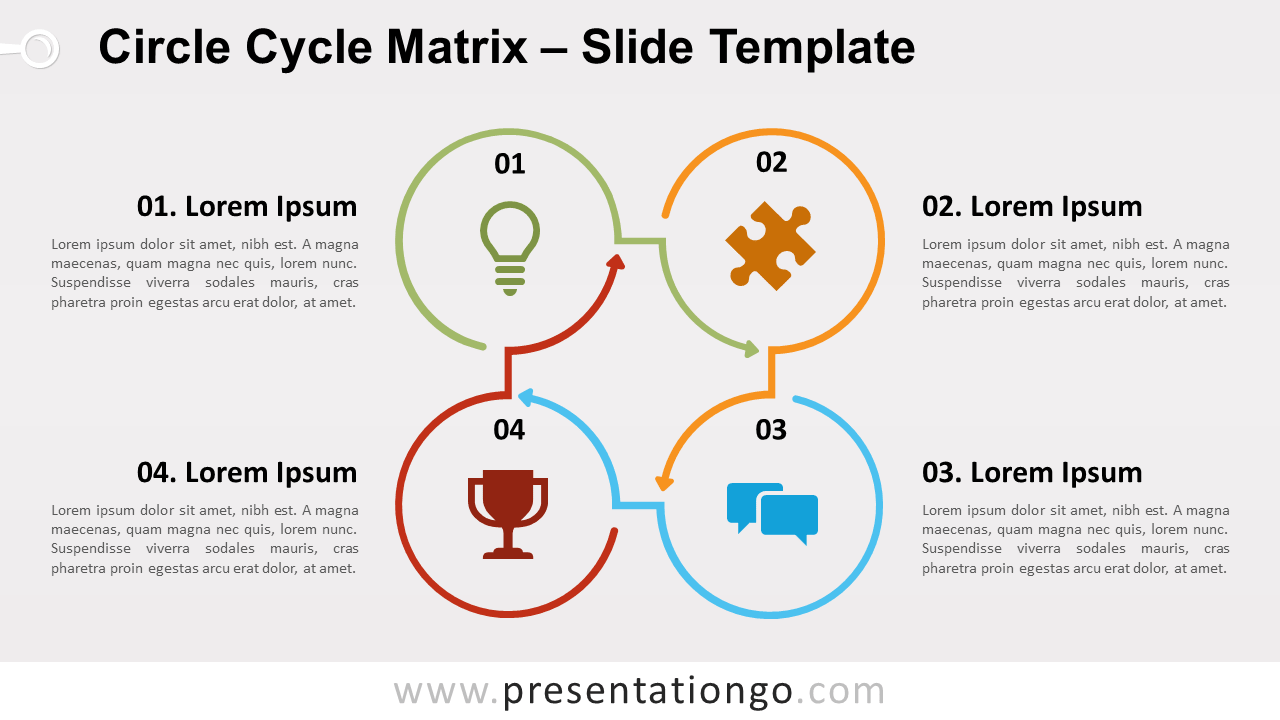
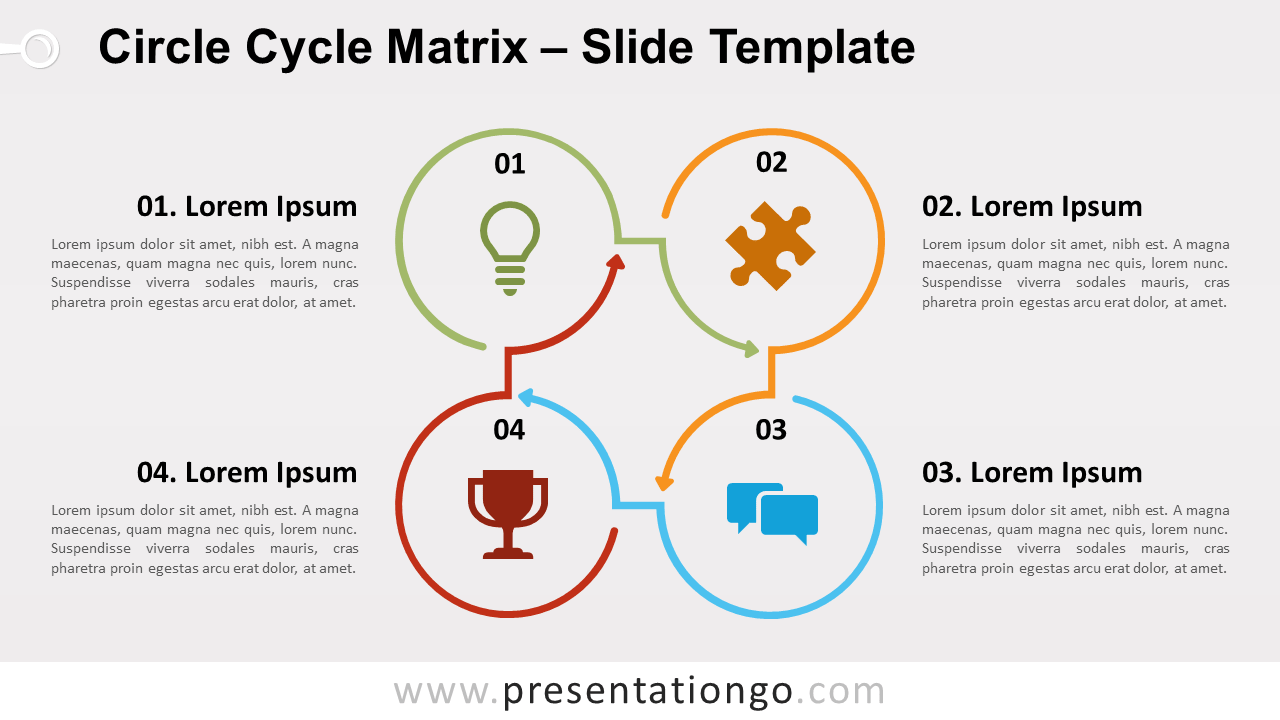
Free circle cycle matrix for PowerPoint and Google Slides. Cycle diagram designed with 4 incomplete circle lines and arrows in a square flow. Editable graphics with numbers, icons, and text placeholders.
Circle Cycle Matrix
This cycle matrix template belongs to our now popular ‘Line Design‘ category. Minimal design at its finest! Each circle shape is designed with a continuous line arrow. And each circle embeds a number and an icon.
You can use this diagram to represent a continuing sequence of 4 stages, tasks, or events in a circular (square) flow. Or it can be perfect to illustrate 4 ideas or concepts. Besides, this four-circle matrix diagram can showcase business or marketing matrices like BCG, SWOT, Ansoff, risk assessment…
Shapes are 100% editable: colors and sizes can be easily changed. Also, you can easily remove the numbers and customize the icons according to your needs.
Includes 2 slide option designs: Standard (4:3) and Widescreen (16:9).
Widescreen (16:9) size preview:


This ‘Circle Cycle Matrix for PowerPoint and Google Slides’ features:
- 2 unique slides
- Light and Dark layout
- Ready to use template with numbers, icons, and text placeholders
- Completely editable shapes
- Uses a selection of editable PowerPoint icons
- Standard (4:3) and Widescreen (16:9) aspect ratios
- PPTX file and for Google Slides
Free fonts used:
- Helvetica (System Font)
- Calibri (System Font)