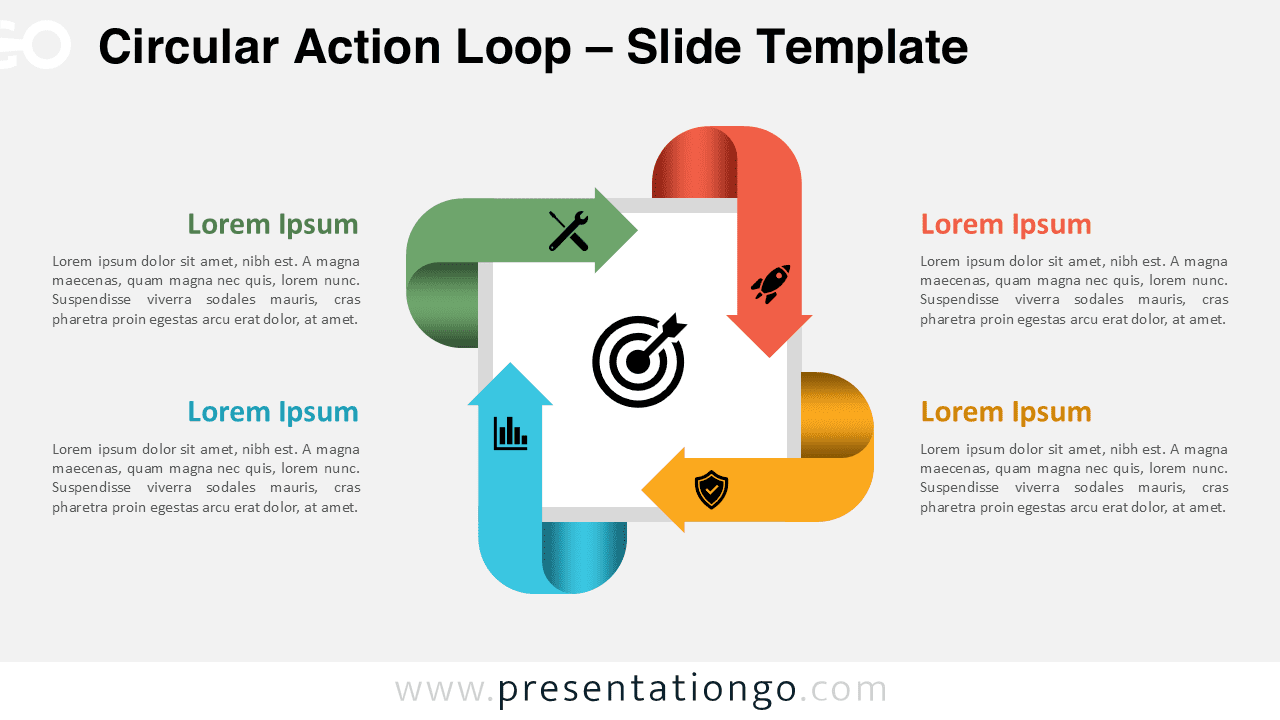
The Circular Action Loop diagram helps you present connected actions with clarity and energy. It uses four rounded arrows to create a continuous process around a central goal. Each arrow includes an editable icon placeholder for a key business idea, making the layout easy to understand and adapt. You can use this diagram in PowerPoint and Google Slides for many professional topics.
Diagram Preview
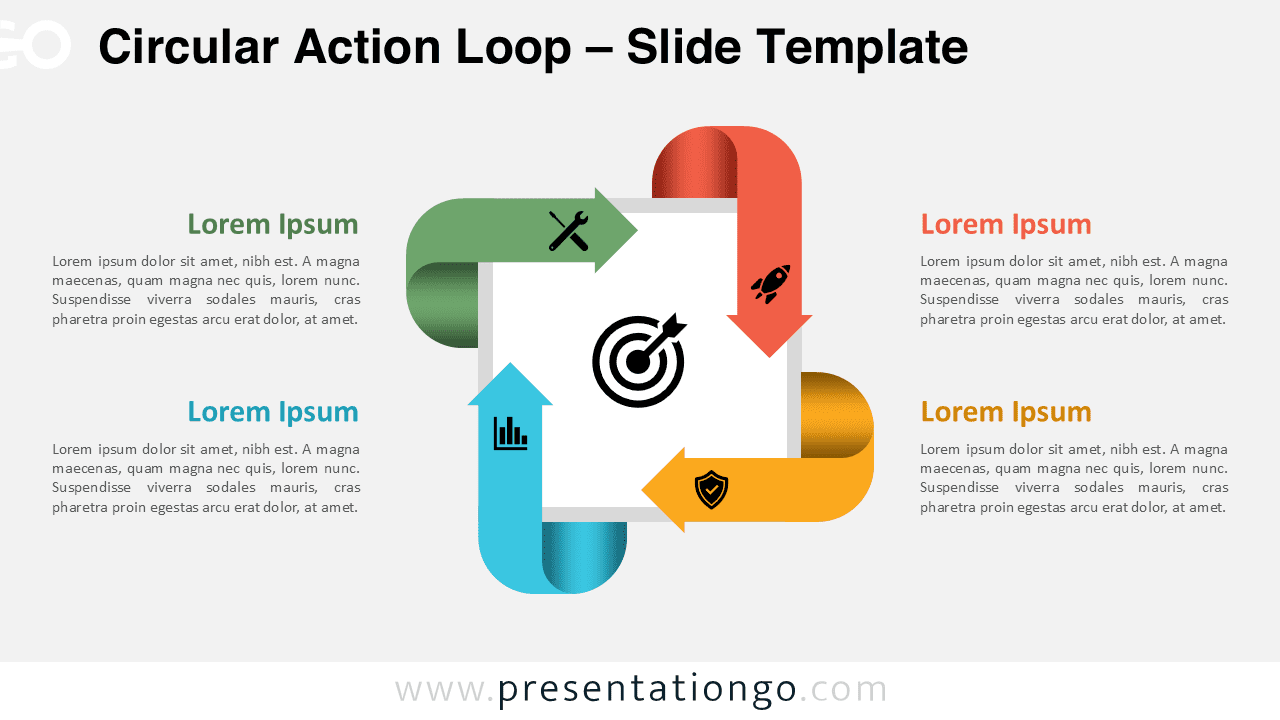
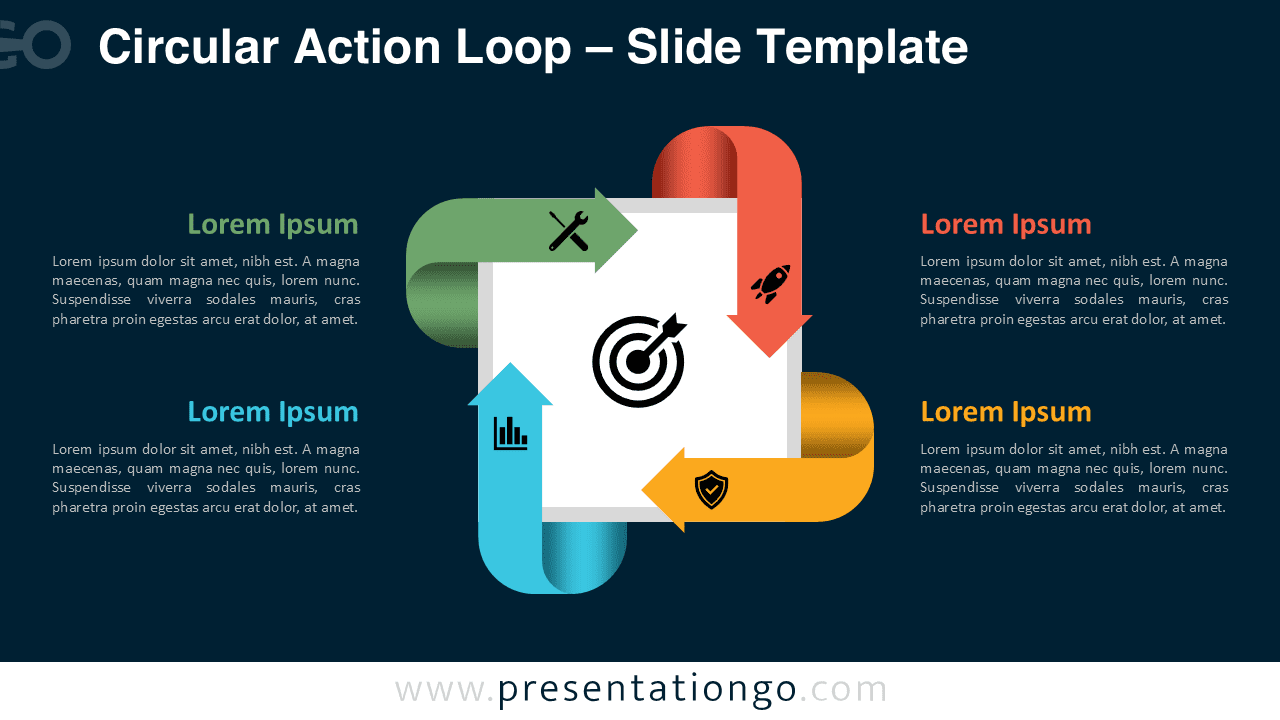
Diagram Features and Customization Options
- Four colorful arrows arranged in a circular loop.
- Central target symbol for goals, focus, or alignment.
- Editable text placeholders for short stage descriptions.
- Includes editable icon placeholders for each process step.
- Works with PowerPoint and Google Slides.
- Easy color, shape, and text customization.
- Light and dark slide versions included.
Design and Structure
This diagram uses a balanced circular composition with four directional arrows. The arrows guide the viewer through a repeatable workflow or strategic cycle. Green, red, yellow, and cyan sections create strong visual separation, while the central white square keeps the focus on the main objective.
Small icon placeholders add meaning without overwhelming the layout. The light version feels clean and open for formal business decks, while the dark version adds contrast for bold, modern, or executive presentations.
Practical Applications
- Present a four-stage business process.
- Explain a continuous improvement cycle.
- Map strategic actions around one goal.
- Show innovation, launch, analysis, and protection steps.
- Describe project phases or operational workflows.
- Summarize marketing, sales, or product planning cycles.
Summary
The Circular Action Loop diagram gives you a simple way to show connected actions. Its circular structure supports topics that repeat, evolve, or depend on feedback. You can quickly adapt the colors, labels, shapes, and icon placeholders to fit your message.
Use this diagram to make strategic workflows easier to understand and remember. It works especially well when you need to connect actions, highlight priorities, or explain how several steps support one central goal.