Free cycle puzzle with 8 parts for PowerPoint. 8 puzzle pieces with a round side, assembled or interlocked in a circular flow. Editable graphics with text and icon placeholders.
Cycle Puzzle with 8 Parts
Use this cycle puzzle diagram in your presentations to show how 8 individual and interconnected parts form a whole. Additionally, you can use this diagram to represent a continuing sequence of 8 stages, tasks, or events in a circular flow. It will also be suitable to illustrate 8 ideas or concepts.
You can also use this circular diagram to show the relationship to a central idea: emphasizes both information in the center diagram and how information in the outer shapes contributes to the central idea in a cyclical progression.
Shapes are 100% editable: colors and sizes can be easily changed.
Includes 2 slide option designs: Standard (4:3) and Widescreen (16:9).
Widescreen (16:9) size preview:
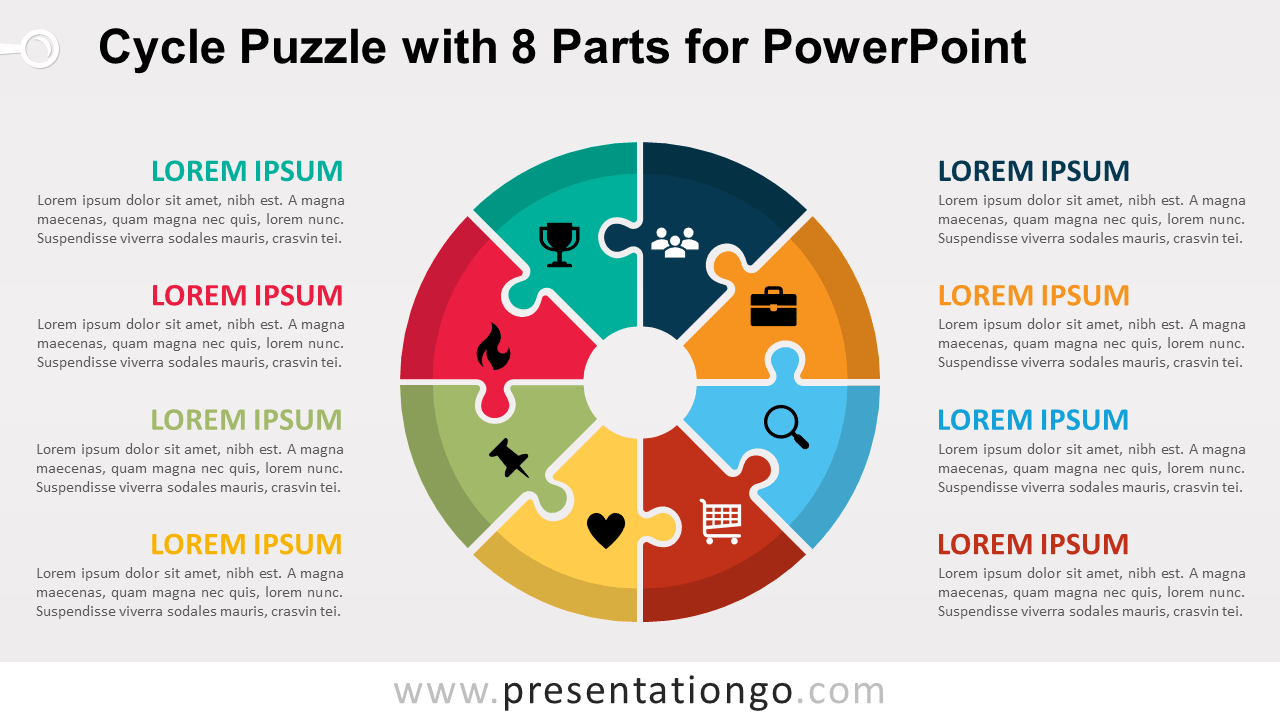
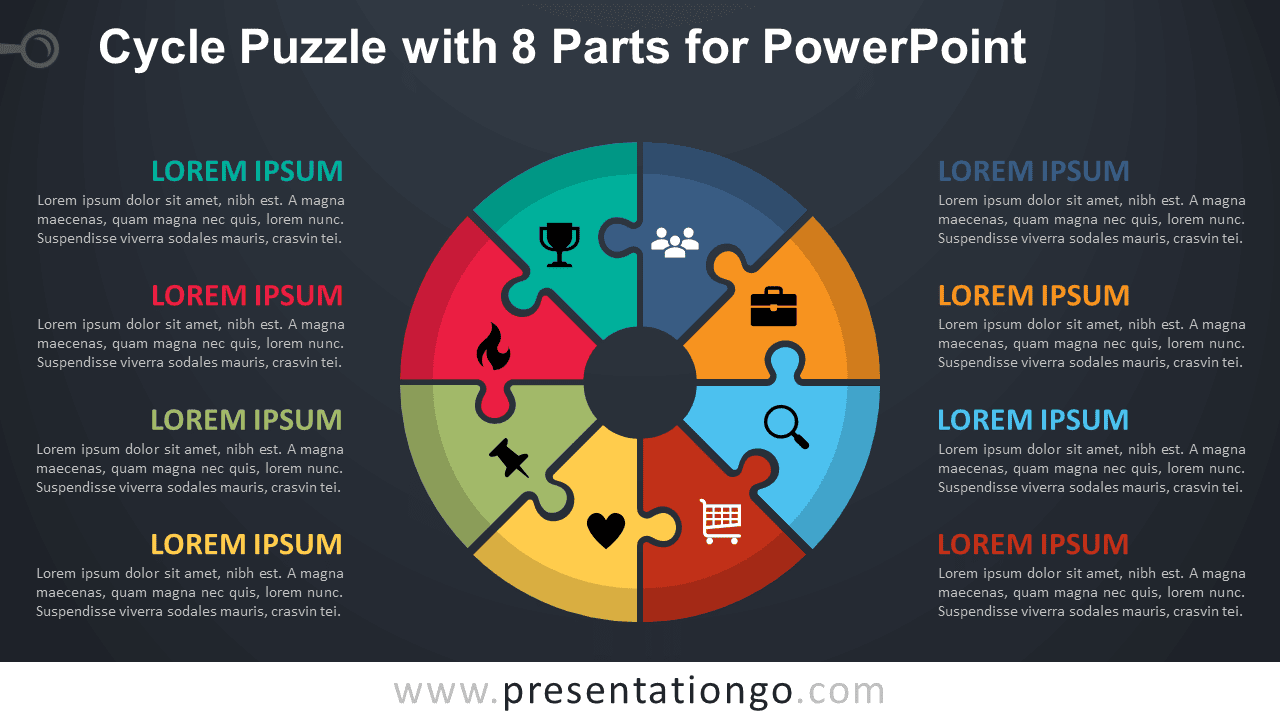


This ‘Cycle Puzzle with 8 Parts for PowerPoint’ features:
- 2 unique slides
- Light and Dark layout
- Ready to use template with text and icon placeholders
- Completely editable shapes
- Uses a selection of PowerPoint editable icons
- Standard (4:3) and Widescreen (16:9) aspect ratios
- PPTX file
Free fonts used:
- Helvetica (System Font)
- Calibri (System Font)