
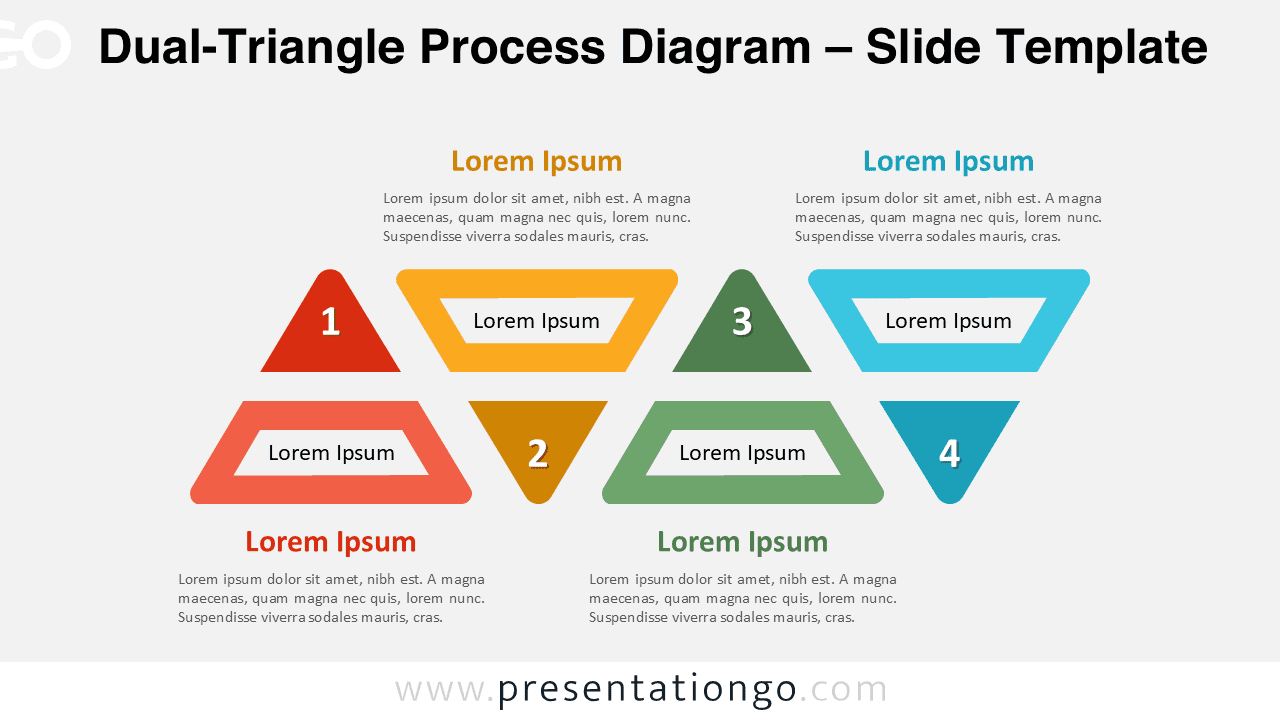
The Dual-Triangle Process Diagram organizes 4-step processes through paired upward and downward triangles designed for PowerPoint and Google Slides.
Visualize Four Key Steps with Paired Triangles
This diagram features pairs of triangle shapes stacked vertically—each column contains one solid upward-pointing triangle and one outlined downward-pointing triangle. The solid triangle highlights the step number, while the outlined shape offers space for a short description. Each pair is color-coded and aligned to form a visually balanced grid. Above and below the diagram, text placeholders allow you to insert an overarching title or explanatory notes, framing the graphic within a clean and readable layout. The uniform design ensures clarity and visual hierarchy, making it easy for your audience to follow each step.
Horizontal process diagrams like this one are particularly effective when presenting top-down relationships or dual-phase tasks. The alternating triangle orientation guides the viewer’s eye naturally from number to detail. This format is useful when you want to show a clear sequence with elaboration—such as comparing pros and cons, breaking down two sides of a task, or grouping features under core ideas. For example, a product team could present four features, each split into benefits and functionality. Similarly, educators might use it to compare theories or phases in a development cycle. The symmetry and consistent formatting make each section distinct yet part of a cohesive whole.
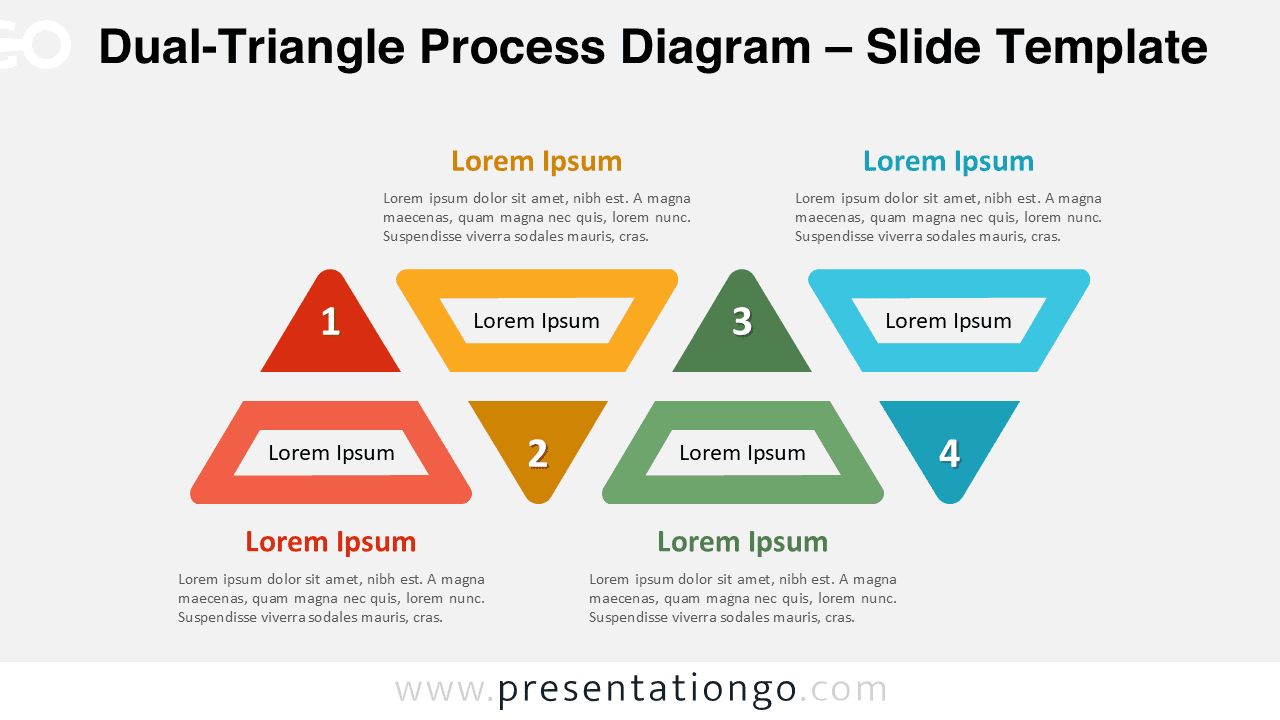
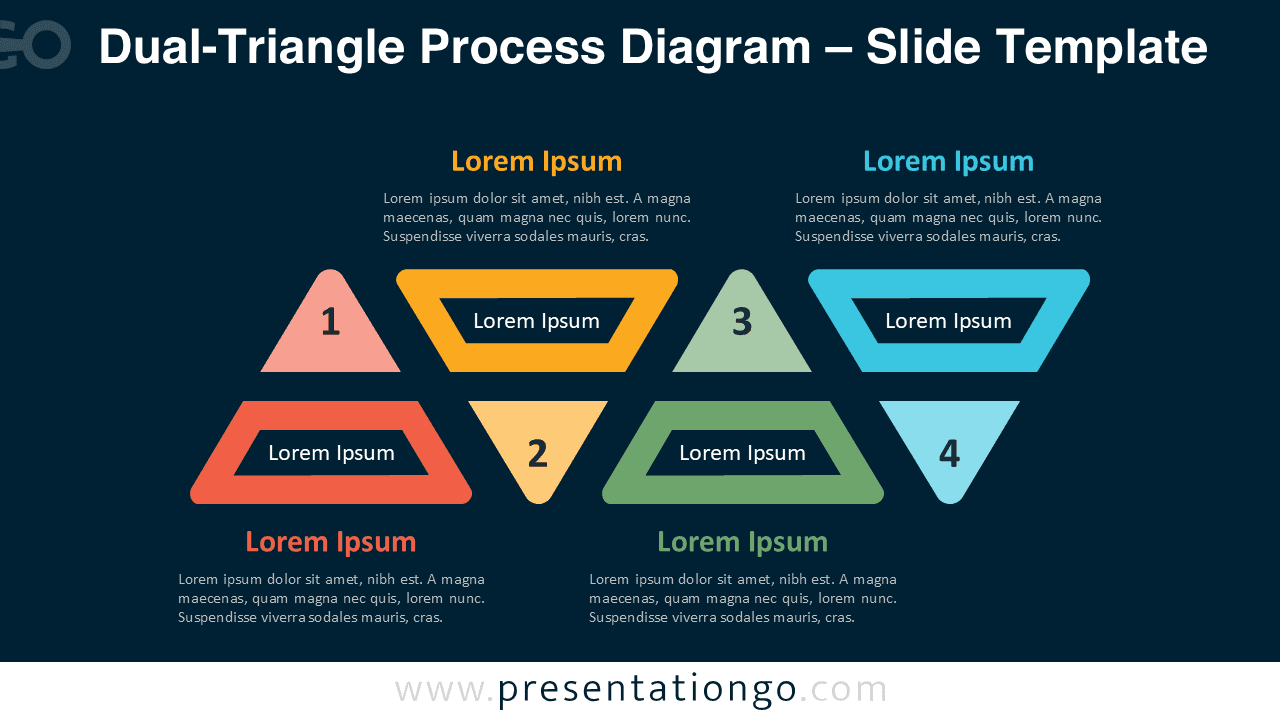
This two-slide template includes a default version pre-populated with numbers and editable text. You can replace numbers with icons, adjust the colors, and switch between light and dark backgrounds. It’s offered in both Standard (4:3) and Widescreen (16:9) layouts. Whether you use PowerPoint or Google Slides, this flexible and fully editable diagram adapts to your needs without losing its visual consistency.
Download this four-part diagram to present grouped, dual, or comparative concepts with visual balance and clarity.
Widescreen (16:9) size preview:


This template offers:
- 2 unique slides
- Options for both light and dark themes
- Pre-populated with numbers and text placeholders
- Fully customizable shapes for complete control
- Available in both Standard (4:3) and Widescreen (16:9) ratios
- Offered in both PowerPoint PPTX and Google Slides formats






