Free escalator diagram for PowerPoint. Colorful graphic design with 4 levels or floors. With icons of people silhouettes going up. Editable graphics with text placeholder.
Escalator Diagram
Use this PowerPoint Diagram to illustrate a progression or sequential steps (or stages) in a successful task, process, or workflow. Also great for human resources, career steps, career development, business growth, teamwork, management structure, staff positions, success, progress, etc.
You can easily add or remove events (i.e., steps or silhouettes) to match your needs.
Shapes are 100% editable: colors and sizes can be easily changed.
Includes 2 slide option designs: Standard (4:3) and Widescreen (16:9).
Widescreen (16:9) size preview:
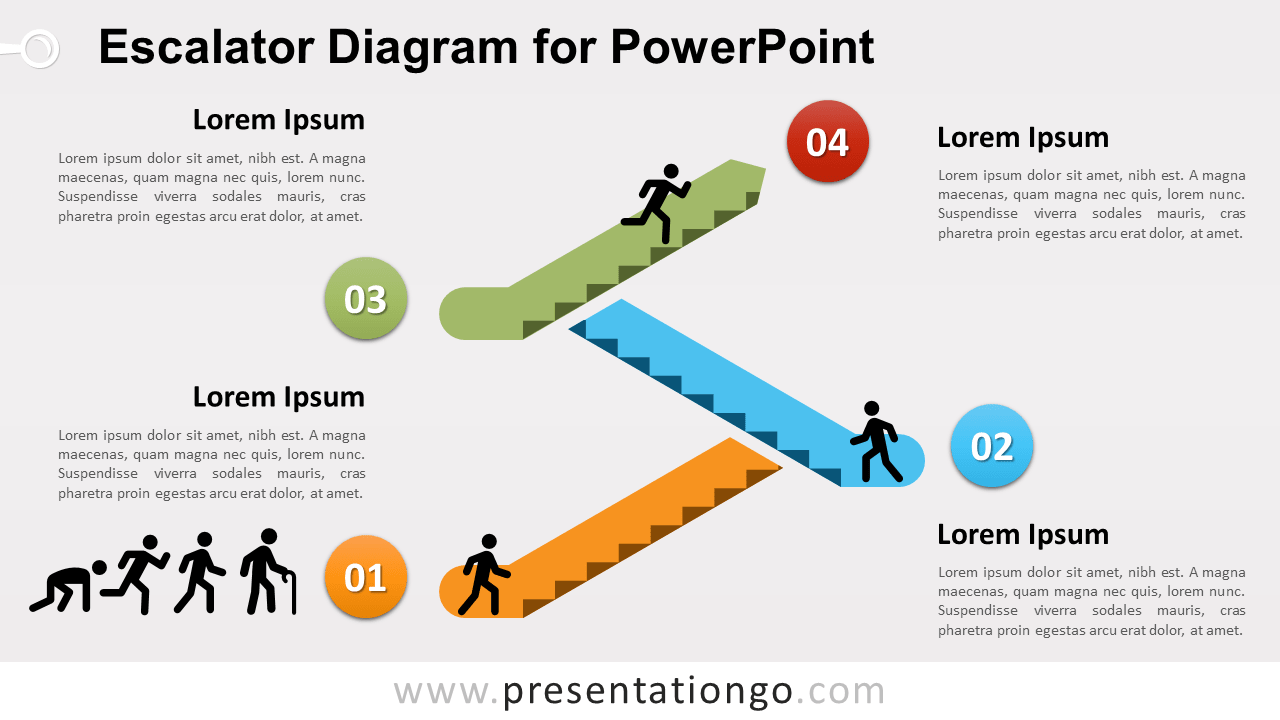
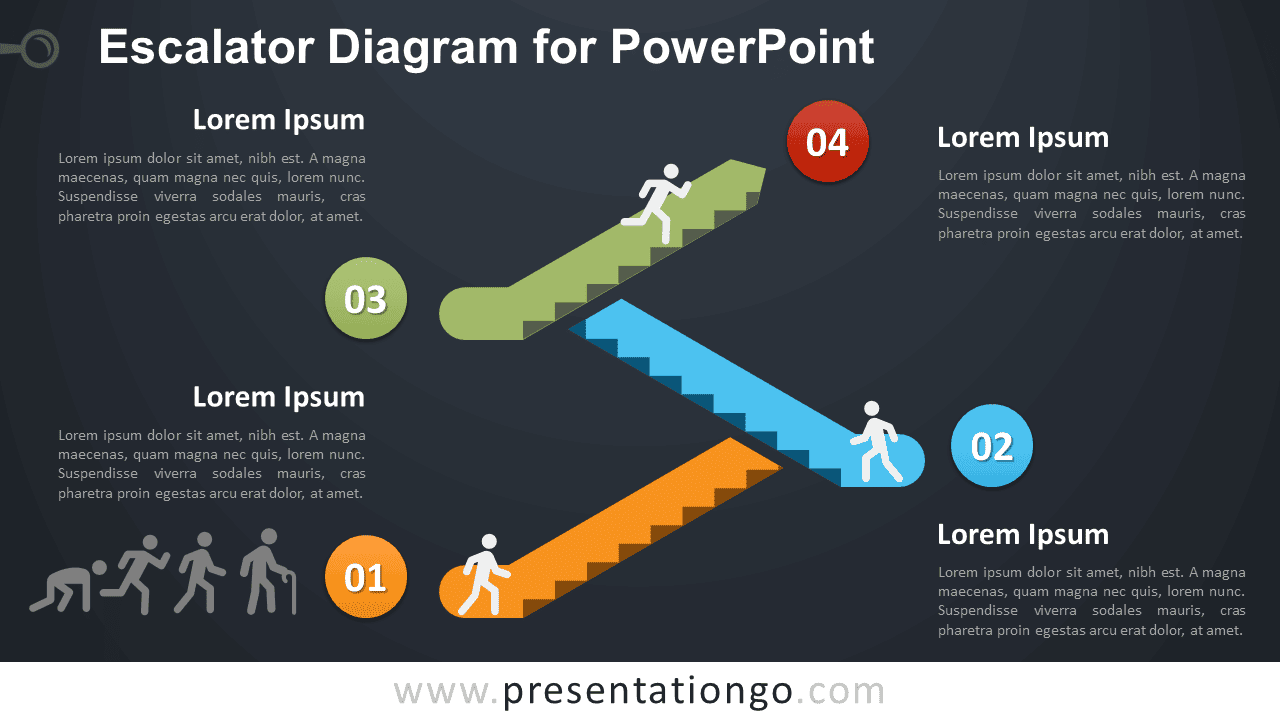


This ‘Escalator Diagram for PowerPoint’ features:
- 2 unique slides
- Light and Dark layout
- Ready to use template with text placeholder
- Completely editable shapes
- Uses a selection of editable PowerPoint icons
- Standard (4:3) and Widescreen (16:9) aspect ratios
- PPTX file
Free fonts used:
- Helvetica (System Font)
- Calibri (System Font)