
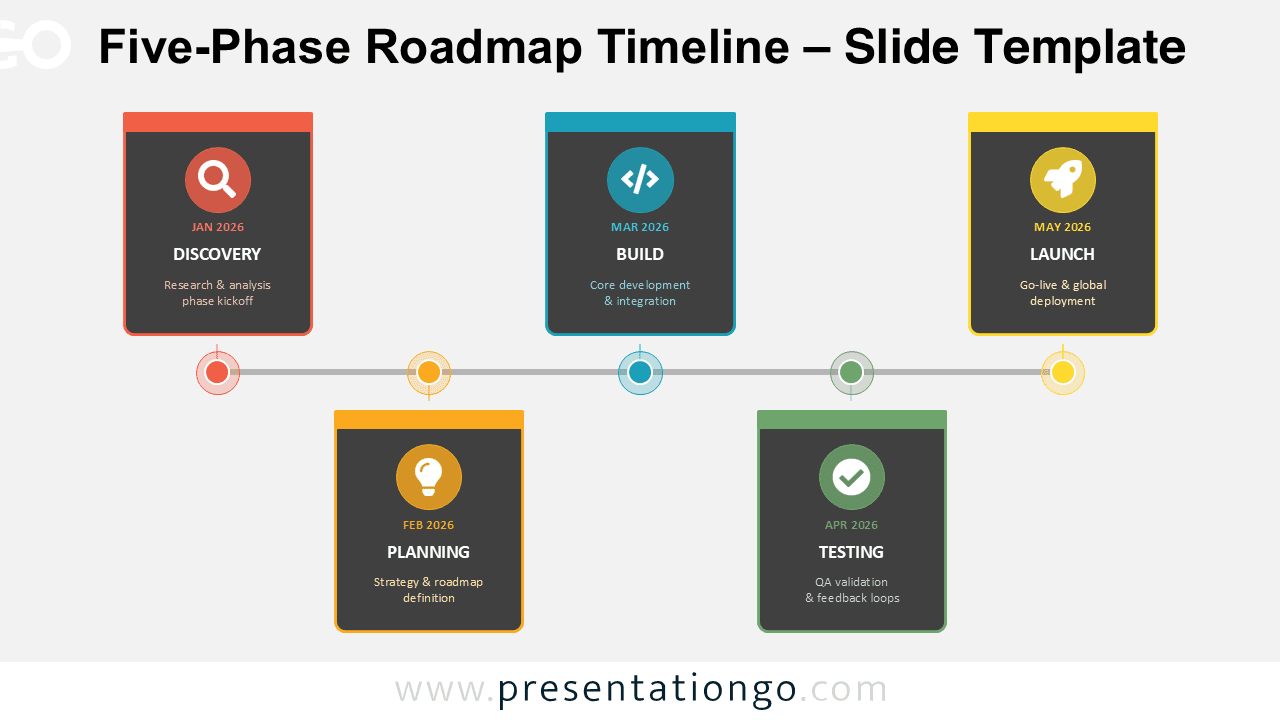
The Five-Phase Roadmap Timeline helps you present structured project milestones with clarity and confidence. Designed for PowerPoint and Google Slides, this modern timeline diagram guides your audience through each stage of a project, from discovery to launch.
Diagram Preview
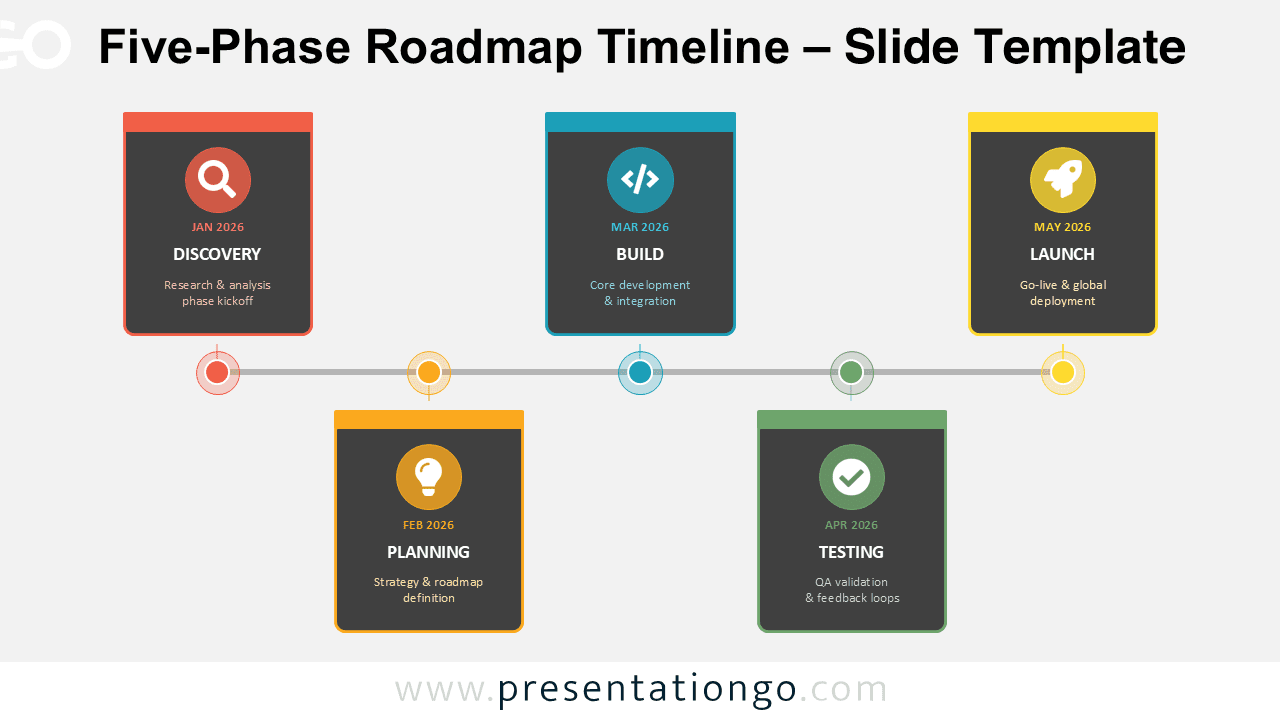
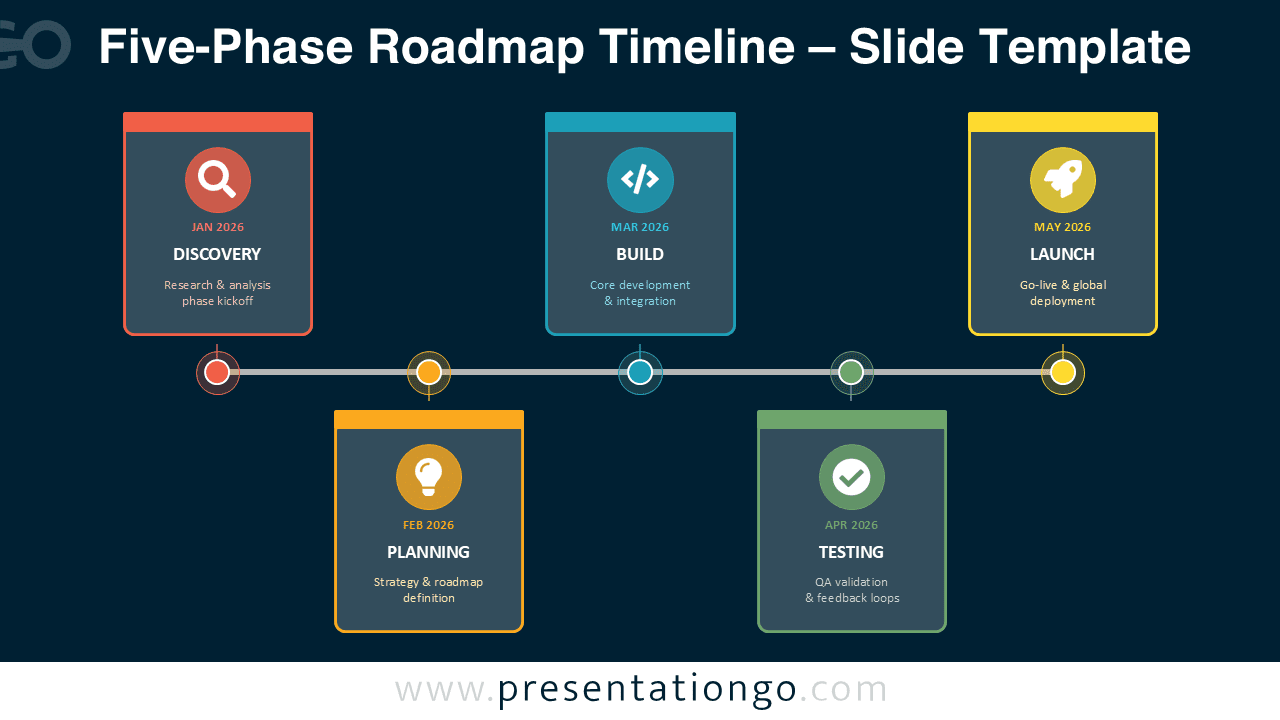


Diagram Features and Customization Options
- Five clearly defined project phases with timeline markers
- Horizontal milestone layout for logical progression
- Editable text fields for dates, titles, and descriptions
- Color-coded stages for improved visual hierarchy
- Includes editable icon placeholders
- Available in both light and dark background versions
- Fully customizable shapes, fonts, and colors
Design and Structure
This roadmap timeline follows a clean horizontal structure. A central line connects five milestone markers, reinforcing chronological flow. Each milestone links to a card-style content block positioned above or below the timeline for visual balance.
Each phase includes a month label, a bold stage title, and a short supporting description. The design uses contrasting accent colors for each stage to maintain clarity while guiding the viewer’s eye naturally from left to right.
The light and dark variations ensure compatibility with different presentation themes. Whether you use a corporate template or a bold startup deck, this diagram adapts effortlessly.
Practical Applications
- Product development roadmaps
- Startup launch plans
- Agile sprint overviews
- Marketing campaign timelines
- IT system implementation plans
- Strategic transformation projects
Summary
The Five-Phase Roadmap Timeline provides a professional and visually engaging way to communicate project progress. Its balanced layout, editable icons, and adaptable color scheme make it a powerful tool for business presentations in PowerPoint and Google Slides.



