
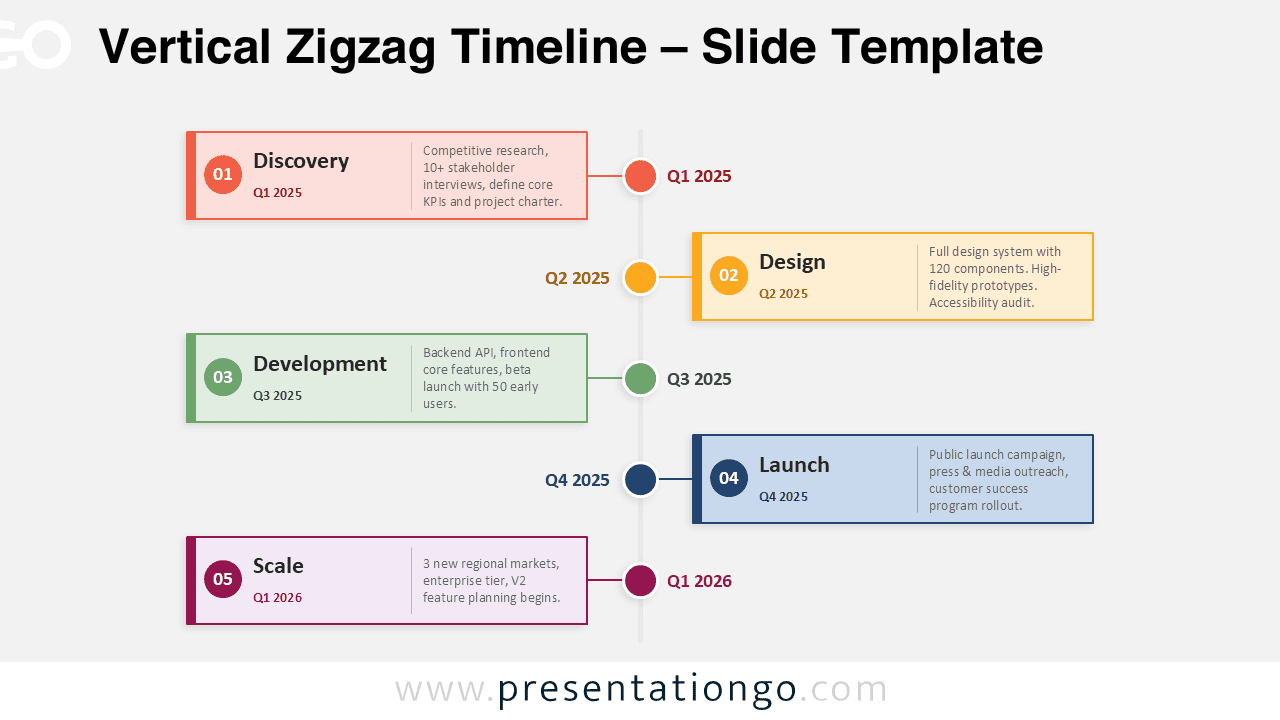
The Vertical Zigzag Timeline offers a clean way to present chronological progress in PowerPoint and Google Slides. Its structure centers everything around a thin vertical spine, then builds a readable sequence through alternating content cards. That left-right rhythm gives the slide motion while keeping the design organized and easy to scan.
Diagram Preview
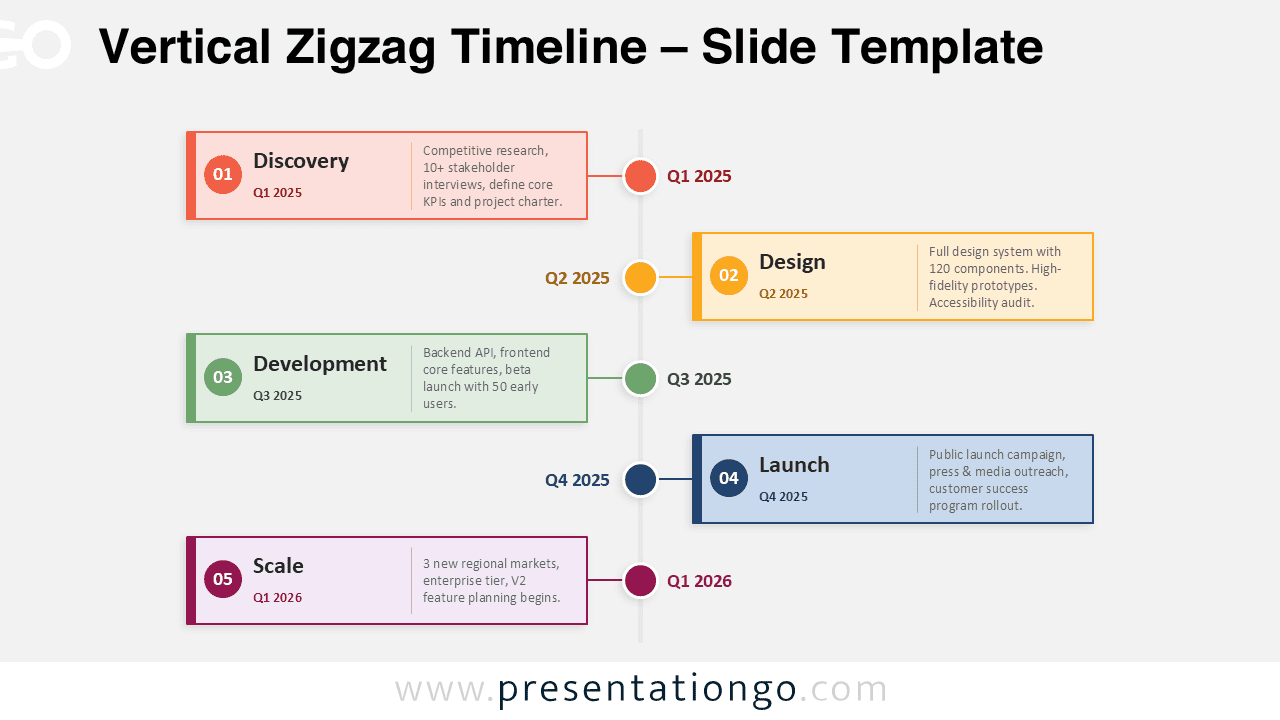
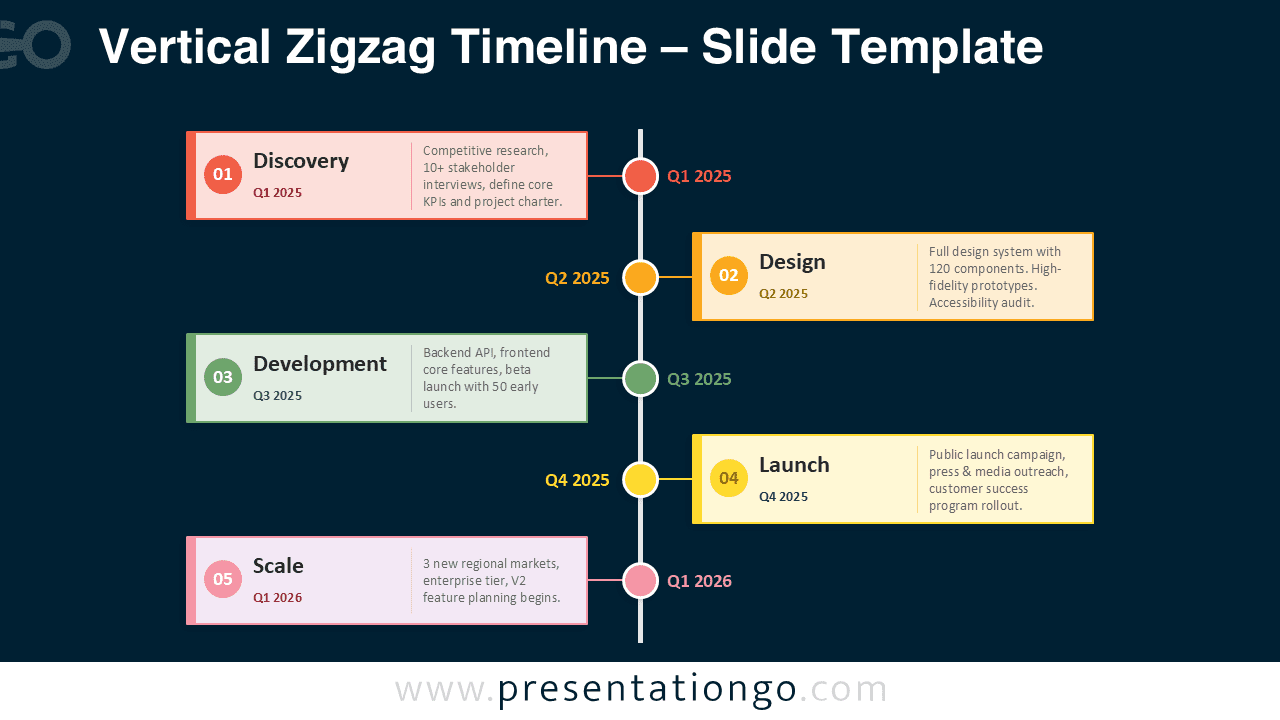


This layout works especially well when each milestone needs a short narrative explanation instead of a simple label. The wide card format gives each stage enough room for a sentence, while the centered spine keeps the full sequence visually connected. As the eye moves down the slide, it naturally follows the zigzag pattern from one side to the other, which makes the timeline feel dynamic without making it difficult to read.
Features and Customization Options
- Thin vertical spine for a clear chronological anchor
- Alternating left and right cards for visual rhythm
- Five milestone markers with matching accent colors
- Wide text areas suited to narrative descriptions
- Editable shapes, text, and colors in PowerPoint and Google Slides
- Balanced layout that stays readable on screen or in print
The diagram also uses color in a smart and restrained way. Each milestone receives a distinct accent, which helps separate phases and improves tracking as viewers move down the timeline. Because the cards remain spacious and uncluttered, those accents stand out without overwhelming the slide.
Design and Structure
The main strength of this diagram lies in its disciplined composition. A central axis creates order, while alternating cards prevent repetition. Short connector lines tie each card back to the spine, which reinforces the sequence and keeps relationships obvious at a glance.
The result feels modern, editorial, and presentation-ready. It supports storytelling, yet it stays formal enough for professional decks, reports, and strategic documents. The design also adapts well to both light and dark slide backgrounds, making it flexible across different presentation styles.
Practical Applications
- Project kickoffs that explain how work unfolds over time
- Client presentations that need a polished roadmap view
- Annual reports that summarize phased progress clearly
- Transformation plans with milestone-based storytelling
- Strategy decks that present initiatives in chronological order
- Status updates that need more context than bullet lists provide
Because each stage sits on its own side of the slide, the content has room to breathe. That spacing improves readability during live presentations and also helps when the slide is shared as a printed page or PDF.
Summary
The Vertical Zigzag Timeline combines structure, movement, and clarity in one polished layout. Its centered spine, alternating cards, and narrative-friendly format make it a strong choice for anyone who wants to show progress with more story and less clutter. Use it in PowerPoint or Google Slides to turn a simple sequence of milestones into a timeline that feels clear, balanced, and visually engaging.



