

The Horizontal Swim-Lane Timeline helps you present phased plans with clarity in PowerPoint and Google Slides. It uses a clean left-to-right layout that makes roadmaps, milestones, and quarterly activities easy to follow. Five numbered circles sit on a central horizontal spine and anchor the full sequence, while each milestone connects to a content card above and a compact date label below. This balanced structure guides the eye naturally from one phase to the next.
Diagram Preview
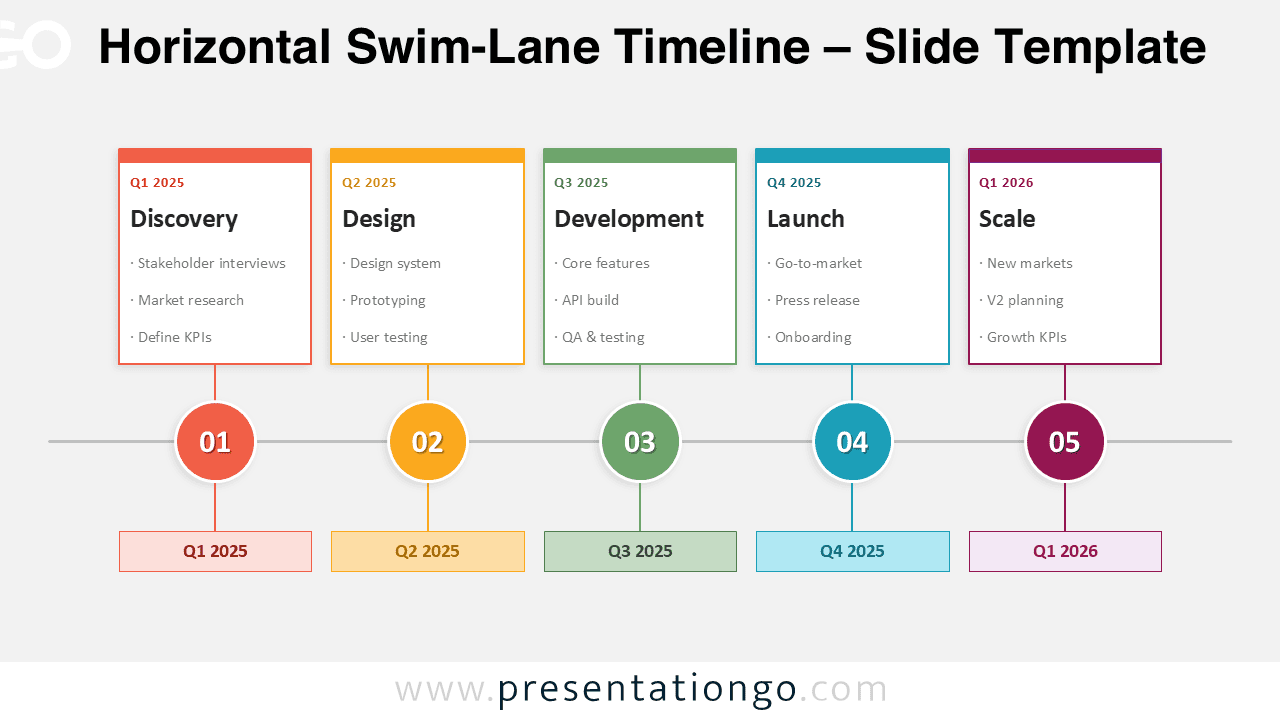


The upper cards hold the main information for each step. Each card includes a quarter label, a bold phase title, and three short task lines. The lower labels repeat the timing information and strengthen the timeline flow. The result feels organized, polished, and easy to scan in a meeting or report.
Features and Customization Options
- Five-step horizontal swim-lane structure
- Large numbered milestone circles on the timeline spine
- Content cards for phases, tasks, and quarterly labels
- Matching color accents for each stage
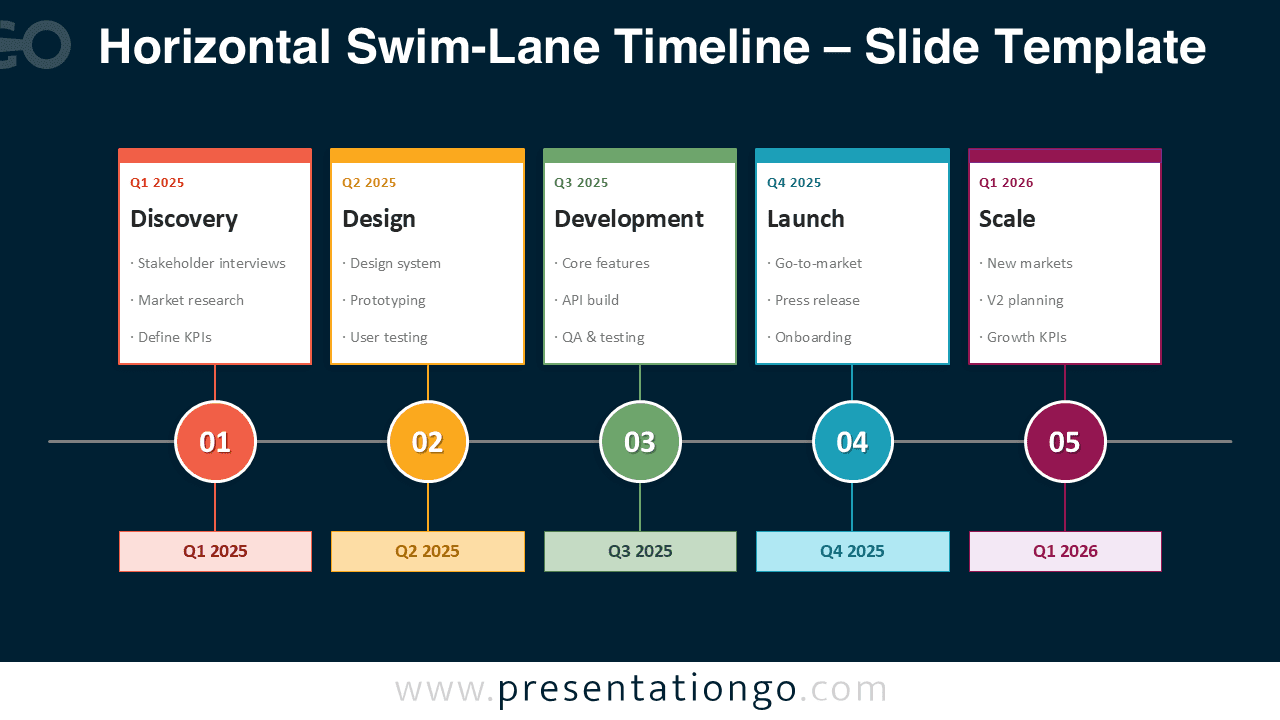
- Two background versions for light and dark presentations
- Editable text, shapes, colors, and labels
- Compatible with PowerPoint and Google Slides
The color coding separates each phase clearly without cluttering the slide. You can quickly replace the sample text with your own project stages, deliverables, or planning notes.
Design and Structure
This diagram combines a strong editorial layout with practical business clarity. The thin central line gives the design rhythm and direction, while the circles create visual anchors and the cards add enough space for supporting details. Because the structure stays symmetrical, the slide remains readable even with five distinct phases. The light version works well for reports and formal presentations, while the dark version adds contrast and looks especially strong in modern strategy decks.
Practical Applications
- Project roadmap presentations
- Product development planning
- Quarterly business reviews
- Go-to-market timelines
- Transformation and rollout plans
- Milestone tracking and progress updates
You can use this layout to explain how a plan moves from discovery to scale. It also works well for process overviews, implementation stages, and stakeholder updates.
Summary
The Horizontal Swim-Lane Timeline offers a smart way to present structured planning in PowerPoint and Google Slides. Its five-stage layout, milestone markers, and clean content cards help teams communicate progress with confidence. Use it when you need a roadmap diagram that looks professional and stays easy to read.



