
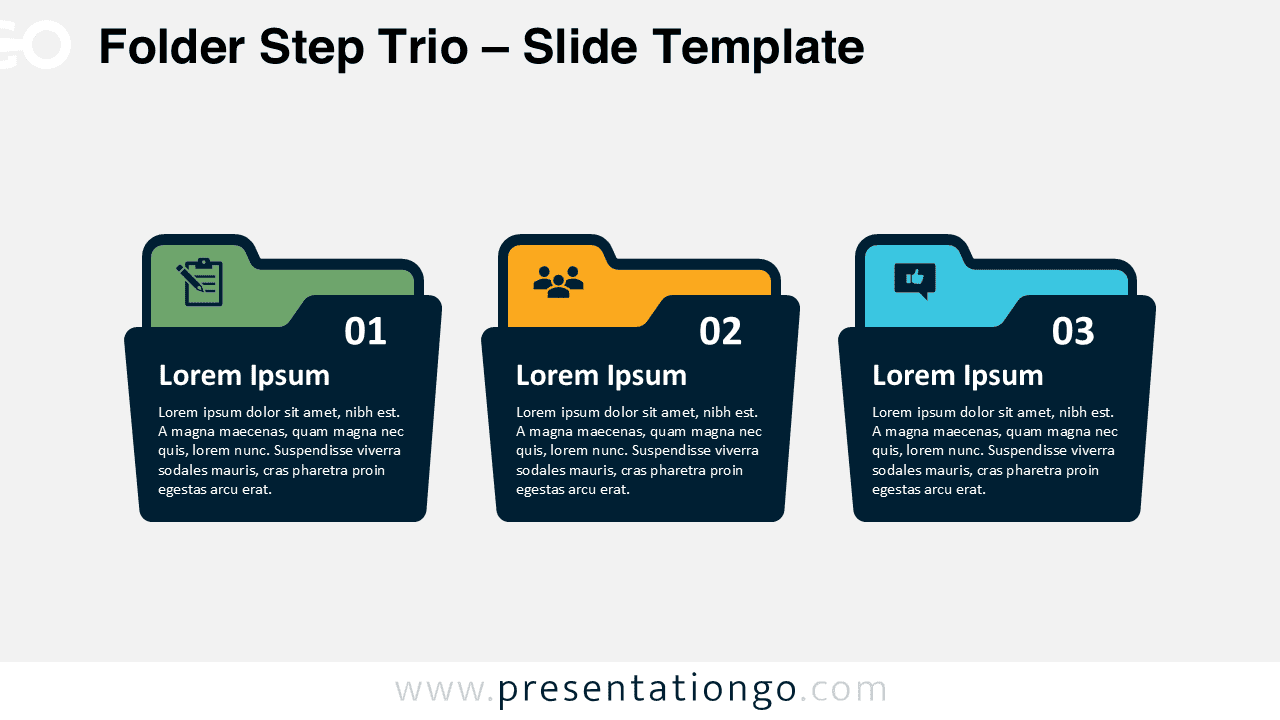
The Folder Step Trio presents a three-step process using folder-shaped containers designed for PowerPoint and Google Slides.
Three Clear Categories for Presenting Ideas or Stages
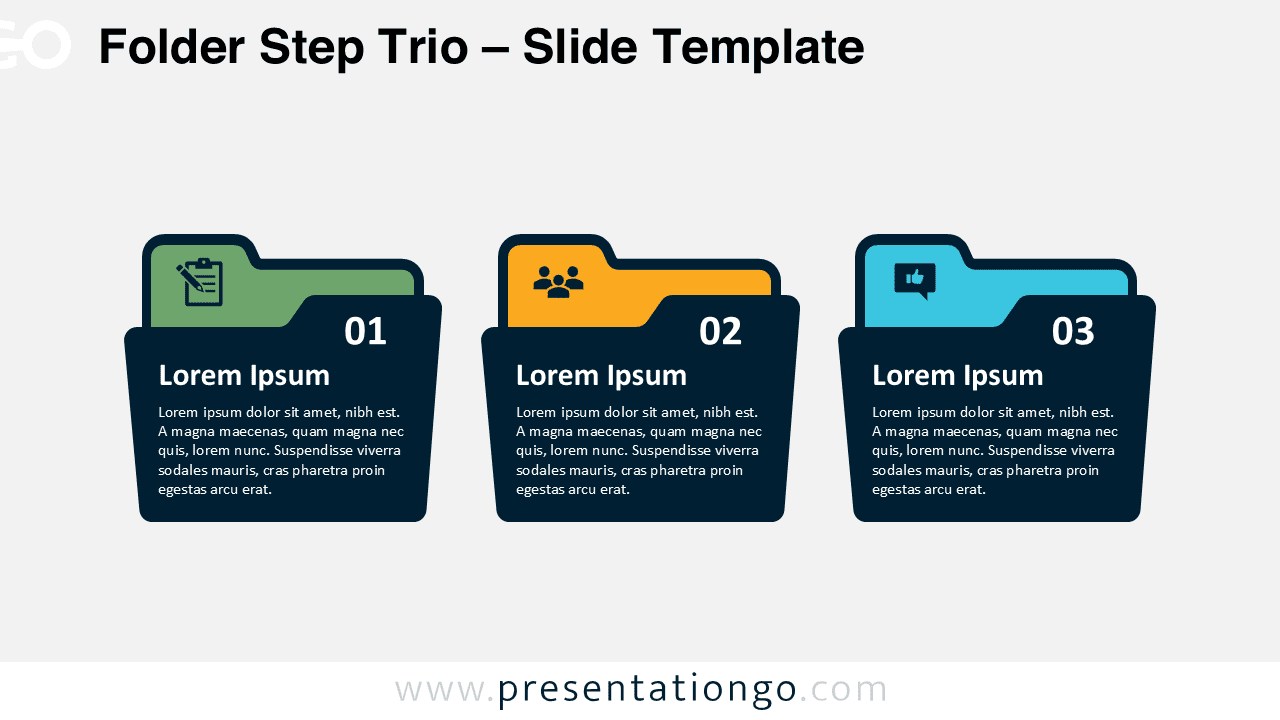
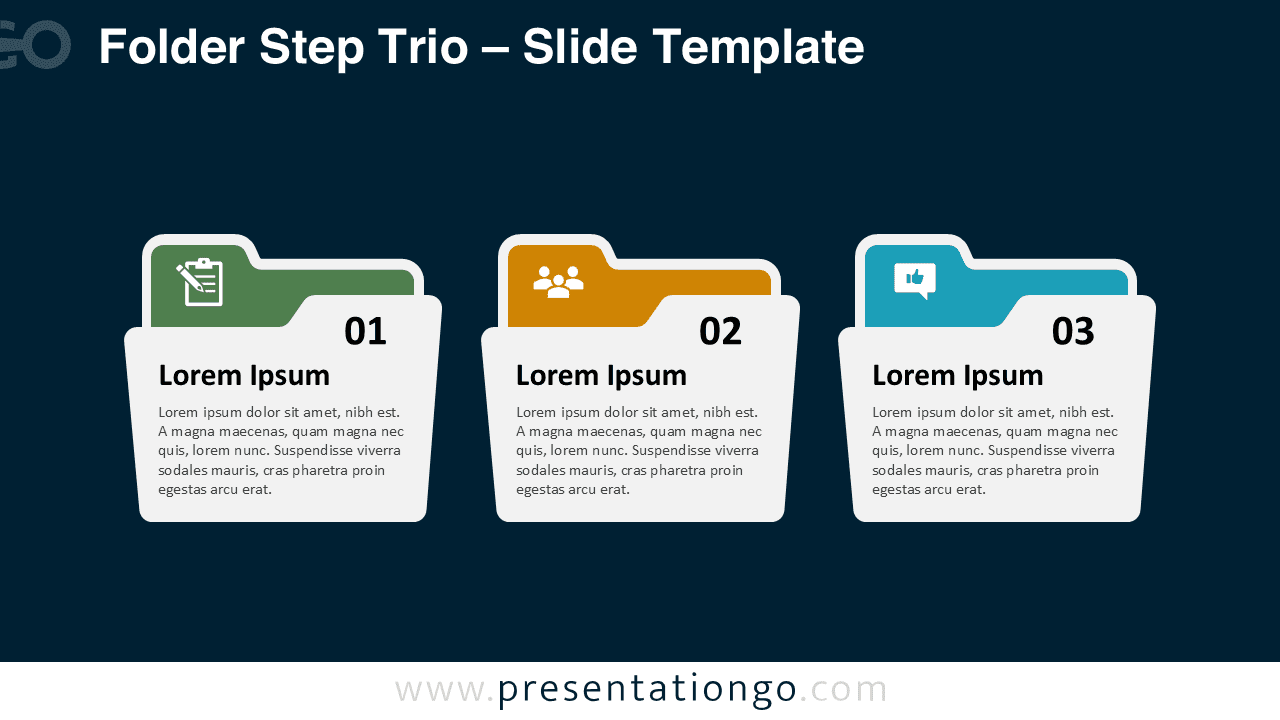
The template features three horizontally aligned folder shapes, each containing distinct colored tabs positioned at the top left corner. Each folder displays a sequential number from 01 to 03 prominently placed on dark backgrounds within the tab area. Icons representing different concepts like checklists, teams, and feedback appear within the colored tabs, creating immediate visual associations. The main content area of each folder houses bold headlines followed by descriptive placeholder text, maintaining consistent typography and spacing throughout the design. The overall layout emphasizes symmetry and professional aesthetics with clean lines and modern visual hierarchy.
Folder shapes serve as powerful metaphors in presentations because they instantly communicate organization, categorization, and systematic information management. Audiences immediately understand that content within folders represents organized data or categorized information. This specific diagram excels at presenting sequential workflows, departmental overviews, or project phases where information needs logical grouping. Business professionals frequently use this format for strategic planning sessions, where each folder might represent different implementation stages. Educational contexts benefit from this design when explaining multi-step procedures or comparing different approaches to problem-solving.
This template package includes 2 unique slides pre-populated with sequential numbers, professional icons, and customizable text placeholders. All folder shapes remain fully editable, allowing complete customization of colors, icons, and content to match specific presentation themes. Both light and dark theme variations provide flexibility for different presentation environments and branding requirements. The template supports Standard 4:3 and Widescreen 16:9 formats, ensuring compatibility across various display systems. Complete compatibility exists for both PowerPoint PPTX files and Google Slides, enabling seamless collaboration across different platforms.
Download this three-step folder template to organize your next presentation with professional clarity.
Widescreen (16:9) size preview:


This template offers:
- 2 unique slides
- Options for both light and dark themes
- Pre-populated with numbers, icons, and text placeholders
- Fully customizable shapes for complete control
- Available in both Standard (4:3) and Widescreen (16:9) ratios
- Offered in both PowerPoint PPTX and Google Slides formats



