

The Vertical Banner Cards diagram is a clean and professional visual tool designed to present structured information in a clear and engaging way. With its vertical card layout and numbered sections, this diagram helps audiences quickly understand steps, stages, or key pillars in a process.
Optimized for both PowerPoint and Google Slides, Vertical Banner Cards is ideal for business, strategy, and educational presentations where clarity and hierarchy matter. Its balanced layout and strong visual rhythm make complex information easier to follow.
Diagram Preview
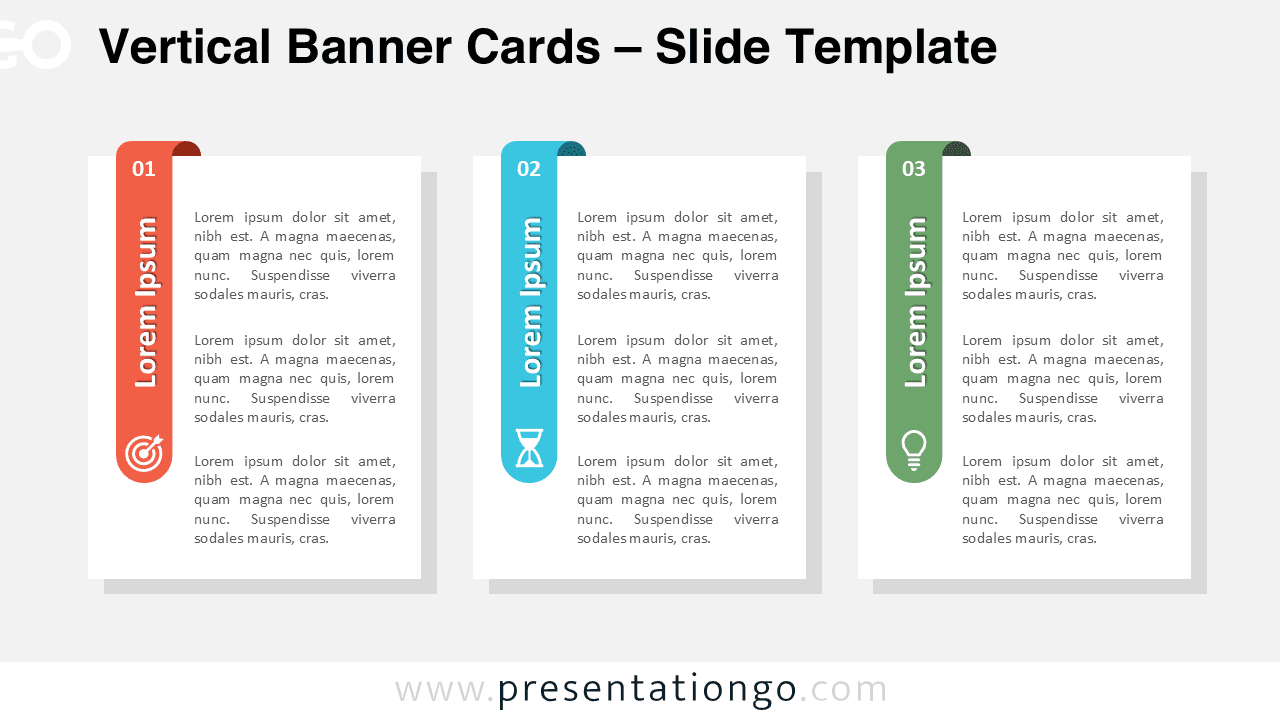


Features and Customization Options
- Three vertical cards with clear numbering for logical flow
- Editable shapes, text areas, and color accents
- Includes editable icon placeholders for visual reinforcement
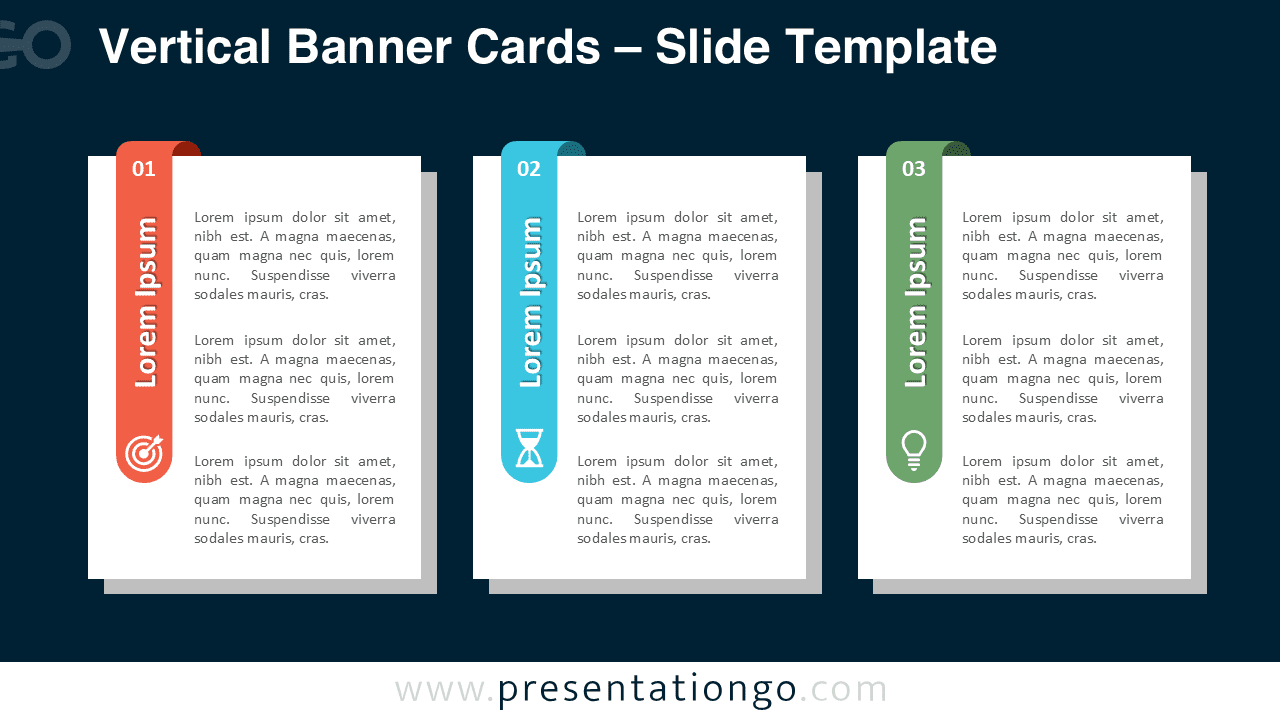
- Light and dark background versions included
- Fully compatible with PowerPoint and Google Slides
Design and Structure
The Vertical Banner Cards diagram uses tall rectangular cards with colored vertical banners to separate and highlight each section. Each card includes a numeric indicator at the top, followed by text content and an icon placeholder at the bottom.
This vertical orientation creates a strong sense of structure while keeping the slide visually balanced. The design works equally well on light and dark backgrounds, making it suitable for a wide range of presentation styles.
Practical Applications
- Explaining three-step business or operational processes
- Presenting key pillars, values, or priorities
- Comparing features, benefits, or services
- Structuring roadmap phases or action plans
- Supporting training and educational content
Summary
Vertical Banner Cards is a versatile diagram that combines clarity, structure, and modern design. Whether you are building a business presentation, a strategy deck, or an educational slideshow, this diagram helps communicate your message with confidence and visual consistency.



