

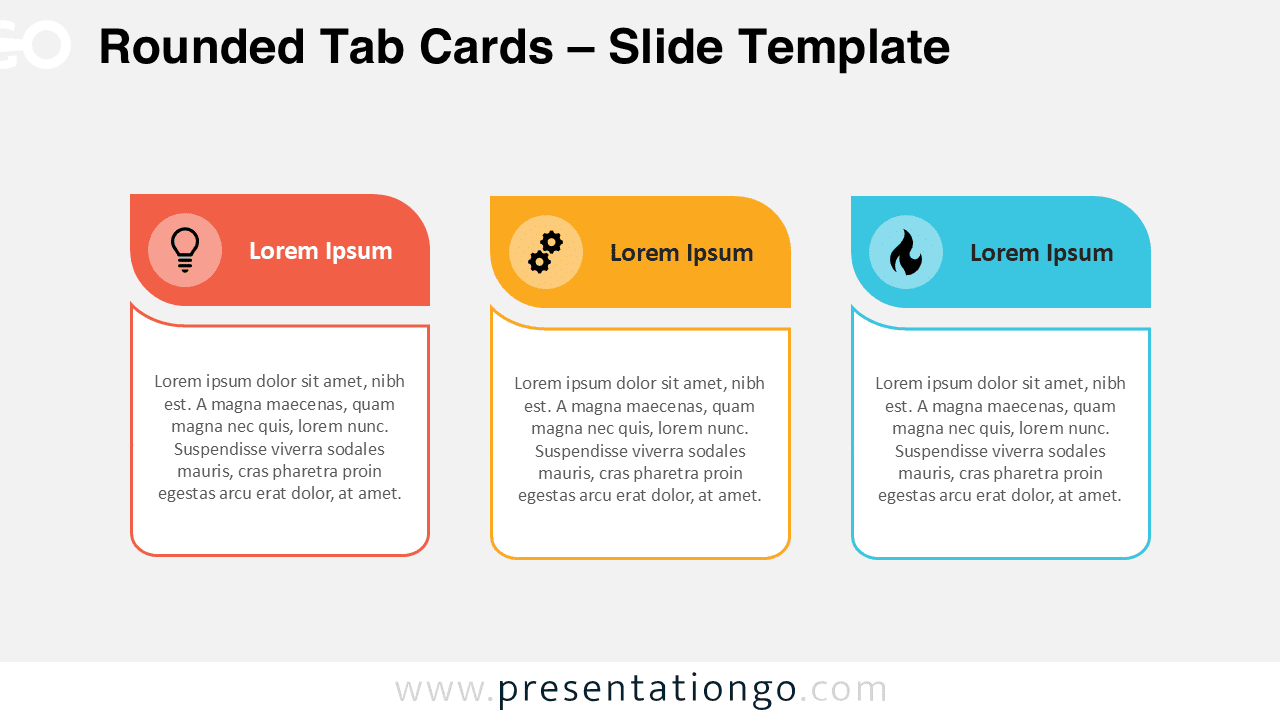
Rounded Tab Cards helps you present three ideas with clarity. Each column features a curved header, an icon, and a clean content box. Available for PowerPoint and Google Slides.
Diagram Preview


Features and Customization
- Includes 2 slides with 1 unique design
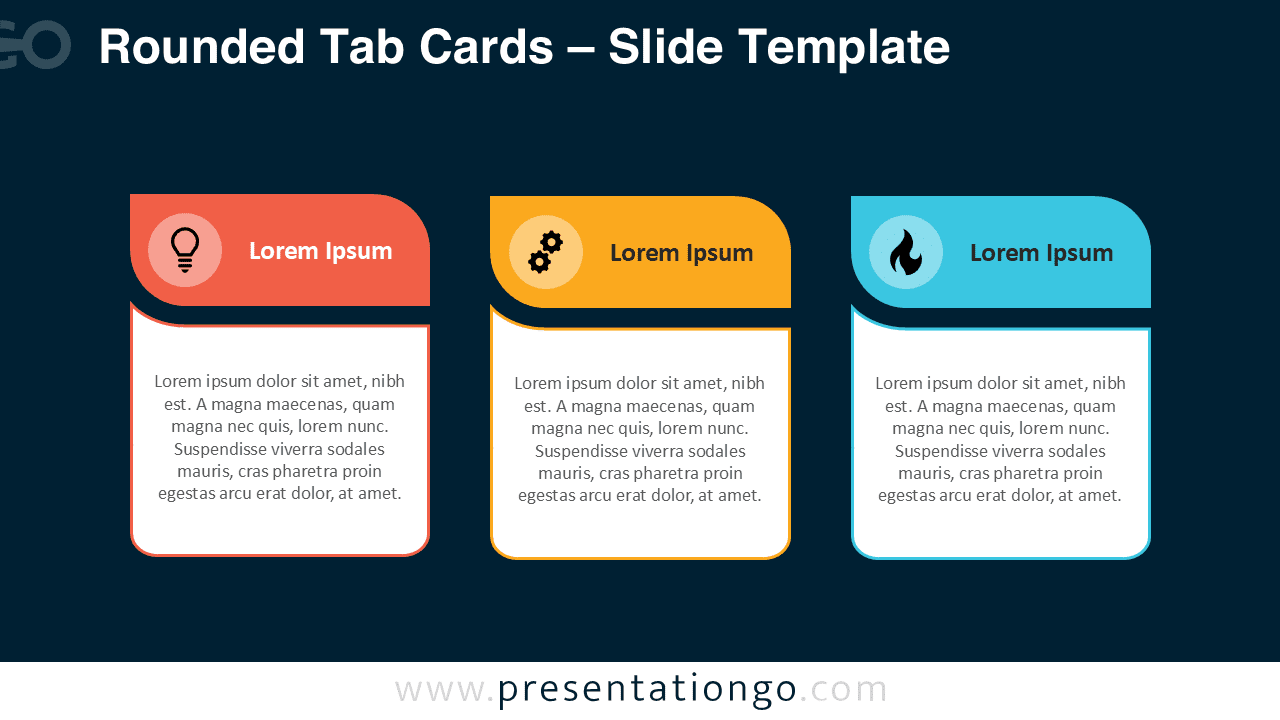
- Comes in both light and dark background versions
- Editable icons, colors, text, and rounded outlines
- Widescreen 16:9, compatible with PowerPoint and Google Slides
- Built for quick updates and consistent spacing
Design Overview
The layout uses three equal columns. Each card shows a bold, rounded “tab” header with an icon circle, followed by a white content area with a soft curved corner and thin outline.
Practical Applications
- Feature lists, service offerings, or benefits
- Three-step processes or phased plans
- Comparing three options or categories
- Course modules or lesson highlights
- Project milestones and quick summaries
How to Edit
- Open in PowerPoint or Google Slides.
- Replace icons and text to match your content.
- Adjust colors and line weights for brand fit.
- Duplicate a card to create more columns if needed.
Summary
Rounded Tab Cards delivers a minimal 3-column layout that’s fast to understand and simple to edit. Use it when you need a crisp triad of points, features, or steps.
Frequently Asked Questions (FAQ)
PowerPoint: Select icon → Graphics Format → Change Graphic → choose From Icons/File → adjust Graphics Fill/Outline.
Google Slides: Select icon → Replace image (upload/Drive/Search) → tweak size/position → use Recolor or Fill/Border for color.



