

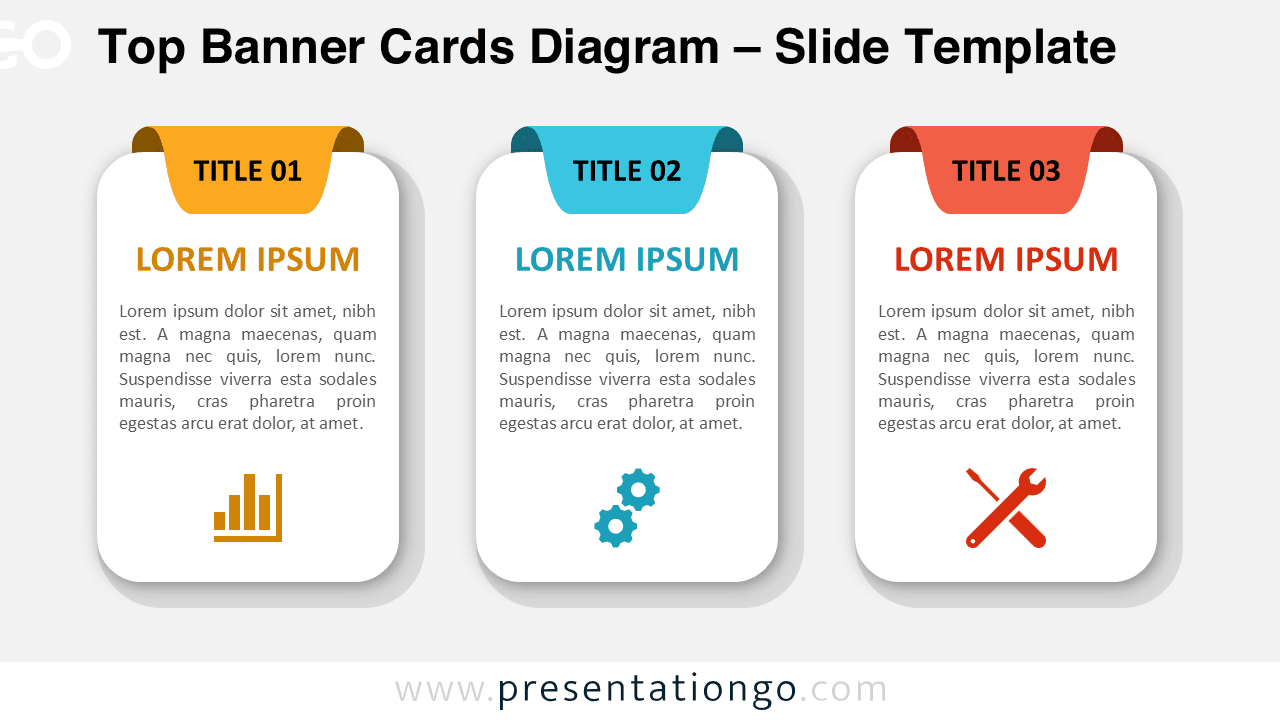
The Top Banner Cards Diagram is a modern and versatile visual layout designed to help presenters structure information clearly and effectively. It uses card-shaped blocks with highlighted top banners and icons to separate ideas while keeping a clean and professional look.
This diagram works seamlessly in both PowerPoint and Google Slides, allowing users to customize text, colors, shapes, and icons to match their branding. It is ideal for presentations where clarity, hierarchy, and visual balance are essential.
Diagram Preview


Features and Customization Options
- Editable card shapes with rounded corners and soft shadows
- Top banner headers to highlight titles or categories
- Includes editable icon placeholders for visual emphasis
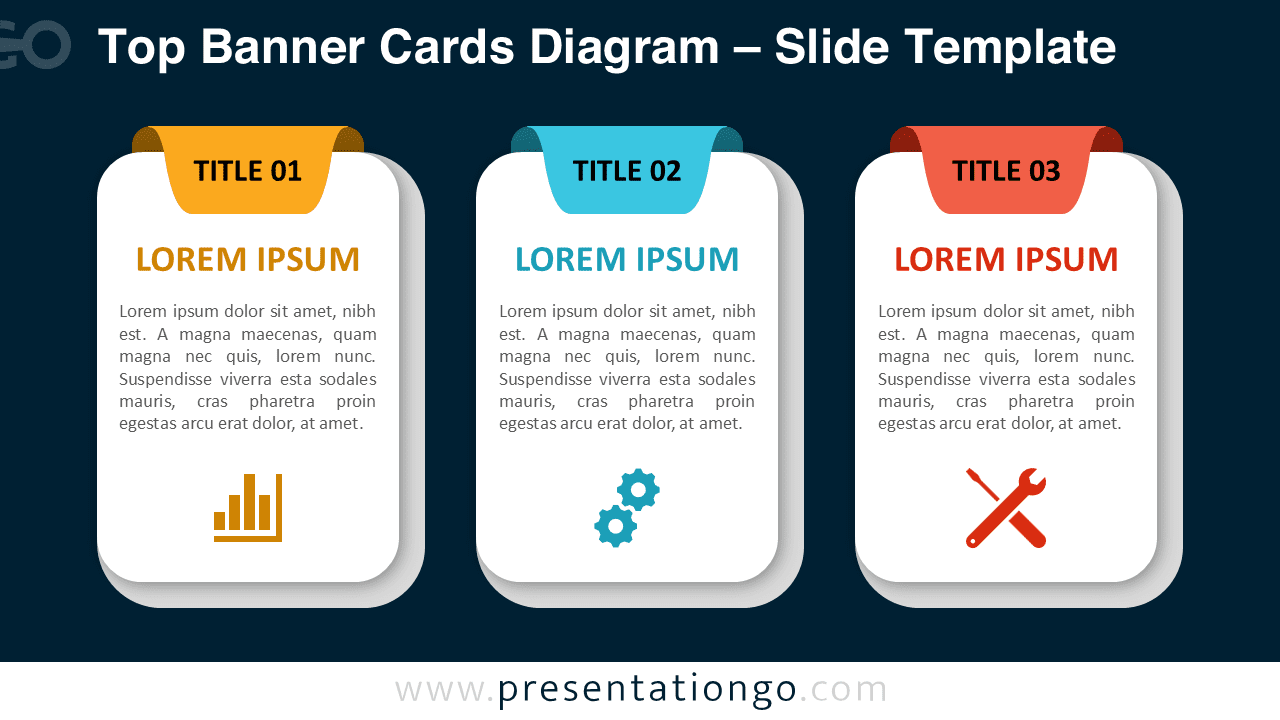
- Available in light and dark background versions
- Fully customizable colors, text, and layout
Design and Structure
The diagram is structured as a horizontal row of banner cards, each representing a distinct concept or step. The top banner draws attention to the card title, while the main body area supports descriptive text. Icons placed at the bottom reinforce meaning and improve visual scanning.
Spacing and alignment are carefully balanced to ensure readability on screens and projectors. The light and dark versions allow presenters to choose the best contrast for their presentation environment.
Practical Applications
- Business process explanations
- Product or service feature breakdowns
- Strategy and planning presentations
- Training and educational content
- Marketing or consulting slide decks
Summary
The Top Banner Cards Diagram is a flexible and professional solution for presenting structured information. Its card-based layout, clear hierarchy, and editable icons make it suitable for a wide range of presentation needs in PowerPoint and Google Slides.



