

The Side Banner Cards Diagram is a clean and structured visual tool designed to present processes, steps, or key concepts with clarity. It uses vertical cards combined with side title banners to create strong visual separation and easy scanning.
This diagram works seamlessly in PowerPoint and Google Slides, making it ideal for business and educational presentations.
The layout is based on three aligned cards, each representing a distinct step or idea. Side title banners highlight key labels, while icons add visual context without overwhelming the content. This balanced design helps audiences quickly understand progression and relationships.
Diagram Preview
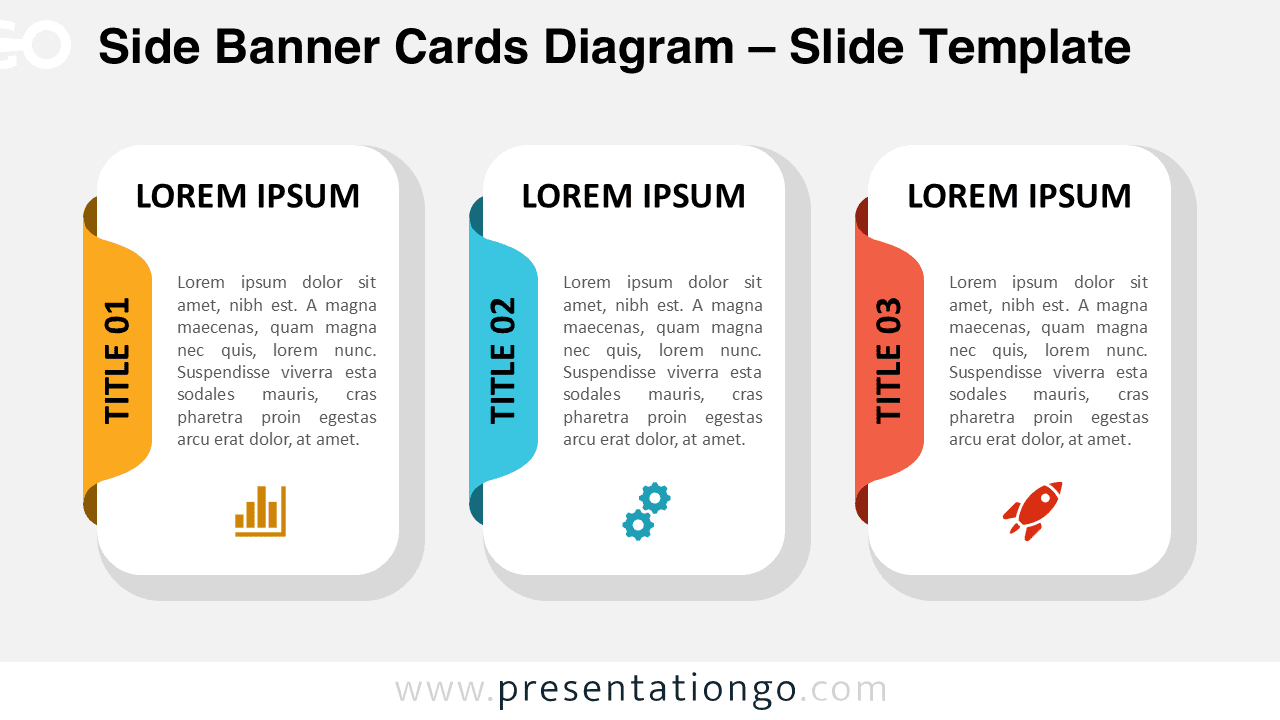
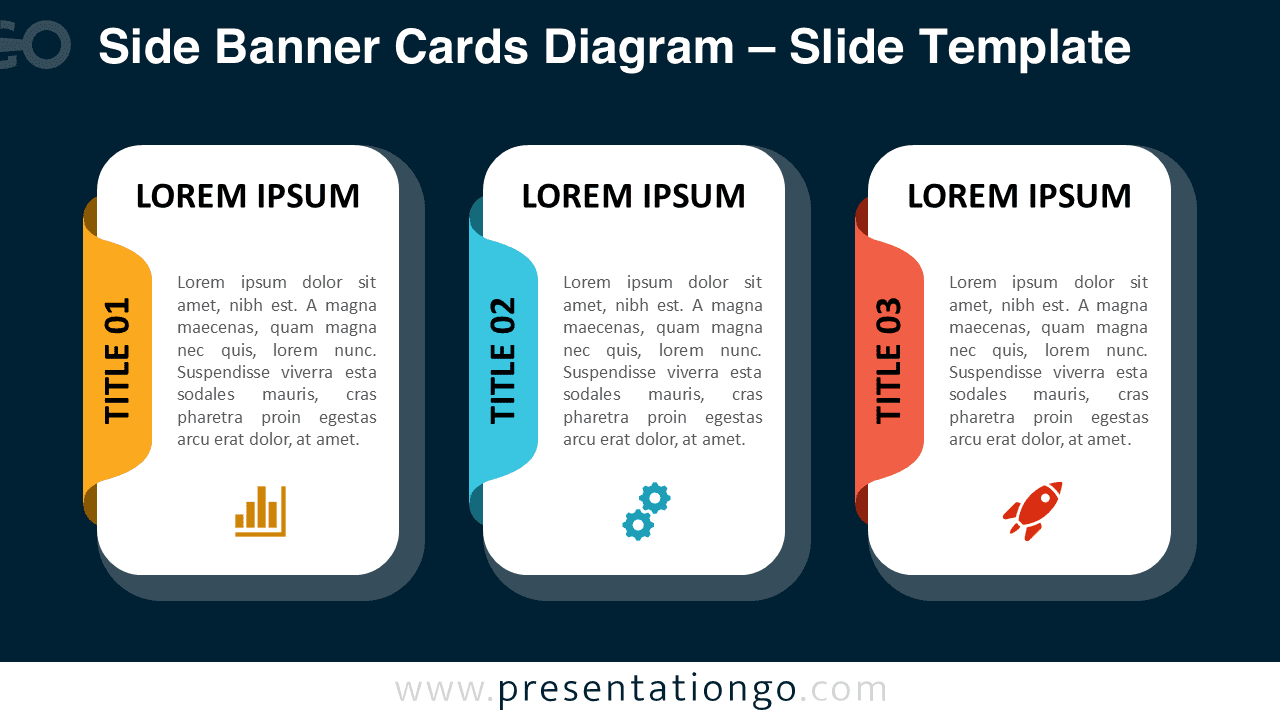


Diagram Features and Customization Options
- Editable shapes and text placeholders
- Includes editable icon placeholders
- Light and dark background versions
- Compatible with PowerPoint and Google Slides
Design and Structure
Each card is built with a clear hierarchy. The side banner displays step numbers or titles vertically, while the main card area holds explanatory text. Icons positioned at the bottom of each card reinforce meaning and improve visual flow.
The diagram is available in both light and dark versions. This flexibility allows it to adapt to different presentation themes, screen environments, and branding needs. Strong contrast and spacing ensure readability in all conditions.
Practical Applications
- Presenting three-step business processes
- Explaining workflows or project phases
- Highlighting strategic pillars or priorities
- Structuring training or educational content
- Summarizing frameworks in executive presentations
Summary
The Side Banner Cards Diagram combines clarity, flexibility, and modern design. With editable cards, icons, and dual background versions, it offers a reliable solution for visualizing structured information. It helps presenters communicate ideas efficiently while maintaining a professional appearance.



