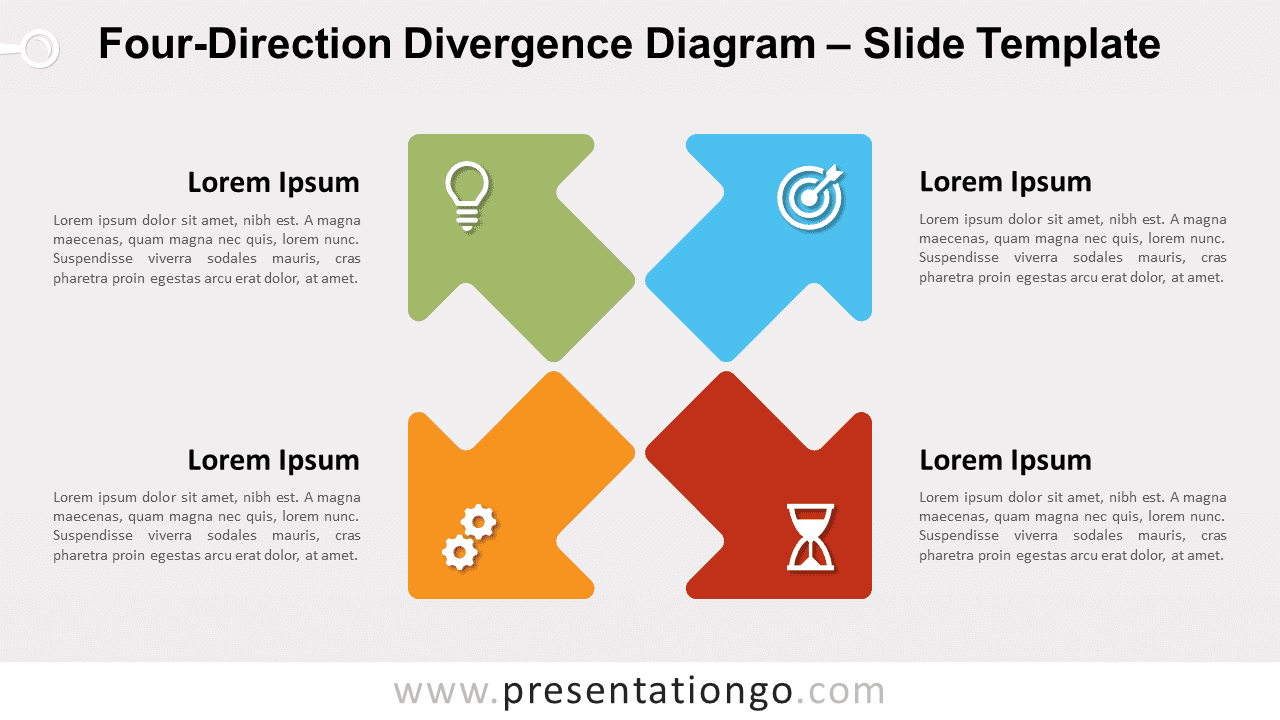
Uncover a world of presentation excellence with the Four-Direction Divergence Diagram for PowerPoint and Google Slides. This captivating diagram boasts four customizable arrows radiating from a central diamond, complete with replaceable icons and text placeholders. It’s the ultimate tool for showcasing ideas, strategies, and topics in a polished and engaging manner.
Four-Direction Divergence Diagram
Elevate your presentations to the next level with our enthralling Four-Direction Divergence Diagram for PowerPoint and Google Slides! Whether you’re a business professional, educator, or student, this versatile template is designed to impress by effectively depicting the spread of ideas, data, or processes from a central point.
Let’s dive into what makes this diagram unique. Emanating from a central diamond-shaped hub are four colorful arrows, each diverging in a different direction. What’s more, each arrow comes with an eye-catching icon at the head and a text placeholder at the tail. The kicker? Everything is customizable! You can effortlessly alter the colors and swap out the icons using the Office icons library, or even replace them with numbers if needed.
Imagine this: you’re presenting a multi-faceted business strategy, and you need to illustrate how the core values are branching out into key areas. This is where the Four-Direction Divergence Diagram comes to life. You can assign each arrow to represent a specific area, and employ the icons and text placeholders to furnish additional information or insights.
The diagram’s adaptability is staggering. From illustrating marketing strategies and product development phases to mapping out educational topics and organizational structures, this diagram is your golden ticket. In academia, for example, it can be instrumental in breaking down a central theme into four interconnected subjects.
In conclusion, the Four-Direction Divergence Diagram for PowerPoint and Google Slides is a powerhouse of possibilities. Regardless of your field, it promises to bring a dash of sophistication and clarity to your presentations. Don’t miss out – download it for free from our website and let your creativity soar!
Shapes are 100% editable: colors and sizes can be easily changed.
Includes 2 slide option designs: Standard (4:3) and Widescreen (16:9).
Widescreen (16:9) size preview:


This ‘Four-Direction Divergence Diagram’ template features:
- 2 unique slides
- Light and Dark layout
- Ready to use template with text placeholders
- Completely editable shapes
- Standard (4:3) and Widescreen (16:9) aspect ratios
- PPTX file (PowerPoint) and for Google Slides
Free fonts used:
- Helvetica (System Font)
- Calibri (System Font)