The Four-Link Clover Loop presents interconnected processes across four distinct segments in a cyclical format designed for PowerPoint and Google Slides presentations.
Showcase Interdependent Concepts with a Bold Four-Part Loop Design
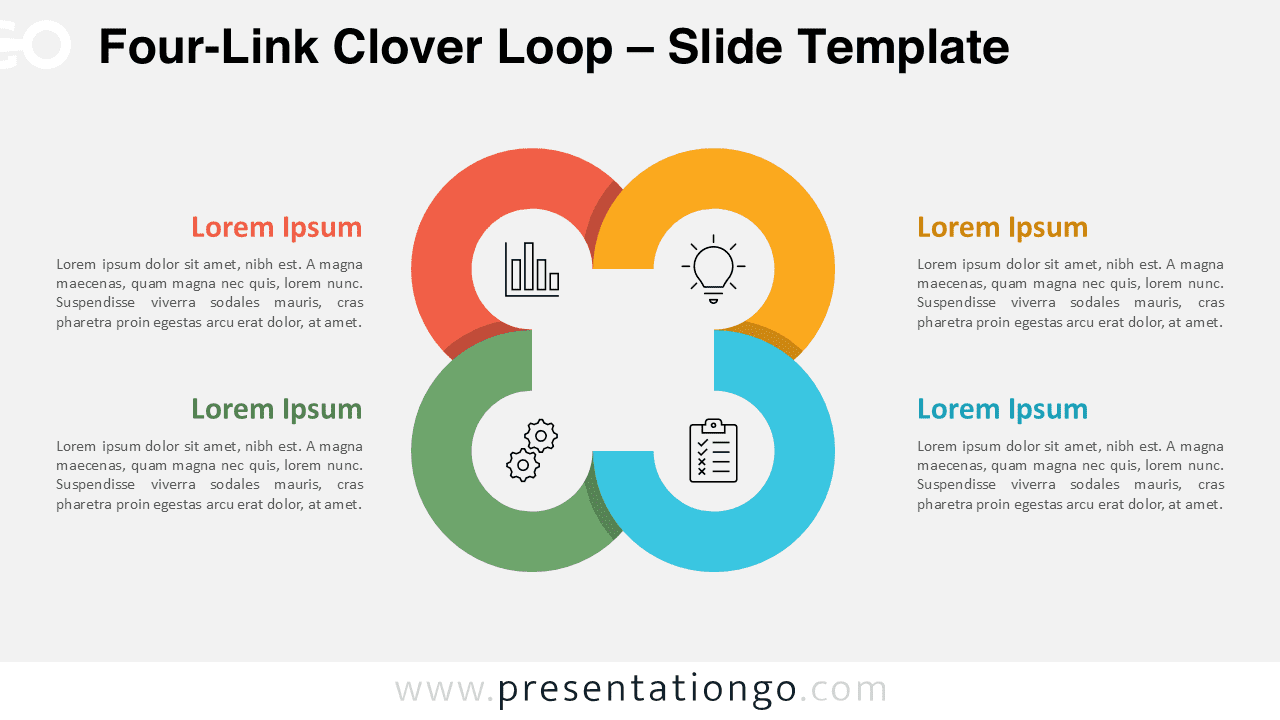
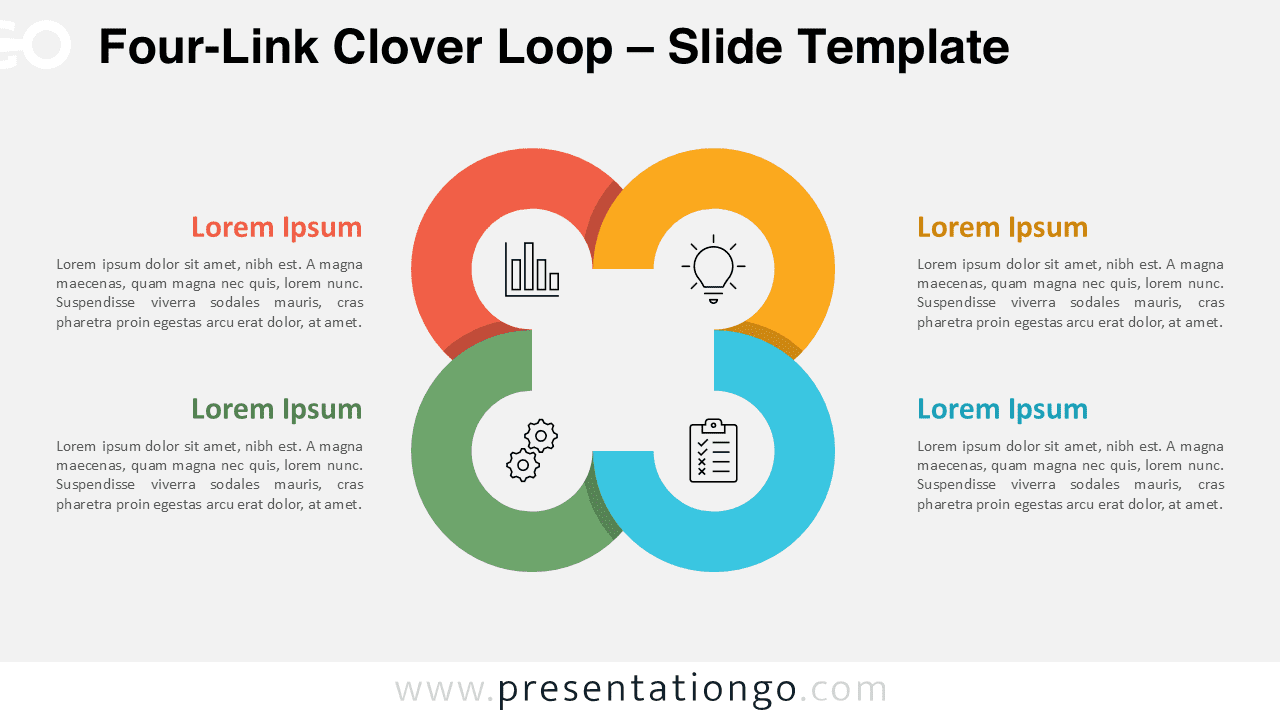
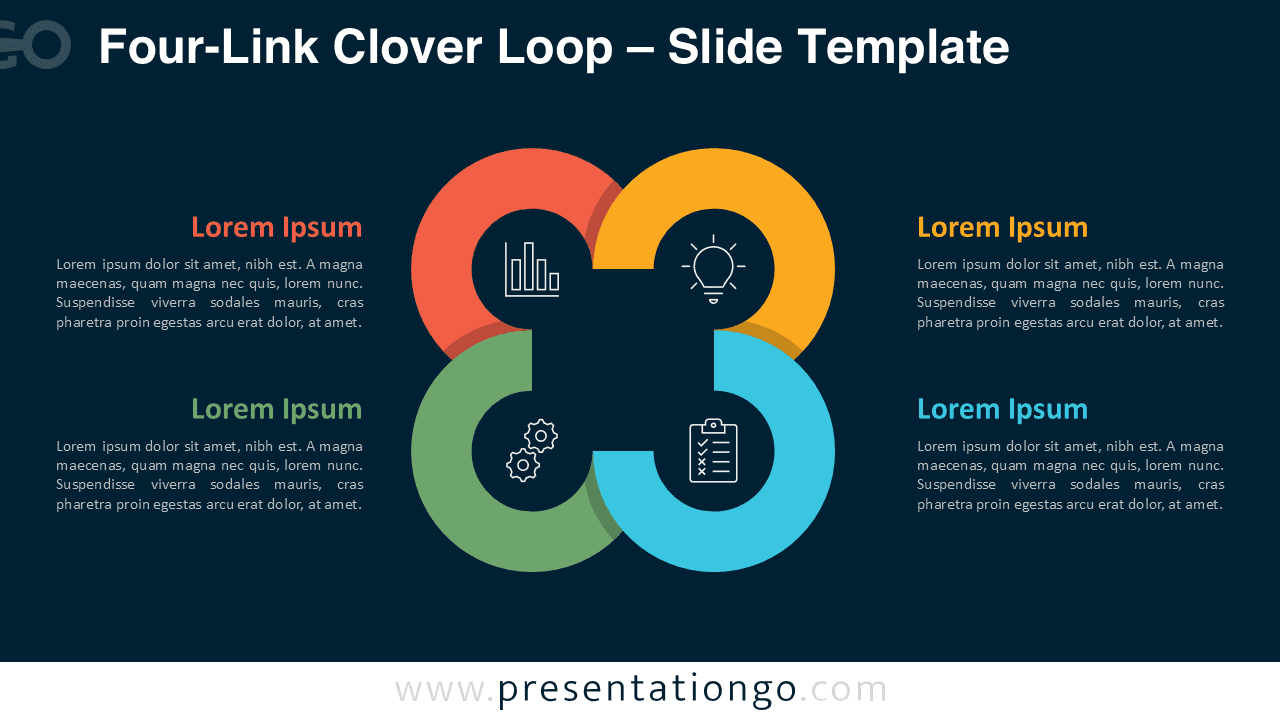
The Four-Link Clover Loop diagram presents four interconnected rounded square shapes forming a symmetrical clover-like cross. Each looped segment is color-coded and encases a circular icon symbolizing key themes such as process, documentation, innovation, or analytics. These loops converge toward the center, leaving a white cross-shaped negative space that naturally draws the eye. Each of the four segments aligns horizontally with a labeled text block—two on the left and two on the right—making it easy to associate content with its respective icon. The balanced layout and consistent spacing create a visual rhythm that ensures clarity and focus.
Circular and looping diagrams are especially effective for explaining cycles, workflows, and relationships between elements. This particular template works well in business strategy presentations, team planning, or educational breakdowns of systems where each component impacts the others. For instance, a marketing team can use it to map stages in a campaign cycle—planning, execution, measurement, and optimization—while an educator might use it to show stages of a learning model or feedback loop. Each part remains distinct yet visibly linked to the whole.
This template includes two editable slide layouts, each preloaded with customizable icons and placeholder text for clarity. It comes in both light and dark themes, ensuring flexibility across visual styles. Available in both 4:3 and 16:9 formats, it is fully compatible with PowerPoint and Google Slides. Every shape can be recolored, and icons can be replaced or even swapped for numbers, giving users creative control over the final presentation design.
Download this four-part loop diagram to illustrate connected concepts, systems, or cyclical relationships.
Widescreen (16:9) size preview:


This template offers:
- 2 unique slides
- Options for both light and dark themes
- Pre-populated with icons and text placeholders
- Fully customizable shapes for complete control
- Available in both Standard (4:3) and Widescreen (16:9) ratios
- Offered in both PowerPoint PPTX and Google Slides formats