The Four-Part Semi-Circle Diagram organizes four interconnected elements into a curved layout designed for PowerPoint and Google Slides presentations.
Visualize Four Key Elements in a Centralized Arc Format
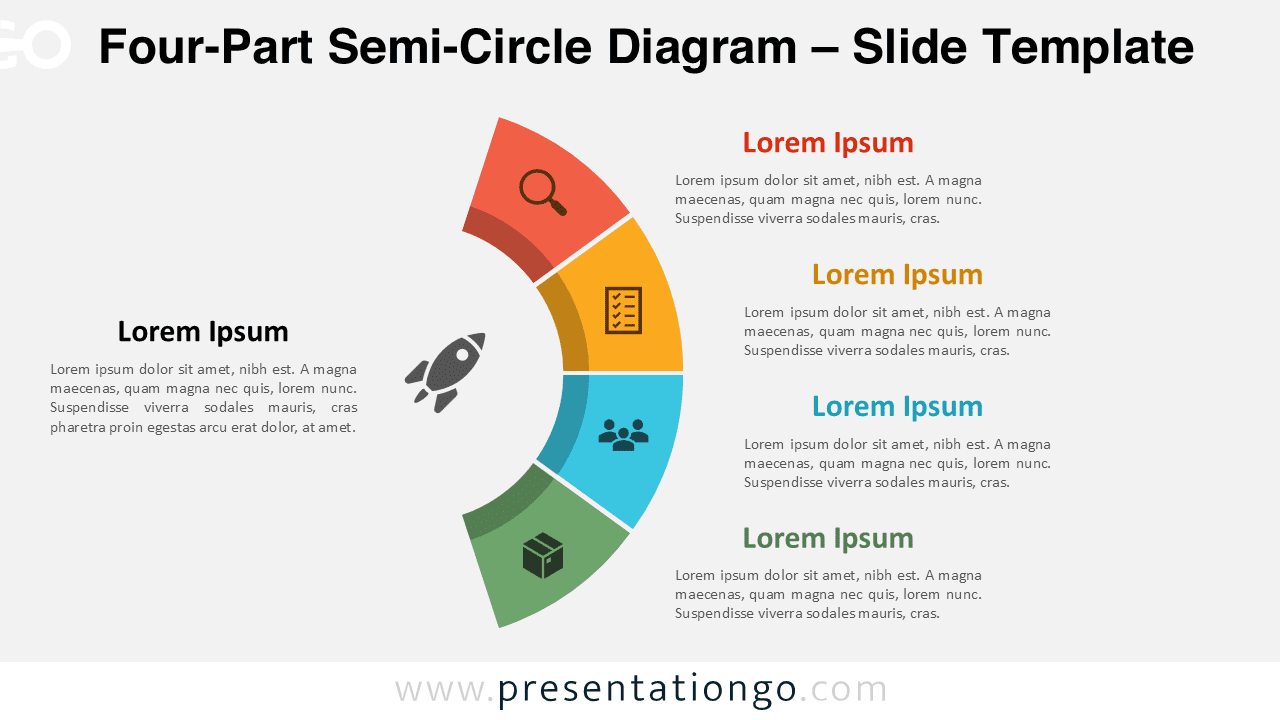
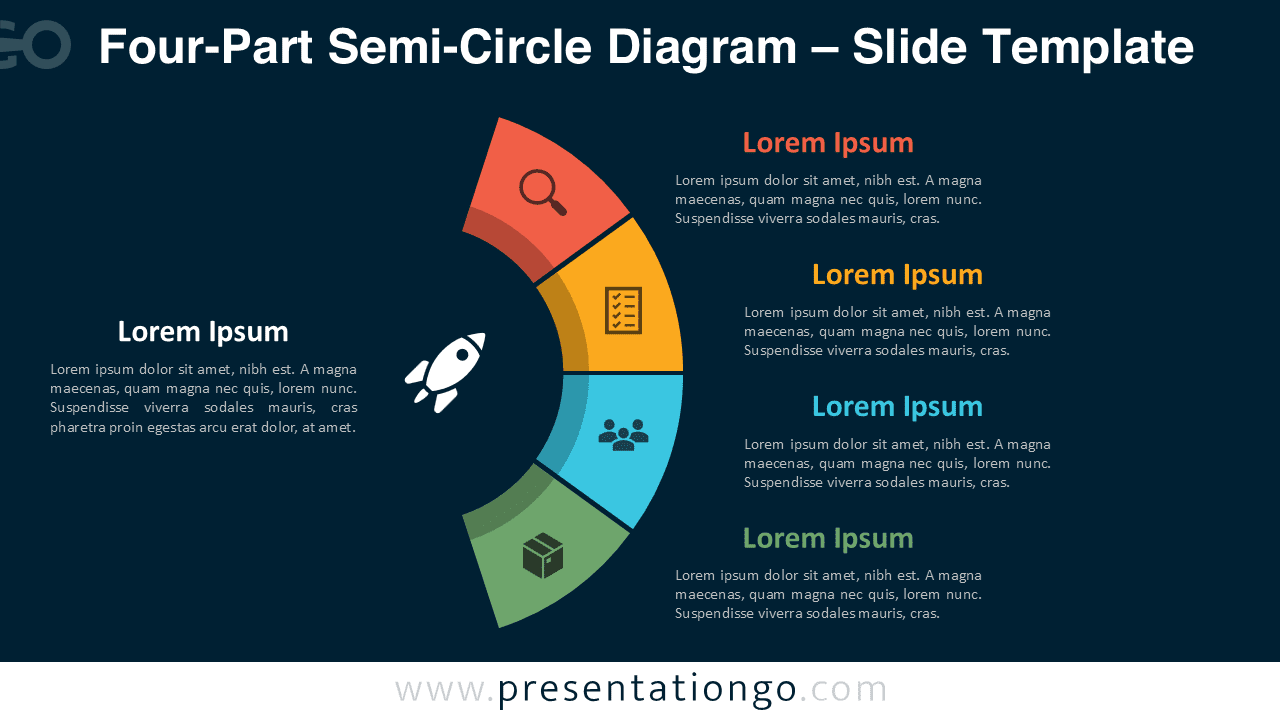
This semi-circular diagram expands into four evenly spaced segments along the arc, each representing a separate part of a larger concept. At the center of the arc lies a bold circular icon that reinforces the main idea or objective. Each of the four outer segments contains an icon and supporting text placed just outside the arc, allowing viewers to follow the curved progression clearly from top to bottom. The arc layout forms a quadrant-like flow, combining symmetry with directionality for intuitive visual communication.
Semi-circular diagrams like this one are widely used to display phases of a cycle, parts of a system, or categorized information. This specific design makes it ideal for outlining four business functions, project phases, or thematic categories where each part contributes to a shared goal. For example, a business strategist could depict market analysis, planning, execution, and review as distinct yet connected steps. Meanwhile, an educator might use it to illustrate core pillars of a teaching methodology. The central icon visually reinforces unity while each outer section defines its role in context.
This template features two clean and professional slides. Each slide is preloaded with editable icons and text placeholders that allow full customization of content and design. Whether you prefer dark or light backgrounds, both options are included to fit your preferred presentation style. Available in both Standard (4:3) and Widescreen (16:9) layouts, the diagram works seamlessly in PowerPoint and Google Slides.
Download this four-part template to streamline your next strategic presentation with professional curved design elements.
Widescreen (16:9) size preview:


This template offers:
- 2 unique slides
- Options for both light and dark themes
- Pre-populated with numbers, icons, and text placeholders
- Fully customizable shapes for complete control
- Available in both Standard (4:3) and Widescreen (16:9) ratios
- Offered in both PowerPoint PPTX and Google Slides formats