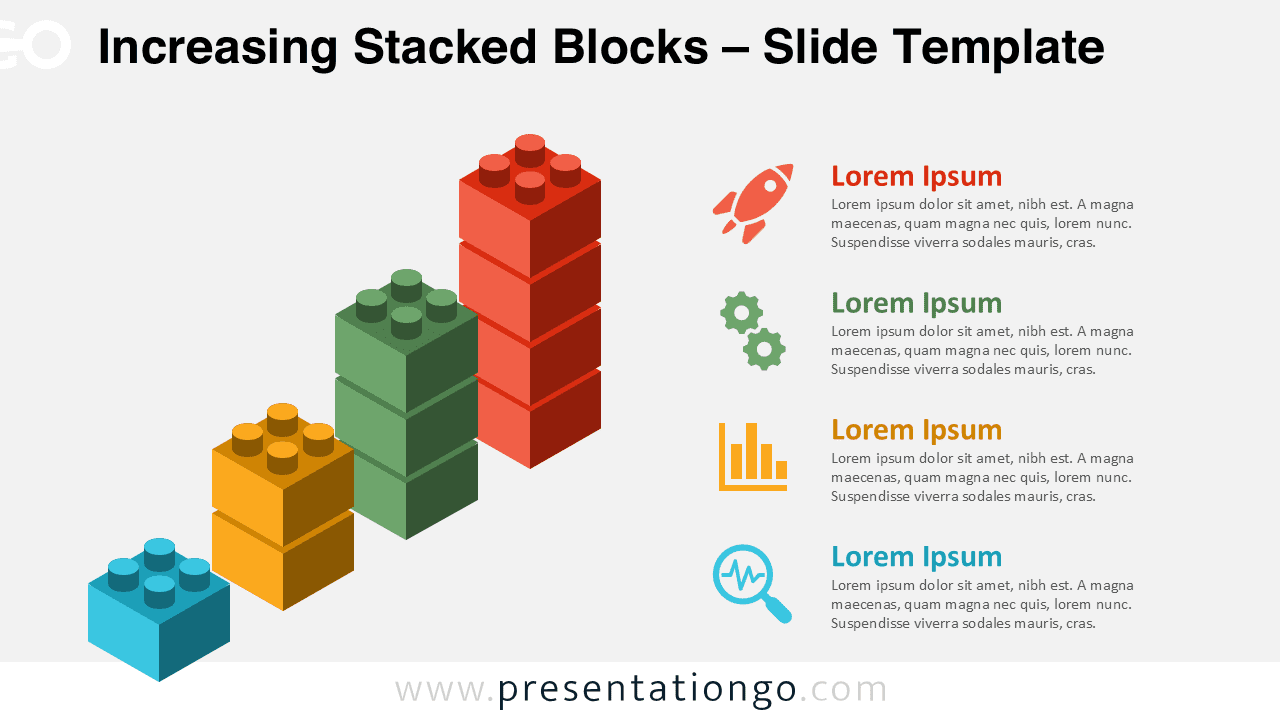
The Increasing Stacked Blocks template presents a four-step progression chart using interlocking block shapes, complete with color-coded text sections and icons designed for PowerPoint and Google Slides presentations.
Block-Based Design to Illustrate Growth and Milestones
This creative chart features a stepped column structure made from interlocking block shapes that resemble toy construction bricks. The columns increase in height from left to right, symbolizing stepwise progress or hierarchical growth. Each column is color-coded and aligned with a matching text box on the right, which improves visual clarity. Each of the four blocks includes a headline and icon, helping presenters clearly differentiate each concept or phase.
Presenters often use increasing stacked diagrams to show progression, sequential development, or achievement stages. These visuals are especially useful in roadmaps, performance timelines, or step-by-step workflows. This particular layout works well for project development stages or business comparisons. For instance, a marketing strategy can be divided into four key steps, with each step described alongside its corresponding block.
This template provides two unique slides with editable shapes, pre-populated icons, and text placeholders. It includes light and dark background options and is available in both 4:3 and 16:9 formats. You can use it seamlessly in both PowerPoint and Google Slides.
Download this editable 4-step visual to showcase growth, process stages, or performance levels in a simplified format.
Widescreen (16:9) size preview:


This template offers:
- 2 unique slides
- Options for both light and dark themes
- Pre-populated with icons and text placeholders
- Fully customizable shapes for complete control
- Available in both Standard (4:3) and Widescreen (16:9) ratios
- Offered in both PowerPoint PPTX and Google Slides formats