

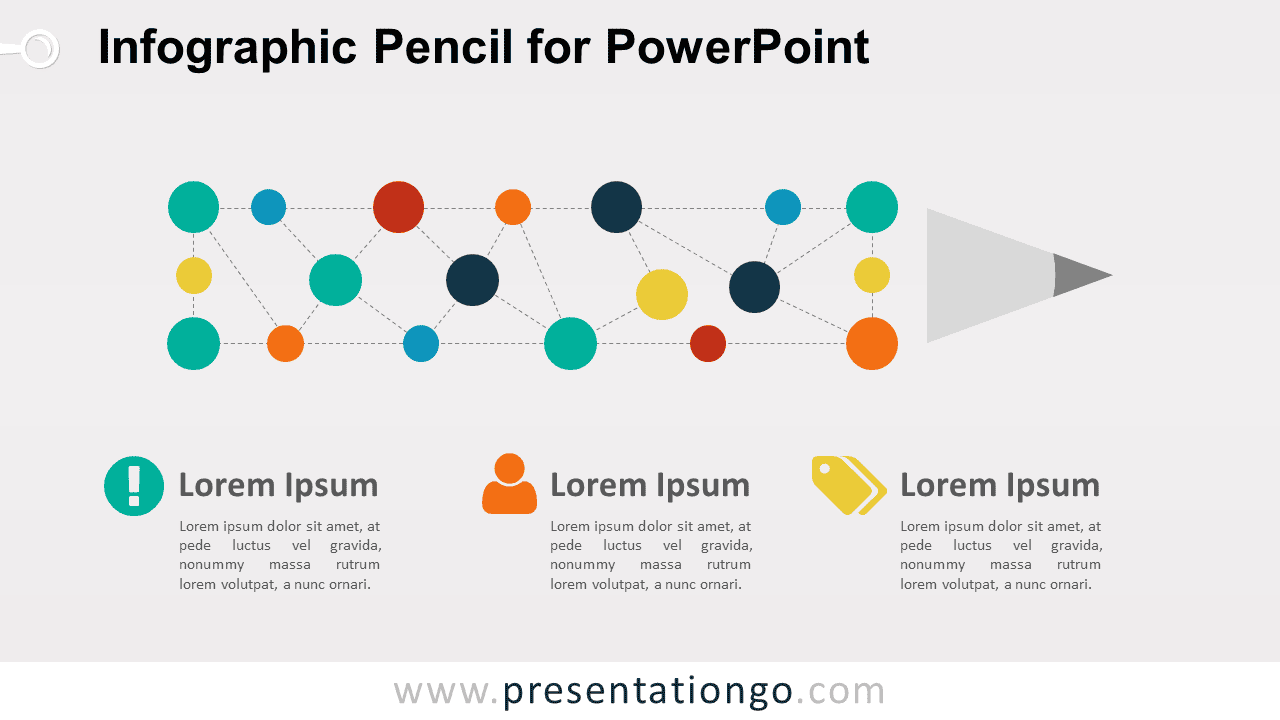
The Infographic Pencil Diagram for PowerPoint turns a pencil into a structured visual made from connected circular nodes. Three supporting content areas sit below the main graphic, making the layout useful for creative processes, planning concepts, idea development, educational topics, and structured explanations.
Diagram Preview


Features and Customization Options
- Includes 16:9 and 4:3 versions for Microsoft PowerPoint
- Includes 2 editable slides with matching layouts
- Editable text, shapes, colors, and icon placeholders
- Editable connectors and visual nodes
- 100% editable vector shapes — no quality loss when resized
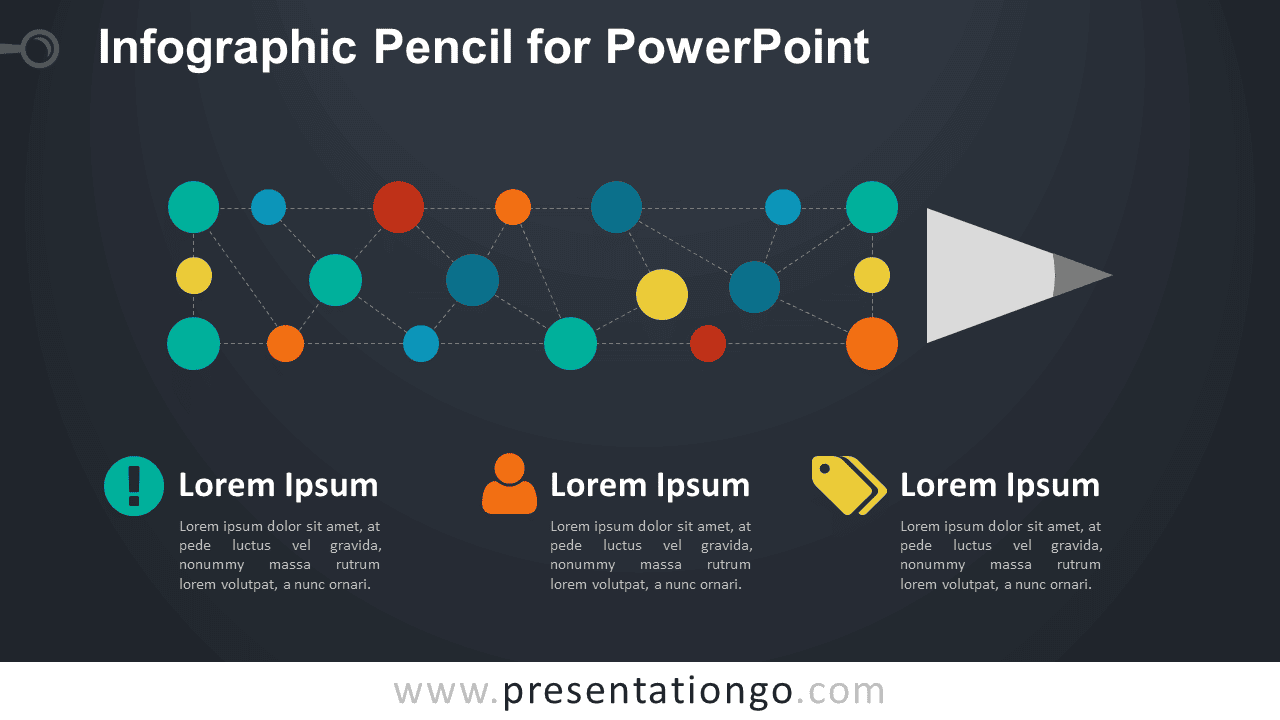
- Includes both light and dark background versions
Design and Structure
The Infographic Pencil Diagram uses a horizontal pencil silhouette built from circular nodes and dotted connectors. The connected points create a network-like structure inside the pencil body, while the sharpened tip completes the metaphor. This arrangement works well when several ideas or elements contribute to one broader concept, process, or outcome.
Three supporting text areas appear below the pencil, each paired with an editable icon placeholder. You can replace the headings, descriptions, icons, nodes, and connectors directly in PowerPoint. The layout also comes in 16:9 and 4:3 sizes, giving you flexibility when adding it to different presentation formats.
Practical Applications
- Explain a creative or design process
- Present stages of idea development
- Organize brainstorming themes
- Structure educational or training content
- Map connected planning concepts
- Summarize three supporting ideas
Summary
The Infographic Pencil Diagram provides an editable PowerPoint layout for presenting ideas, processes, and connected concepts through a familiar pencil metaphor. Its node-based structure, supporting text areas, and editable icon placeholders suit creative, educational, planning, and strategy presentations.



