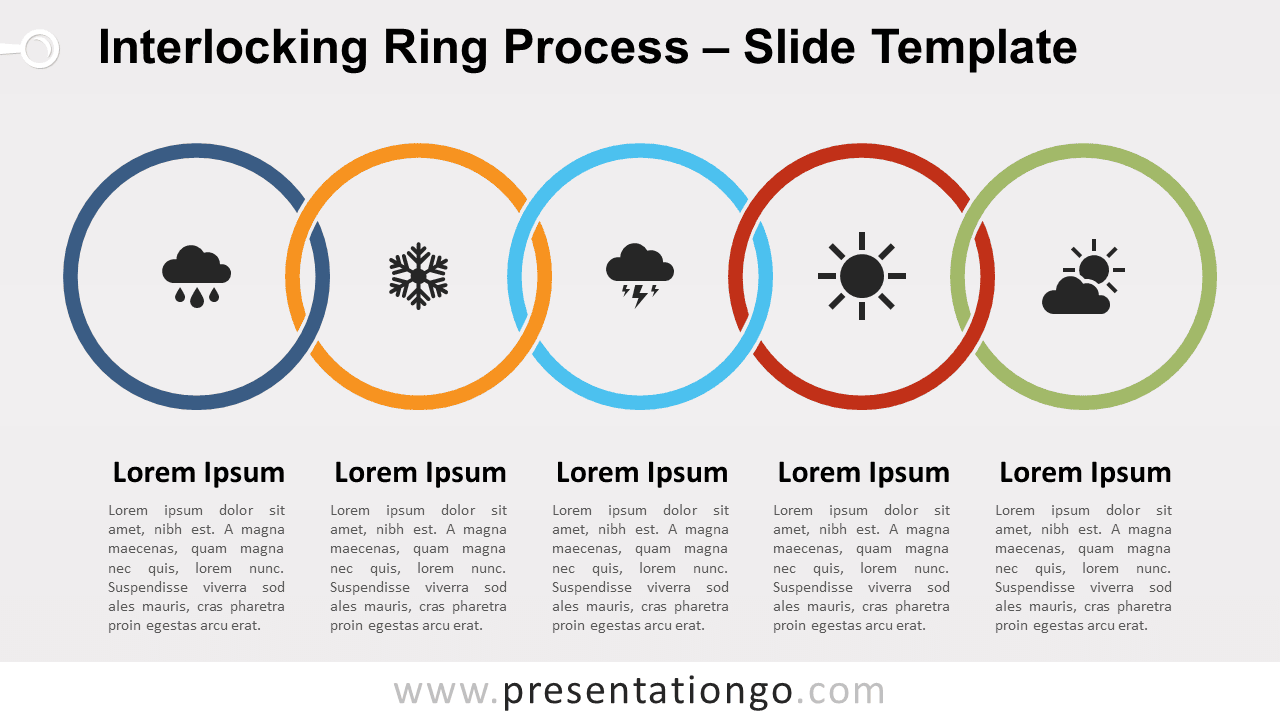
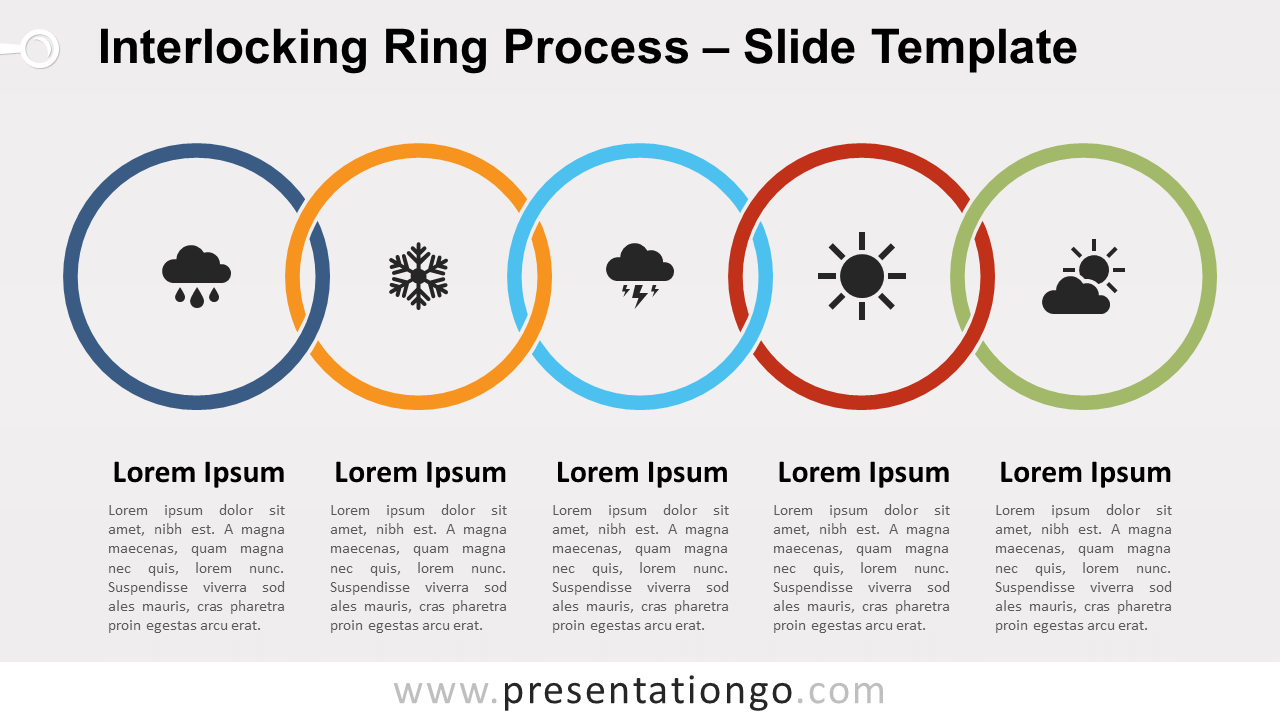
Free interlocking ring process for PowerPoint and Google Slides. Horizontal process diagram with interlaced colorful rings. Editable graphics with icons and text placeholders.
Interlocking Ring Process
Just like magic, this new process diagram will make your slide awesome! Do you know this classic of illusion magic, the Chinese linking rings trick? During this trick, the magician inexplicably links and unlinks solid metal rings… Well, you will get the same WOW effect from your audience! In fact, there is no magic here – just a simple yet beautiful design.
Furthermore, this process diagram will also certainly remind you of the five-ringed symbol of the Olympic Games. While the display is not exactly the same, the idea is very close indeed. The 5 rings are horizontally displayed and interlaced, forming a chain link (linear) process.
Like any process diagram, you can use this interlocking ring process to show a progression or sequential steps in a task, process, or workflow. Alternatively, you can insert it into your presentation to showcase different ideas or concepts.
Shapes are 100% editable: colors and sizes can be easily changed.
Includes 2 slide option designs: Standard (4:3) and Widescreen (16:9).
Widescreen (16:9) size preview:


This ‘Interlocking Ring Process for PowerPoint and Google Slides’ features:
- 2 unique slides
- Light and Dark layout
- Ready to use template with icons and text placeholders
- Completely editable shapes
- Uses a selection of editable PowerPoint icons
- Standard (4:3) and Widescreen (16:9) aspect ratios
- PPTX file and for Google Slides
Free fonts used:
- Helvetica (System Font)
- Calibri (System Font)