

The Minimal Testimonial Card helps you present customer feedback, quotations, reviews, and endorsements in a clear visual format. Its spacious layout keeps attention on the message while decorative elements add structure without creating distractions. You can use it in PowerPoint and Google Slides for business presentations, case studies, sales decks, proposals, portfolios, and marketing reports.
The design places the testimonial at the center of the slide, making the statement easy to read and remember. Large quotation marks reinforce the purpose of the layout, while the framed text area creates a strong focal point. The balanced composition also leaves enough breathing room around the content, helping longer quotes remain visually comfortable.
Slide Preview
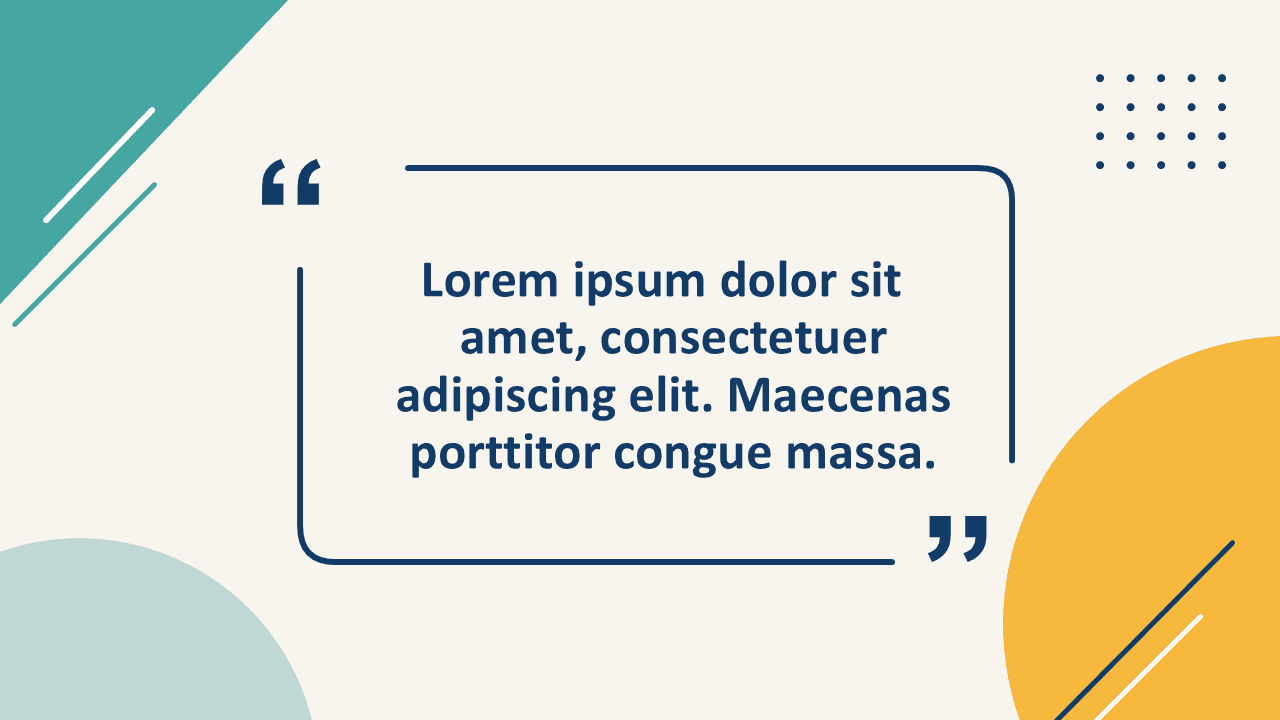
This Minimal Testimonial Card offers a practical way to transform written feedback into a polished presentation element. Replace the sample text with a customer review, expert opinion, project result, or memorable statement. You can also adjust the text size and spacing to accommodate shorter or longer testimonials.
Features and Customization Options
- Fully editable text placeholders
- Editable quotation marks and framing elements
- Customizable decorative shapes
- Adjustable line thickness, size, and position
- Flexible layout for short or extended testimonials
- Compatible with PowerPoint and Google Slides
Design and Structure
The composition uses a centered testimonial area surrounded by a clean open frame. Decorative corner shapes and small graphic details create visual balance across the slide. Bold typography makes the quote easy to scan, while the open layout supports a modern and professional appearance.
The Minimal Testimonial Card works especially well when you want one statement to stand out. It avoids unnecessary visual complexity and gives the testimonial enough space to feel important. The design can also support a speaker quote, client endorsement, employee comment, key takeaway, or research finding.
Practical Applications
- Customer testimonials and product reviews
- Client feedback in case studies
- Expert quotations in reports
- Employee statements in company presentations
- Key messages in sales and marketing decks
- Memorable quotes in educational presentations
You can duplicate the slide to create a complete testimonial section. Use one card for each customer, project, or topic. Consistent formatting helps the presentation feel cohesive while allowing every statement to receive individual attention.
Summary
The Minimal Testimonial Card combines a clean layout with practical editing options. It helps presenters emphasize feedback without overwhelming the audience. Because every shape remains editable, you can quickly adapt the design, change the colors, revise the text, and align the slide with your visual identity. Use it to make reviews, quotes, and endorsements more engaging in PowerPoint and Google Slides.



