The Modern Quote Frame offers a clear and polished way to highlight an important statement in your presentation. Its geometric structure draws attention toward the central message without distracting from the text. You can use it for customer testimonials, executive remarks, memorable quotations, key takeaways, or short presentation highlights. The slide works in PowerPoint and Google Slides, making it easy to adapt for business, education, marketing, or personal projects.
Slide Preview
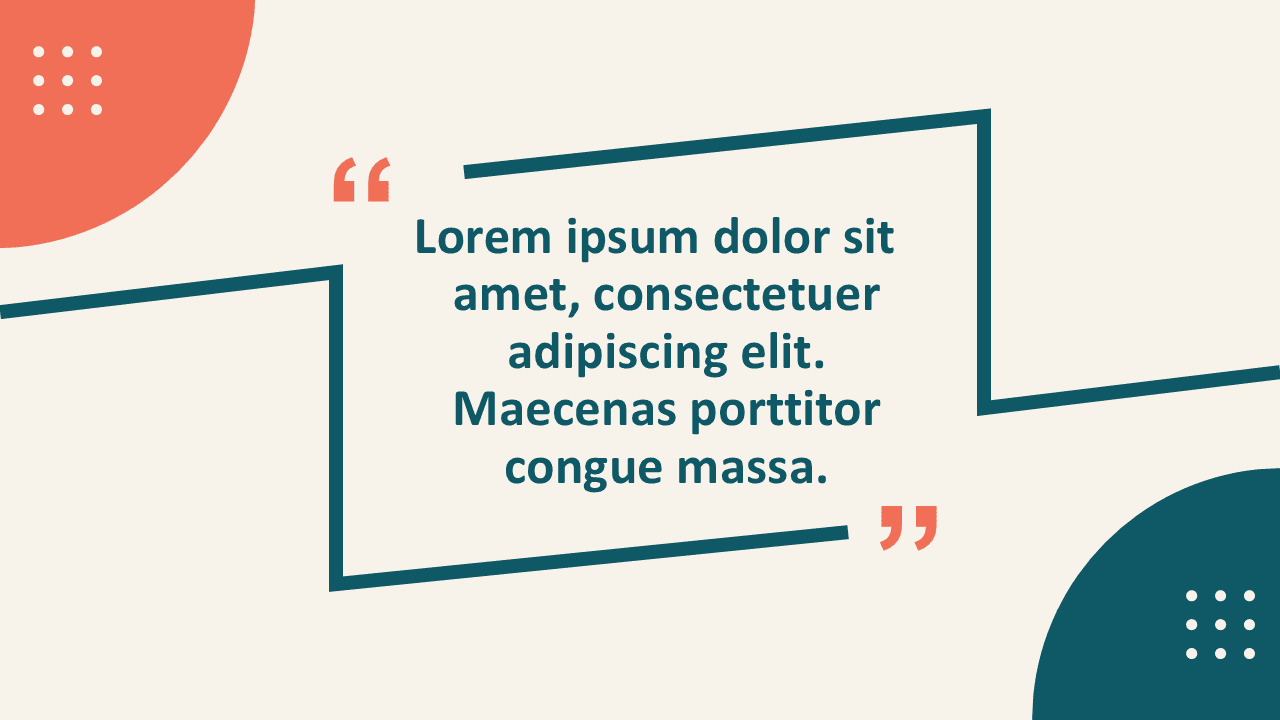

The layout places your quotation at the center of the slide and supports it with a strong geometric frame. Decorative quotation marks reinforce the purpose of the design, while subtle corner details add visual balance. The composition gives the message enough space to remain readable and memorable. Replace the sample text with your own quotation, testimonial, statement, or insight.
Features and Customization Options
- Designed for PowerPoint and Google Slides
- Includes fully editable text placeholders
- Uses editable geometric shapes throughout the slide
- Allows easy color customization for every shape
- Supports resizing, repositioning, and formatting
- Works well with short or medium-length quotations
- Maintains a clean and professional visual hierarchy
Design and Structure
The open frame creates a defined space without making the slide feel crowded. Its angular lines guide the viewer toward the quotation, while the centered text establishes a clear focal point. Large quotation marks provide immediate context and help the audience understand the slide at a glance. Decorative accents support the layout without competing with the main message.
The design works especially well when you need a visual pause between more detailed slides. It can introduce a new section, reinforce an important idea, or give a speaker quotation more impact. The balanced layout also makes it suitable for professional and creative presentations.
Practical Applications
- Customer testimonials and client feedback
- Leadership quotations and executive statements
- Conference highlights and speaker insights
- Educational quotations and discussion prompts
- Marketing messages and campaign statements
- Company values and cultural principles
- Key takeaways and closing remarks
You can use the Modern Quote Frame as a standalone quotation slide or place it between content-heavy sections. It helps break up information while keeping the presentation visually consistent. The editable structure also makes it easy to reuse across several projects.
Summary
The Modern Quote Frame combines a focused layout with flexible editing options. It helps you present quotations, testimonials, and key messages in a clear and engaging way. Every shape remains editable, so you can customize the colors, size, position, and formatting as needed. Use it in PowerPoint or Google Slides to create a professional quotation slide that supports your message without overwhelming it.