The Icon Quote Callout PowerPoint diagram provides a clear way to highlight quotations, testimonials, expert opinions, and important statements. Its structured layout combines a prominent quote area with author attribution and a dedicated icon placeholder. The visual hierarchy keeps attention on the message while giving the supporting graphic a useful but secondary role. You can use the diagram in both Microsoft PowerPoint and Google Slides.
Diagram Preview
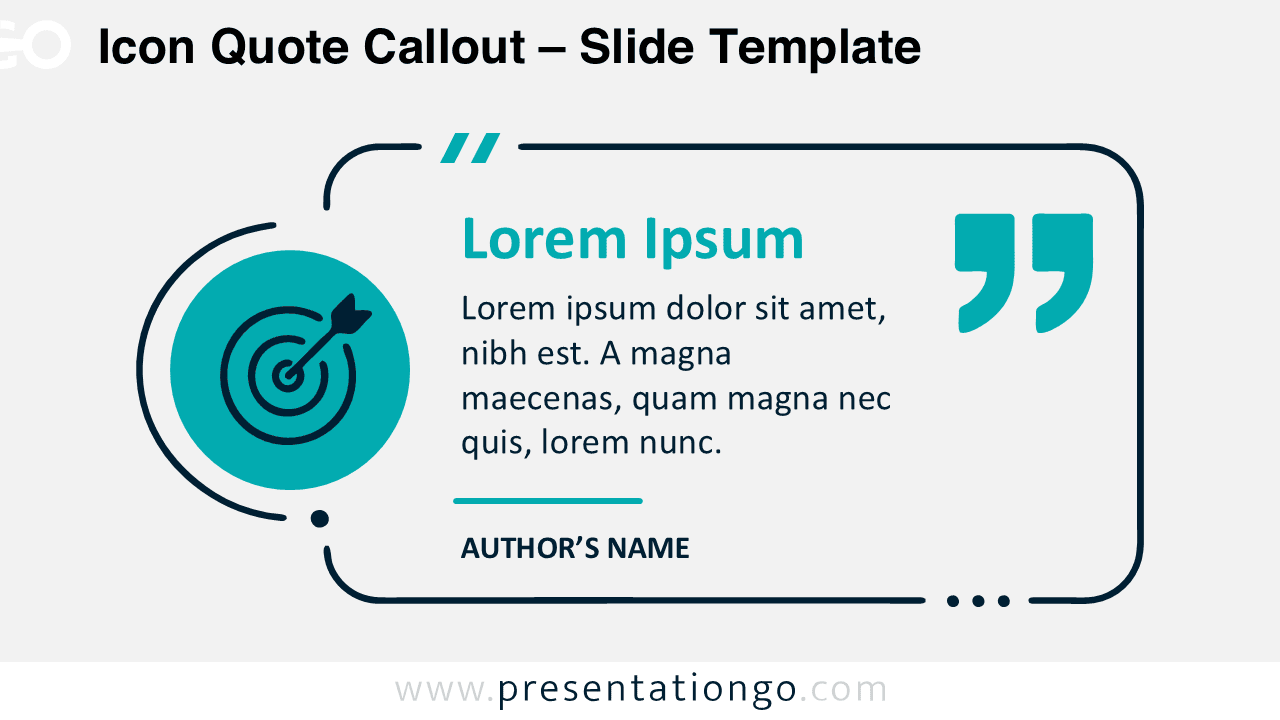
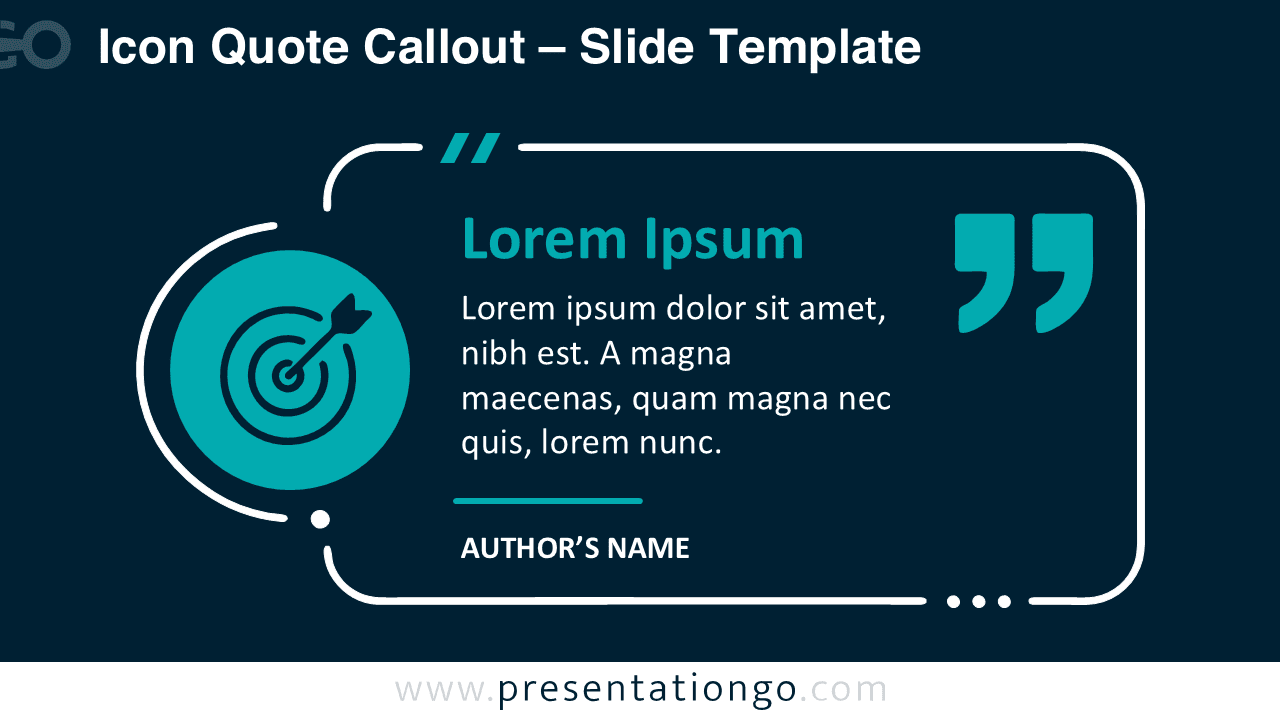


The diagram includes two coordinated versions for different presentation backgrounds. Both use the same quote structure, author area, icon placeholder, and decorative framing. This consistency makes it easy to switch between versions without rebuilding the composition.
Features and Customization Options
- Compatible with PowerPoint and Google Slides — 16:9 widescreen
- Editable text, shapes, and icon placeholders
- 100% editable vector shapes — no quality loss when resized
- Flexible icon-and-text layout for quotations and statements
- Office library icons are for illustration purposes only and are easy to modify or replace
- Includes both light and dark background versions
Design and Structure
The Icon Quote Callout PowerPoint diagram uses an asymmetrical structure that guides the eye from the visual placeholder toward the main quotation. A circular icon area sits beside a larger framed content block. The quote receives the strongest typographic emphasis, while the author field remains clearly separated below it. Oversized quotation marks reinforce the purpose of the slide without overpowering the written content.
Rounded lines, small decorative details, and generous spacing keep the composition contemporary and easy to scan. The icon works as a supporting visual rather than defining the subject of the slide. That approach lets you reuse the same design for many topics. Replace the icon, update the quotation, add the correct attribution, and the layout is ready for a new context.
Practical Applications
- Customer testimonials and client feedback
- Executive and leadership quotations
- Expert opinions and industry insights
- Case study highlights
- Mission or vision statements
- Key messages and presentation takeaways
- Employee or stakeholder comments
- Research findings supported by quotations
Summary
The Icon Quote Callout PowerPoint diagram gives quotations and testimonials a strong visual presence without making the slide complicated. Its clear text hierarchy, attribution area, and interchangeable icon placeholder help communicate one focused message at a time.
Because the icon serves as an editable placeholder, the diagram can support many subjects without changing its core structure. Use the supplied Office library icon as a starting point, or replace it with another suitable symbol. The result remains clean, adaptable, and easy to integrate into existing PowerPoint or Google Slides presentations.