The Organic Quote Frame gives important words the visual attention they deserve. Its spacious composition places your message at the center while decorative organic elements create a polished and balanced look. Use it to present a testimonial, memorable quotation, leadership insight, campaign message, or key takeaway. The layout works equally well in business, education, marketing, and creative presentations.
This free resource is designed for PowerPoint and Google Slides. You can replace the sample text with your own content in a few simple steps. Every shape is editable, which makes the layout easy to adapt for different subjects, audiences, and brand identities. You can also customize the colors whenever needed without rebuilding the slide.
Slide Preview
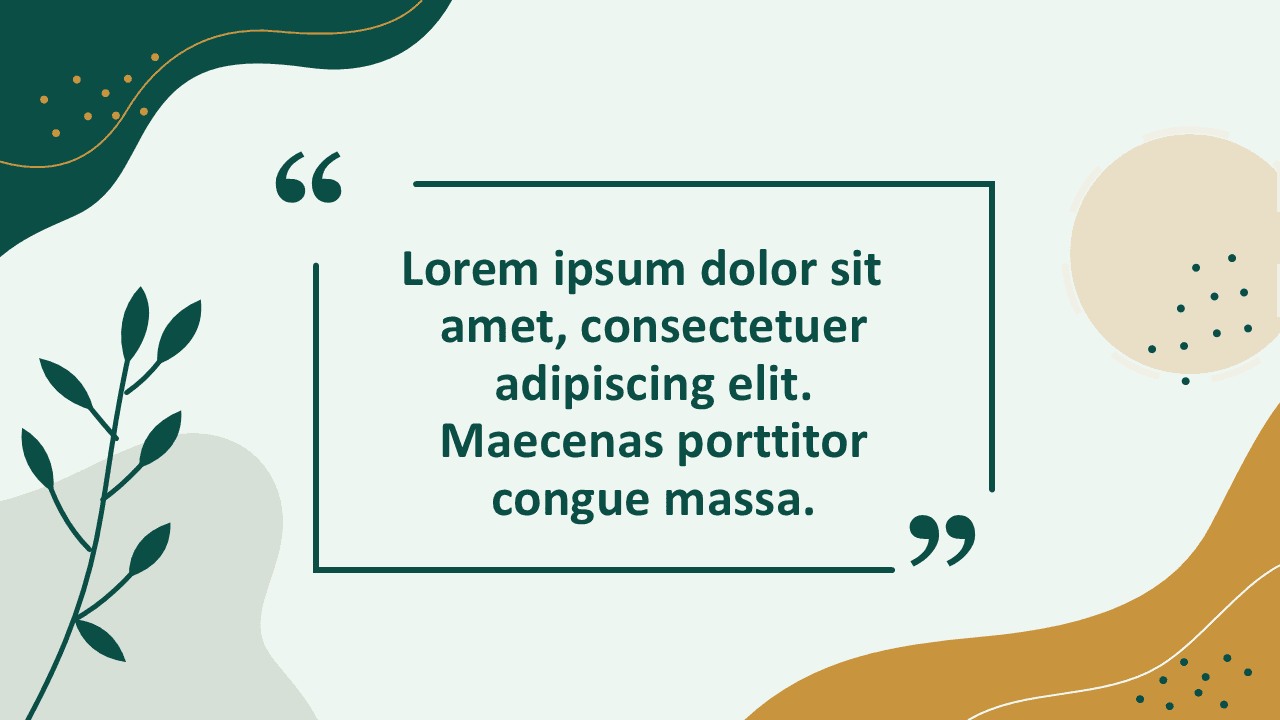

The Organic Quote Frame combines a strong central message area with an open frame and carefully placed decorative details. Large quotation marks immediately clarify the purpose of the slide. The generous spacing keeps longer statements readable and prevents the composition from feeling crowded. Botanical forms and abstract shapes add personality while allowing the written message to remain the main focus.
Features and Customization Options
- Compatible with PowerPoint and Google Slides
- Fully editable text placeholders
- Editable shapes throughout the entire slide
- Customizable colors for branding and visual consistency
- Flexible layout for short or extended quotations
- Suitable for professional and creative presentations
- Easy to duplicate and reuse across a slide deck
Design and Structure
The layout uses a clear visual hierarchy. The central text receives the strongest emphasis, while the surrounding elements guide the viewer toward it. An open rectangular frame provides structure without enclosing the content too heavily. Decorative curves, foliage, dots, and abstract forms soften the composition and create an approachable editorial style.
The balanced spacing supports both readability and visual impact. You can shorten the message for a bold statement or include several lines for a detailed testimonial. The slide also provides enough surrounding space to maintain clarity when projected on a large screen.
Practical Applications
- Customer testimonials and client feedback
- Inspirational or motivational quotations
- Executive statements and leadership messages
- Research findings and expert commentary
- Presentation openings and closing thoughts
- Conference highlights and speaker quotations
- Educational insights and memorable definitions
The Organic Quote Frame is especially useful when one sentence needs more impact than a standard text box can provide. It can introduce a theme, reinforce an argument, or create a visual pause between content-heavy slides. You can also duplicate it to build a consistent series of testimonials or quotations.
Summary
The Organic Quote Frame offers a simple and expressive way to showcase meaningful text. Its editable shapes, flexible text area, and customizable colors make it easy to match any presentation style. Use it in PowerPoint or Google Slides to turn a quotation, testimonial, or key message into a memorable visual moment.