
Free (negative) move backward for PowerPoint and Google Slides. A visual metaphor of a huge red left arrow pushing back multiple little right arrows. Editable graphics with text placeholders.
(Negative) Move Backward
Do you need the perfect slide to show the weaknesses of a project or decisions that go in the wrong direction? Then you will love this free Negative Move Backward template!
Hundreds of little gray arrows show you the right direction, that is forward. However, a huge arrow is facing them, going backward. Besides, this arrow is red, a color that is a synonym of wrong or danger. Finally, you will find a large text placeholder on the right side of the page to describe your ideas.
This free Negative Move Forward template is perfect to describe the weaknesses, decreases, or drawbacks of a project or an idea. You can also showcase the possible dangers and threats of a process.
Shapes are 100% editable: colors and sizes can be easily changed.
Includes 2 slide option designs: Standard (4:3) and Widescreen (16:9).
Widescreen (16:9) size preview:
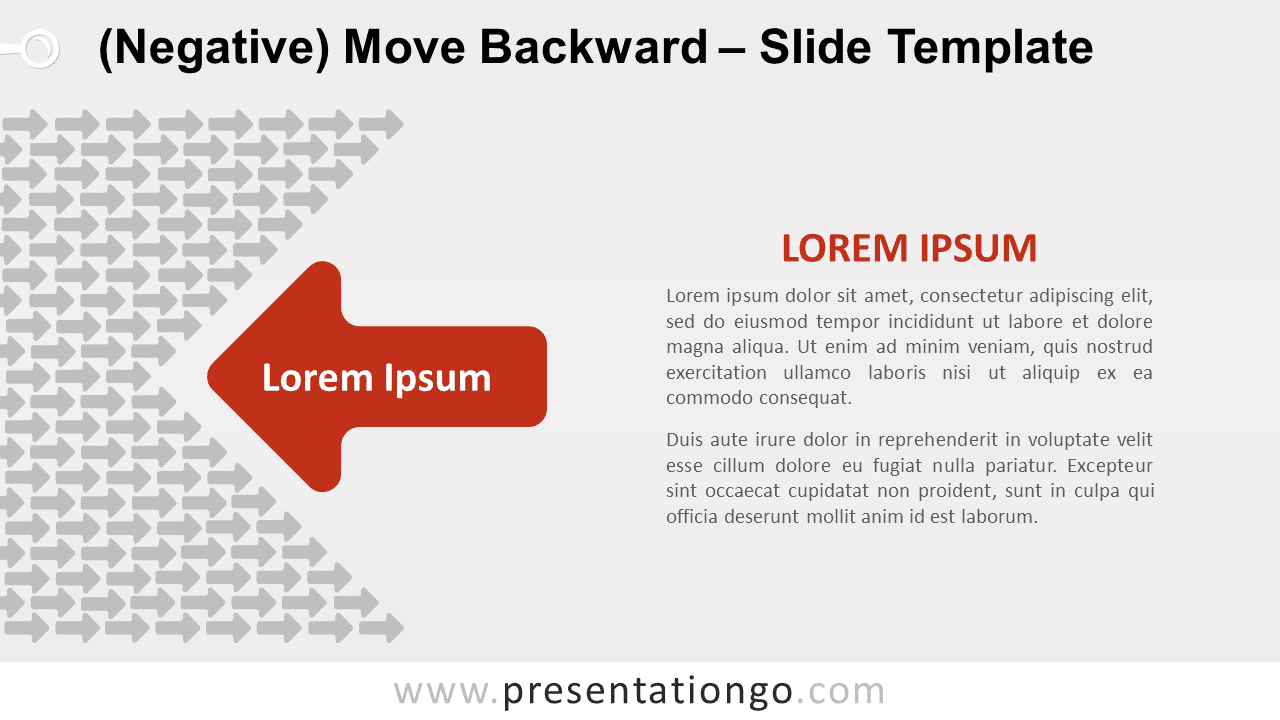
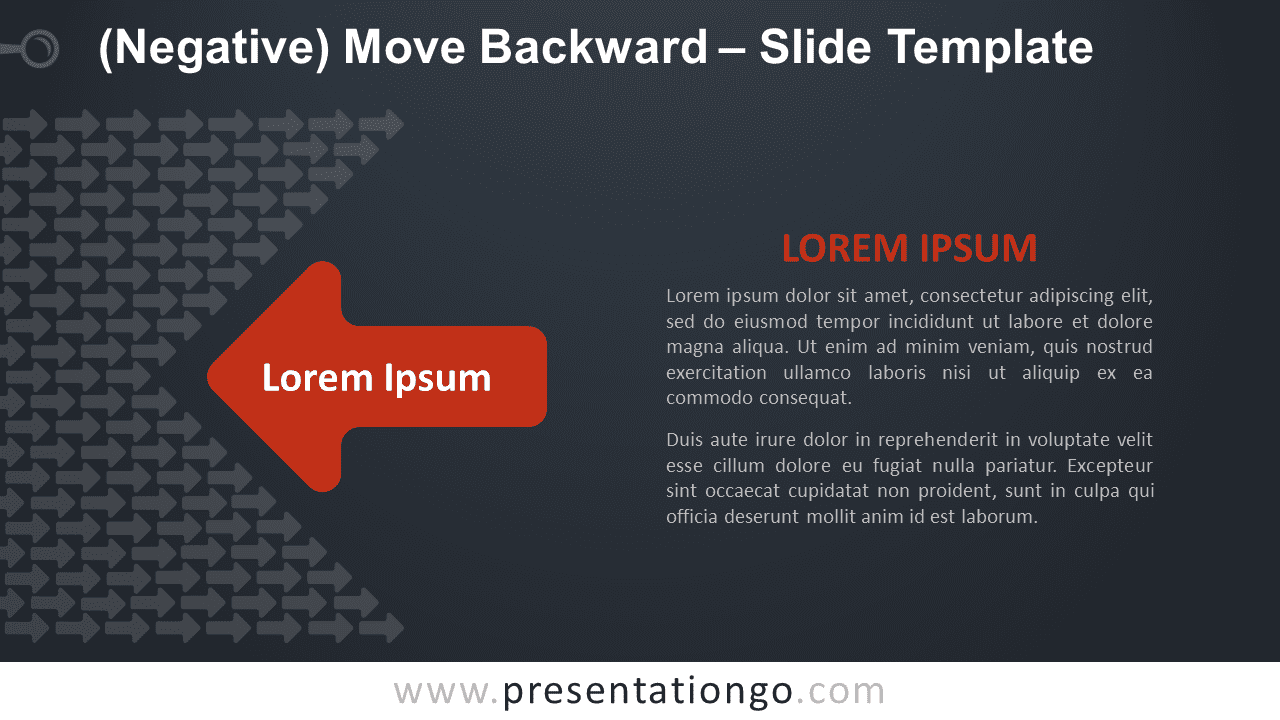
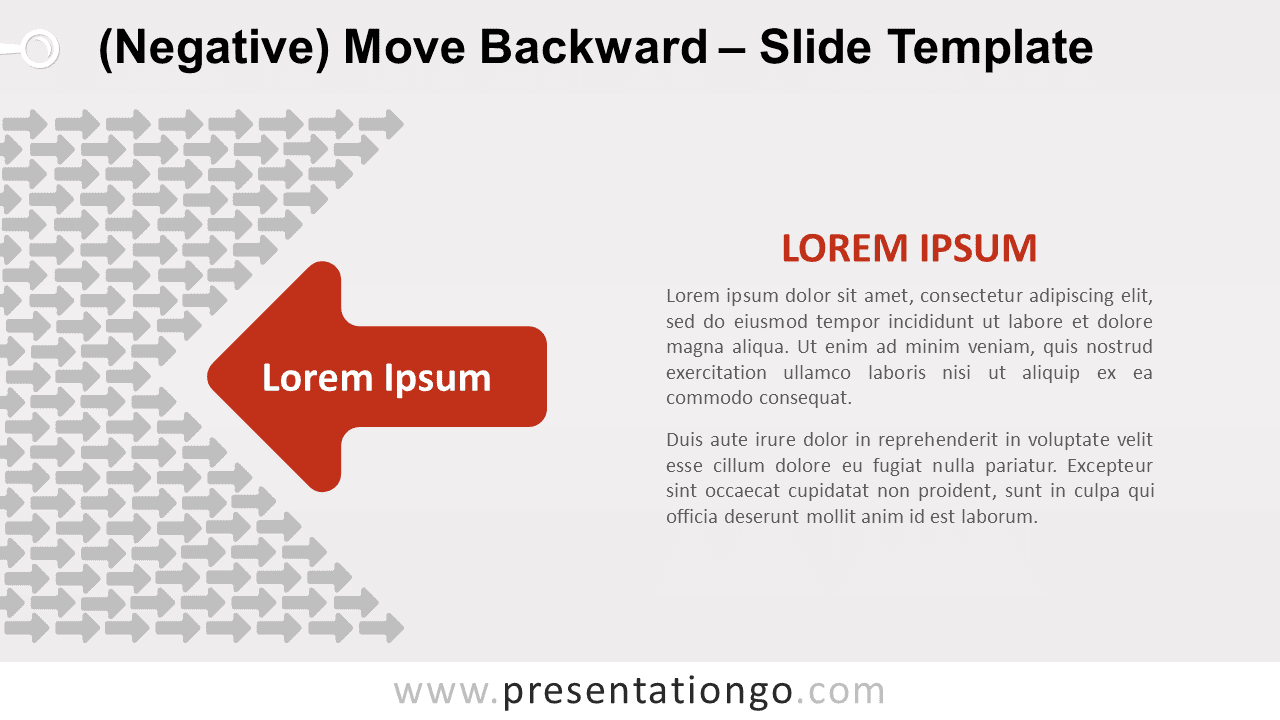
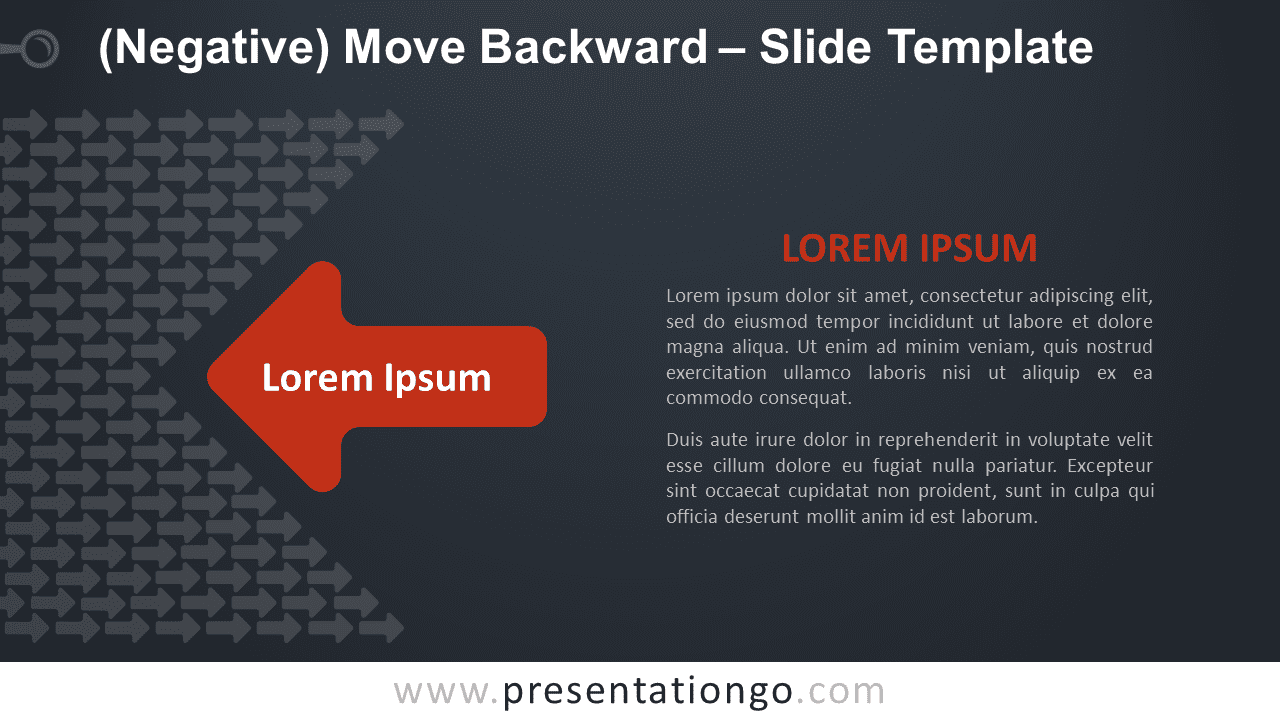
This ‘(Negative) Move Backward’ template features:
- 2 unique slides
- Light and Dark layout
- Ready to use template text placeholders
- Completely editable shapes
- Standard (4:3) and Widescreen (16:9) aspect ratios
- PPTX file (PowerPoint) and for Google Slides
Free fonts used:
- Helvetica (System Font)
- Calibri (System Font)



