
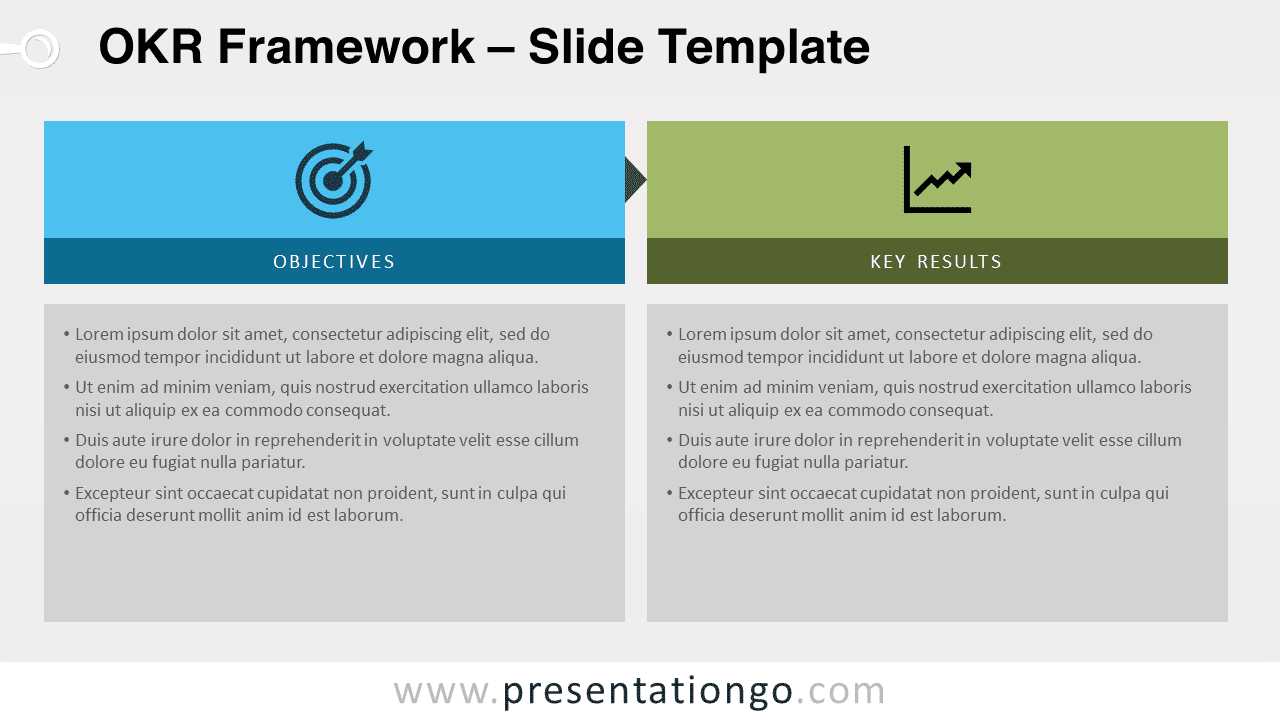
Free OKR framework for PowerPoint and Google Slides. Objectives and Key Results slide template, a collaborative goal-setting model. Editable graphics with icons and text placeholders.
OKR Framework
The acronym OKR stands for “Objectives and Key Results”. This goal-setting and performance methodology will help implement and execute the strategy. Organizations, teams, and individuals will love its simplicity.
This straightforward design slide completely corresponds to the simplicity of the tool.
On the left side of the slide, define and list all the (measurable) goals and objectives. Then, on the right part, track the progress of each key result.
Shapes are 100% editable: colors and sizes can be easily changed.
Includes 2 slide option designs: Standard (4:3) and Widescreen (16:9).
Widescreen (16:9) size preview:


This ‘OKR Framework’ template features:
- 2 unique slides
- Light and Dark layout
- Ready to use template with icons and text placeholders
- Completely editable shapes
- Uses a selection of editable PowerPoint icons
- Standard (4:3) and Widescreen (16:9) aspect ratios
- PPTX file (PowerPoint) and for Google Slides
Free fonts used:
- Helvetica (System Font)
- Calibri (System Font)



