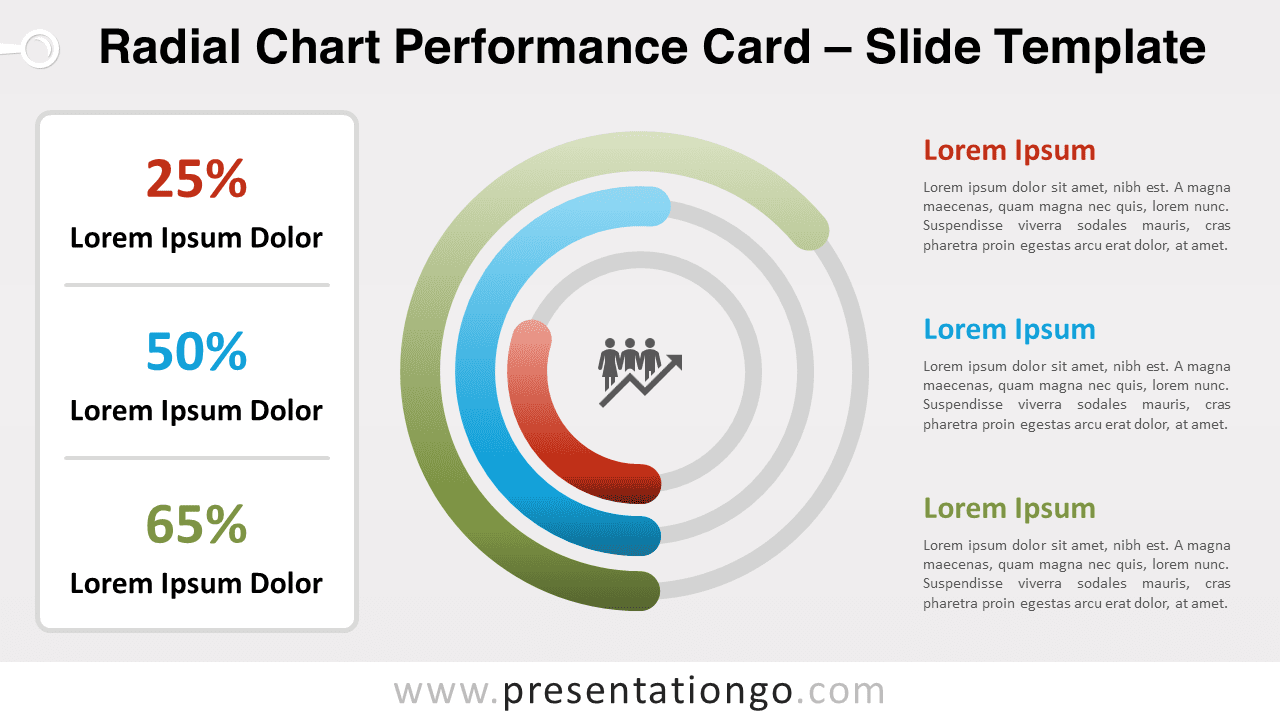
Free radial chart performance card for PowerPoint and Google Slides. A beautiful non-data-driven multi-layered radial bar chart. Editable graphics with numbers and text placeholders.
Radial Chart Performance Card
Do you want your stats, numbers, and facts to stick in your attendees’ minds? Then choose the right chart! Get ready for your next public performance with this free Radial Chart Performance Card template!
This clear, complete, and colorful slide contains 3 parts. First, you can find a performance card or table on the left part in which you can include your 3 quantitative results, numbers, or percentages along with a title. Then, you can illustrate these numbers in the center thanks to a radial bar chart. Indeed, you can draw a block arc for each number on one of the 3 concentric circles. Moreover, you can include an icon in the center to portray your main idea. Finally, you will find 3 text placeholders on the left to describe and explain your results.
This radial bar chart is an original way to showcase your quantitative results and non-data-driven stats. So, enjoy this free Radial Chart Performance Card template and nail your next presentation!
Shapes are 100% editable: colors and sizes can be easily changed.
Includes 2 slide option designs: Standard (4:3) and Widescreen (16:9).
Widescreen (16:9) size preview:
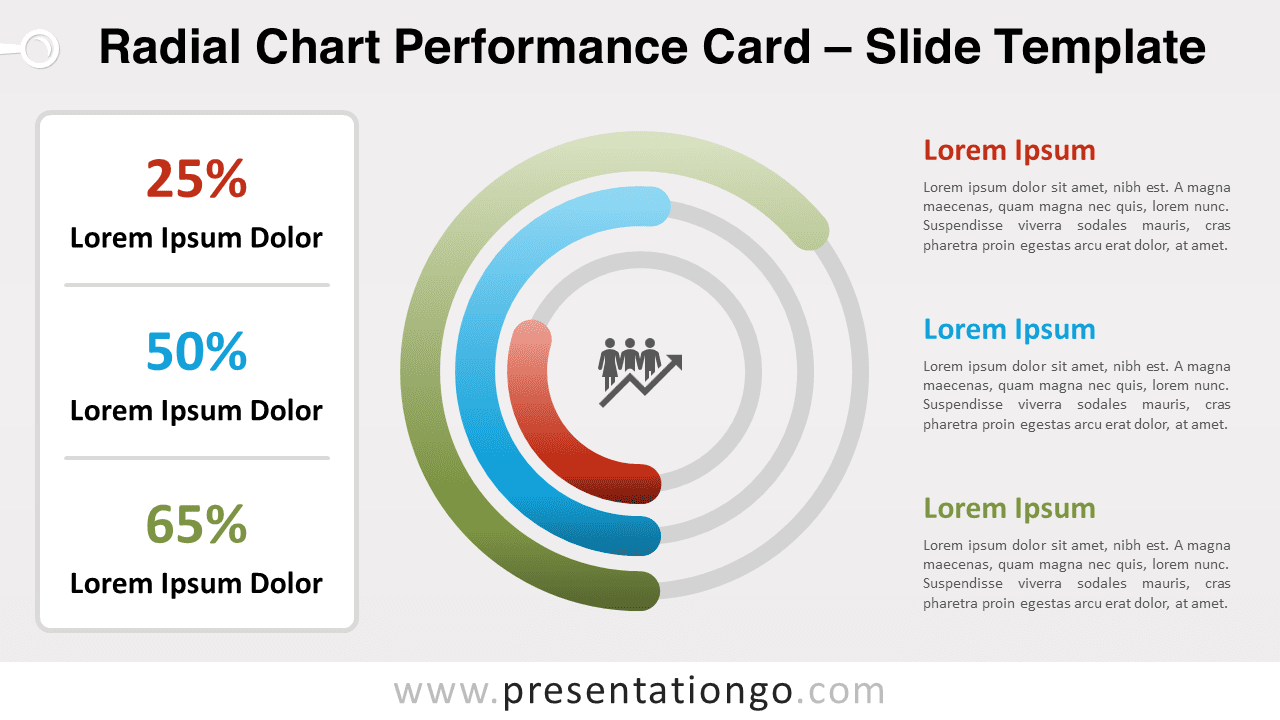


This ‘Radial Chart Performance Card’ template features:
- 2 unique slides
- Light and Dark layout
- Ready to use template with numbers and text placeholders
- Completely editable shapes
- Standard (4:3) and Widescreen (16:9) aspect ratios
- PPTX file (PowerPoint) and for Google Slides
Free fonts used:
- Helvetica (System Font)
- Calibri (System Font)