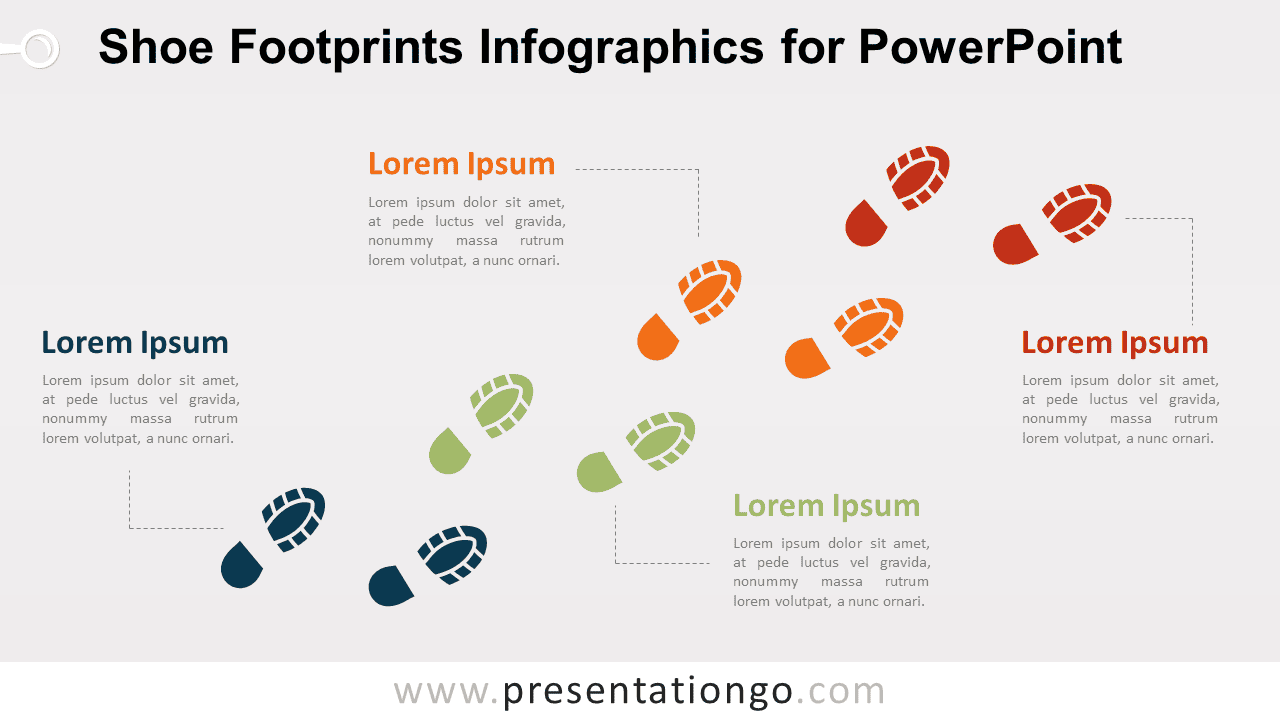
Shoe Footprints Infographics for PowerPoint present four stages along an ascending visual path. Each shoe footprint pair connects to a dedicated text area, making the layout suitable for journeys, milestones, roadmaps, project phases, learning paths, and other four-step progressions.
Diagram Preview


Features and Customization Options
- Compatible with Microsoft PowerPoint
- Includes 2 editable slides with matching layouts
- 4-step journey diagram, fully editable
- Editable text, shapes, colors, and sizes
- 100% editable vector shapes — no quality loss when resized
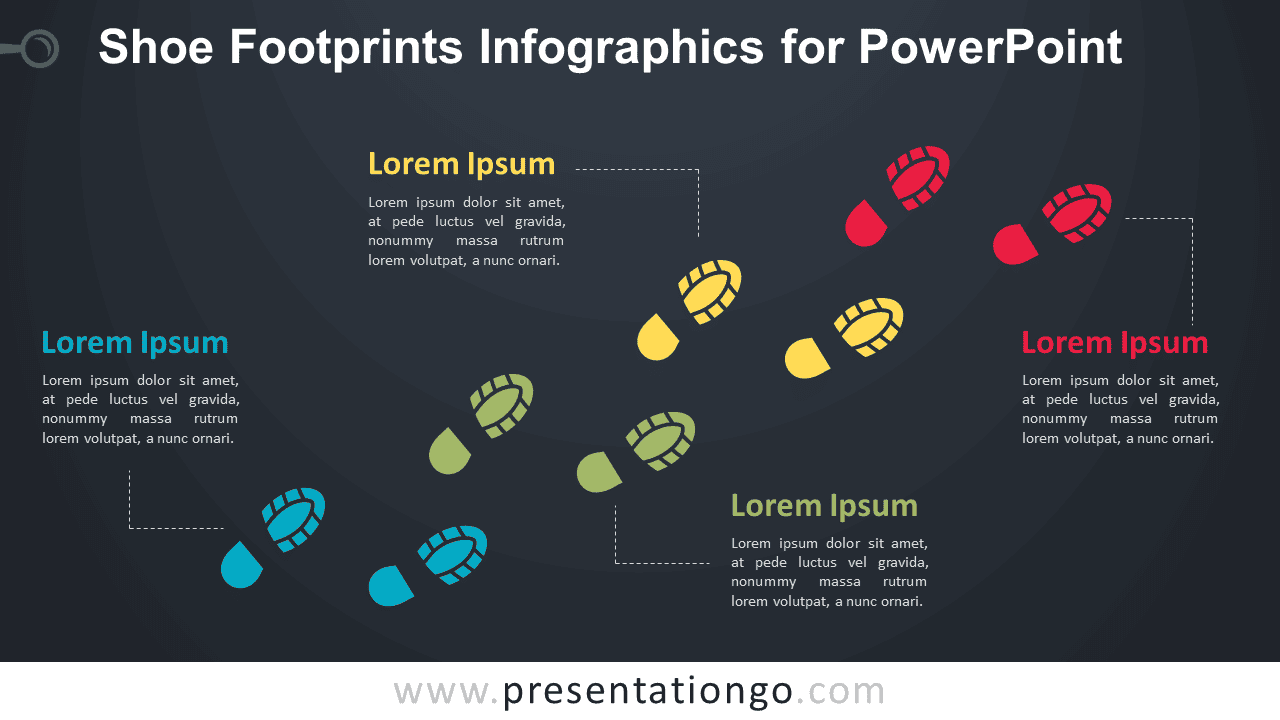
- Includes both light and dark background versions
Design and Structure
The Shoe Footprints Infographics layout uses four pairs of shoe prints arranged diagonally from the lower left toward the upper right. This direction gives the slide a natural sense of movement and makes the sequence easy to follow. Each stage connects to its own text block through a dotted leader line, leaving room for a heading and a concise explanation without crowding the main visual path.
The shoe-print metaphor reinforces ideas such as movement, progress, action, and advancement. Each stage remains visually separate while still forming part of one continuous journey. Because the main elements are editable PowerPoint shapes, you can update the headings, replace the supporting text, resize the shoe prints, reposition individual stages, or adapt the arrangement to fit an existing presentation.
Practical Applications
- Present a four-stage customer journey
- Show project milestones or checkpoints
- Explain a step-by-step action plan
- Map a learning or training path
- Illustrate progress toward a goal
- Organize four phases of a roadmap
Summary
Shoe Footprints Infographics provide an editable PowerPoint layout for presenting four stages of a journey or progression. The shoe-print path, text blocks, and leader lines make it useful for milestones, roadmaps, processes, learning paths, action plans, and project updates.