The 4-Step Key Flow Diagram presents a four-stage process framework that uses a key metaphor to illustrate sequential progress, designed for PowerPoint and Google Slides.
A Key Metaphor for Presenting Four Phases
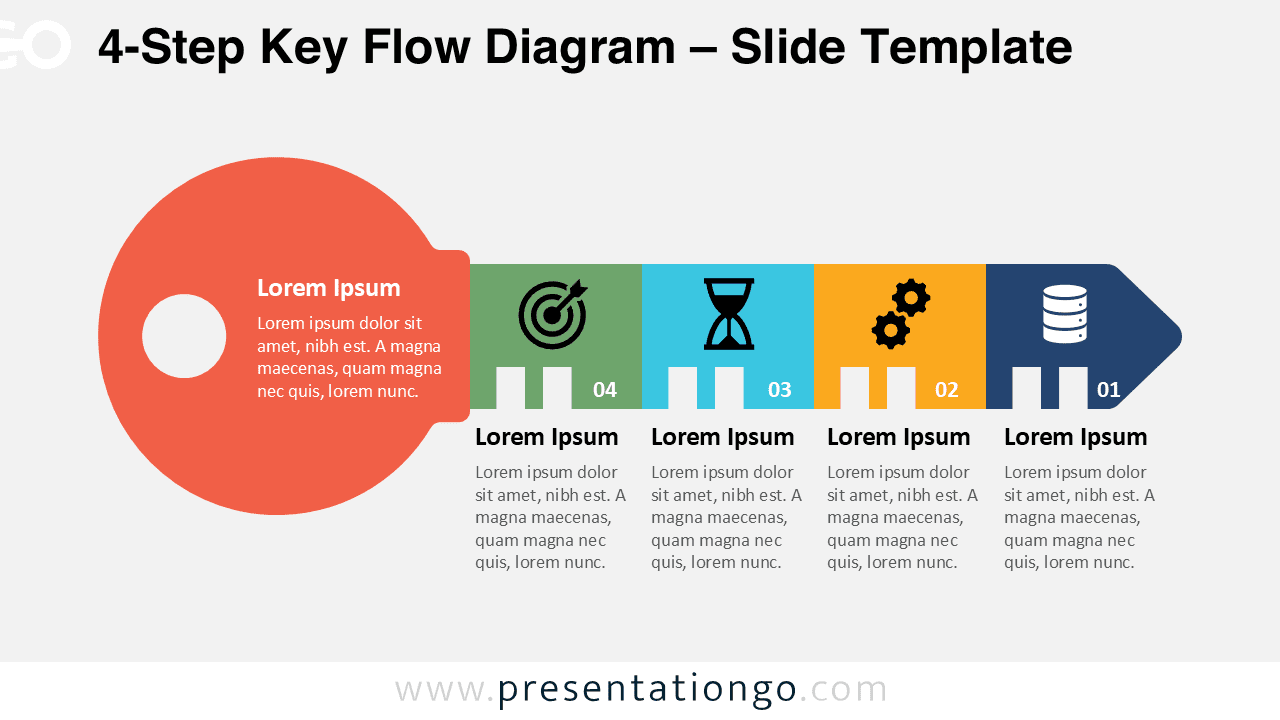
This infographic template showcases a flat design illustration of a key, beginning with a large circular head on the left that holds introductory text. The shaft extends horizontally into four rectangular segments, each containing an icon, a numbered step, and placeholder space for titles and descriptions. The sequence ends with a rounded cap that resembles the tip of a key, creating a sense of completion and symmetry. The bold horizontal layout emphasizes progression, while the symbolic design reinforces the idea of unlocking pathways or solutions.
Keys often represent access, discovery, or solutions, making them powerful metaphors in business communication. This diagram allows presenters to highlight essential steps that work together to achieve a final outcome, as if each stage were a notch required to open a lock. For instance, a project manager could use it to show the four critical stages of product development, while a consultant might apply it to explain the pillars of a successful strategy. In training contexts, the diagram works well to illustrate compliance steps or onboarding processes, where each phase is indispensable.
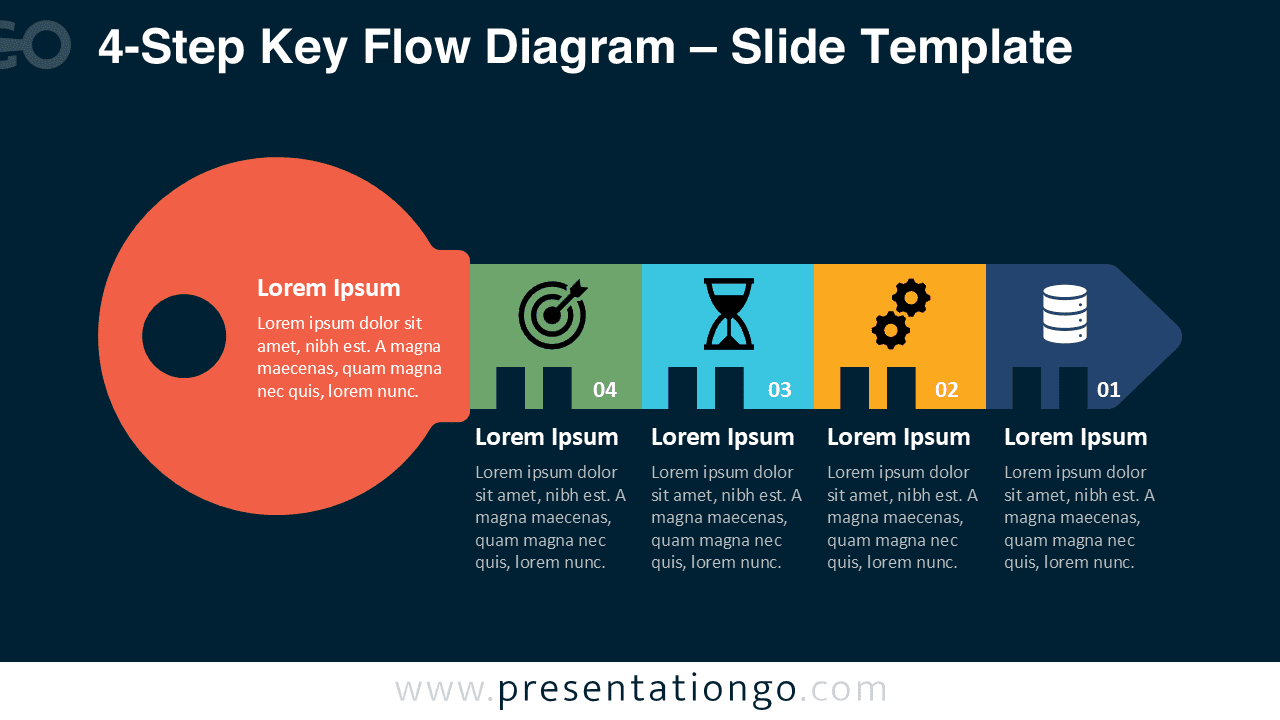
The template includes two unique slides already populated with numbers, icons, and text placeholders. All shapes are fully customizable, allowing you to adjust colors, replace icons, or adapt text as needed. Both light and dark background themes are provided, ensuring versatility across different presentation styles. It is available in Standard (4:3) and Widescreen (16:9) layouts, and works seamlessly in PowerPoint (PPTX) and Google Slides formats.
Download this 4-step diagram to highlight the essential phases that unlock progress in your presentations.
Widescreen (16:9) size preview:


This template offers:
- 2 unique slides
- Options for both light and dark themes
- Pre-populated with numbers, icons, and text placeholders
- Fully customizable shapes for complete control
- Available in both Standard (4:3) and Widescreen (16:9) ratios
- Offered in both PowerPoint PPTX and Google Slides formats