The Four Key Steps template provides a clear framework for presenting essential processes and methodologies through four sequential segments designed for PowerPoint and Google Slides presentations.
Showcase Four Elements with a Key Metaphor
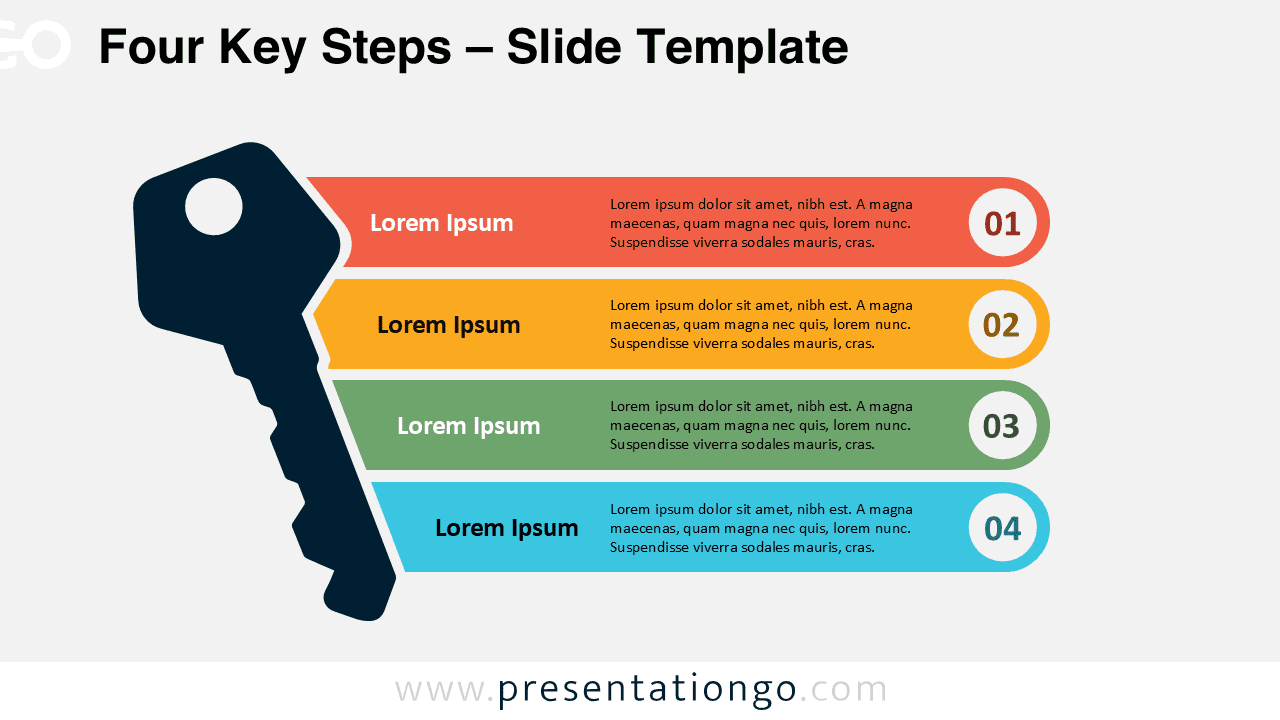
This visual diagram presents a vertically aligned stack of four rounded horizontal bars, each illustrating a key step. The segments flow from top to bottom and intersect partially with a large key silhouette on the left. This symbolic key reinforces the “unlocking” metaphor and anchors the layout visually. Each bar displays a bold left-aligned title, space for concise content, and a circular badge on the right that numbers the sequence from 01 to 04. Distinct colors enhance clarity and help viewers quickly distinguish each segment while preserving visual hierarchy.
Presenters often use key-shaped infographics to stress importance and reveal essential points—both visually and metaphorically. This specific layout works well when breaking down 4-step strategies, core principles, or actionable methods. For example, you might explain a business framework during a strategy meeting or share foundational values in an onboarding session. The symbolic key deepens the message, making it ideal for topics related to unlocking ideas, revealing plans, or prioritizing action.
This infographic template includes two pre-designed slides, ready for use and full customization. Each layout features numbered blocks with editable text and title placeholders. You can personalize colors, shapes, or replace numbers with icons. The design comes in Standard (4:3) and Widescreen (16:9) formats and works seamlessly in both light and dark themes. You can use it in PowerPoint (PPTX) or Google Slides, making it a flexible choice for all presenters.
Download this four-step infographic to present essential stages or ideas across two fully editable and visually distinct slides.
Widescreen (16:9) size preview:


This template offers:
- 2 unique slides
- Options for both light and dark themes
- Pre-populated with icons and text placeholders
- Fully customizable shapes for complete control
- Available in both Standard (4:3) and Widescreen (16:9) ratios
- Offered in both PowerPoint PPTX and Google Slides formats