

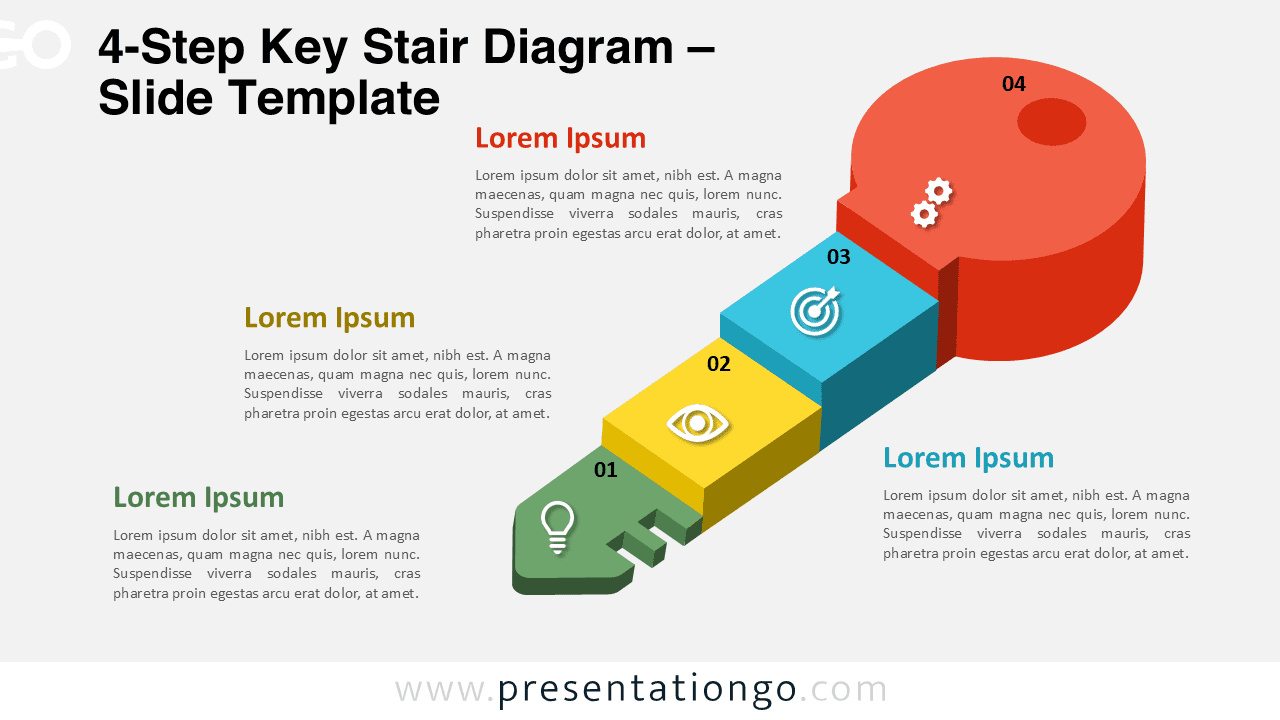
The 4-Step Key Stair Diagram illustrates a progressive sequence leading to a main goal or achievement. This creative slide design, shaped like a key with a subtle staircase structure, is ideal for representing stages of growth, strategy, or business development. Fully editable for PowerPoint and Google Slides.
Diagram Preview


Features and Customization Options
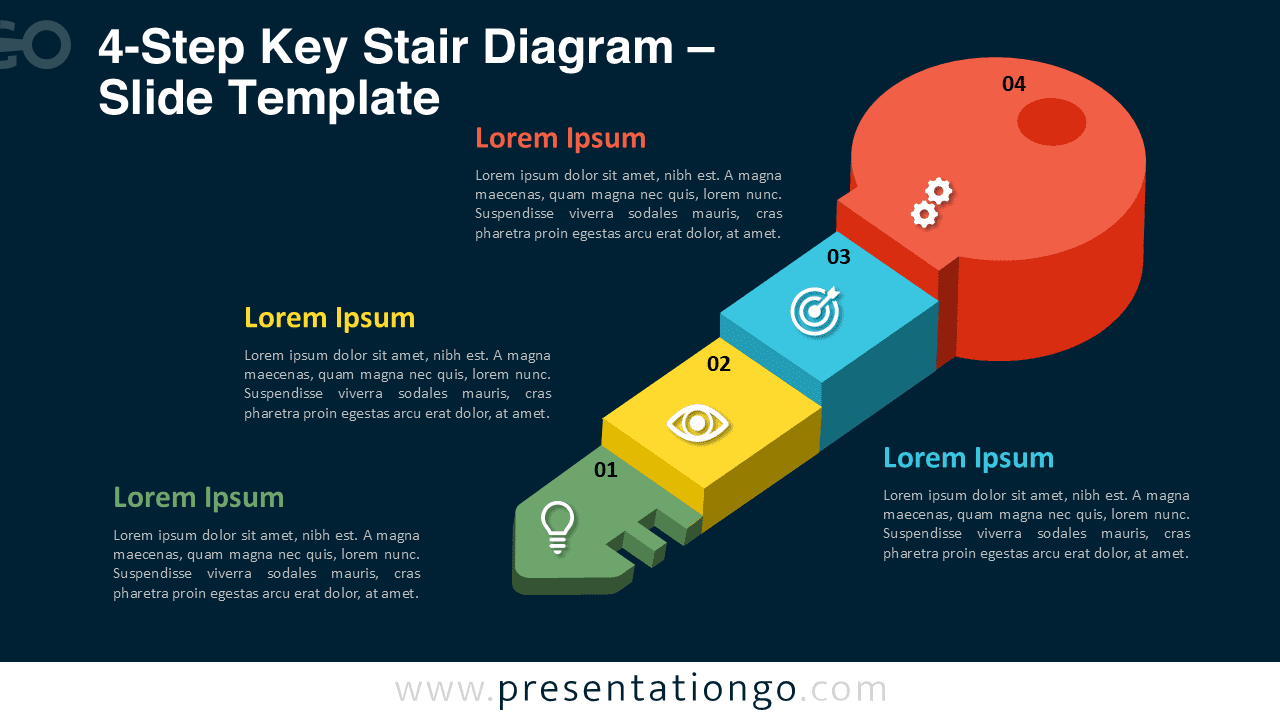
- Includes 2 slides (light and dark backgrounds)
- 4 distinct 3D steps forming a key-shaped structure
- Editable text placeholders and vector icons
- Fully customizable in PowerPoint and Google Slides
- Available in widescreen (16:9) format
Design Overview
Each block of the diagram represents one step of the process, climbing upward like a stairway toward the circular key head — the final objective or success point.
Bright colors and clean geometry enhance readability, while subtle shadows give the illustration depth and realism. The design combines symbolic meaning (key = unlock potential) with a clear visual flow that guides the audience naturally.
Practical Applications
- Business and project process presentations
- Strategic planning or milestone roadmaps
- Educational or motivational content
- Success-path or achievement-stage visualization
How to Edit
- Open the file in PowerPoint or Google Slides.
- Replace placeholder text and icons with your own content.
- Adjust colors and shapes to match your brand style.
- Duplicate or reorder steps as needed.
Summary
The 4-Step Key Stair Diagram merges a modern 3D staircase form with a key metaphor to represent progress and success. Ideal for presenting step-by-step strategies or goal-oriented processes.
Frequently Asked Questions (FAQ)
In PowerPoint, right-click the icon → choose “Change Graphic” → “From Icons” or “From File”.
In Google Slides, use “Insert” → “Icons” or replace with your own SVG by drag-and-drop.







