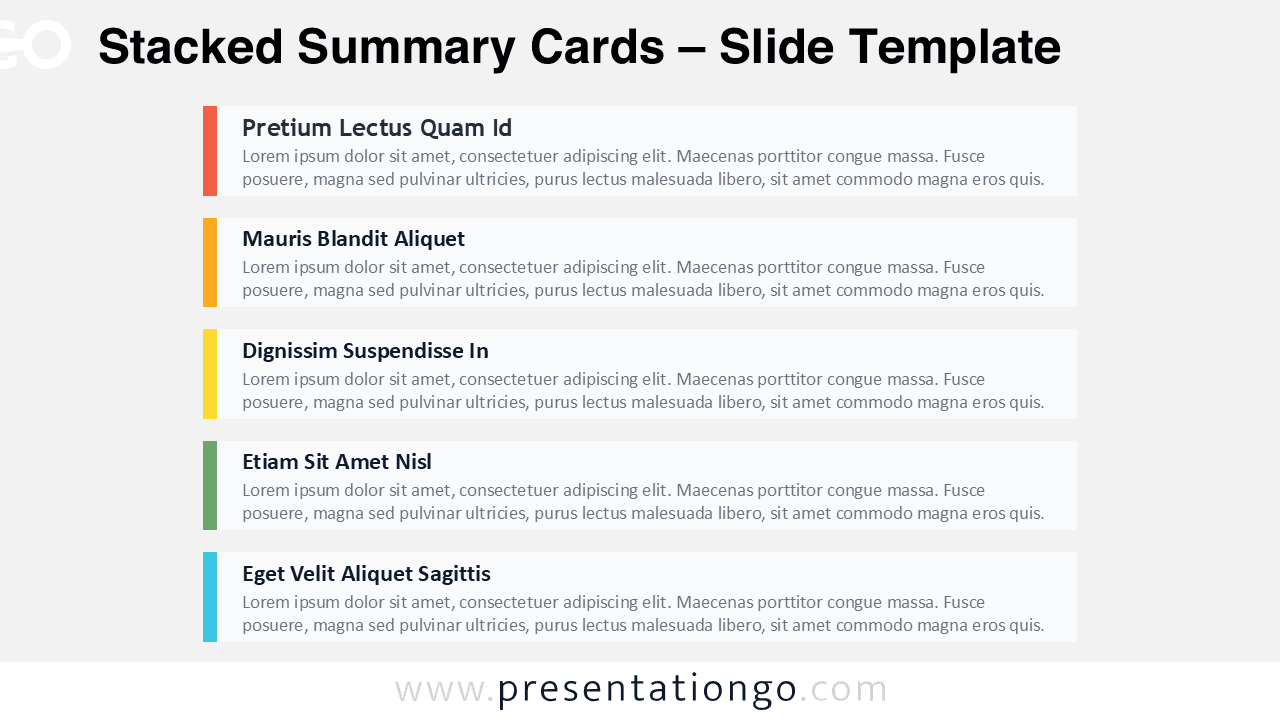
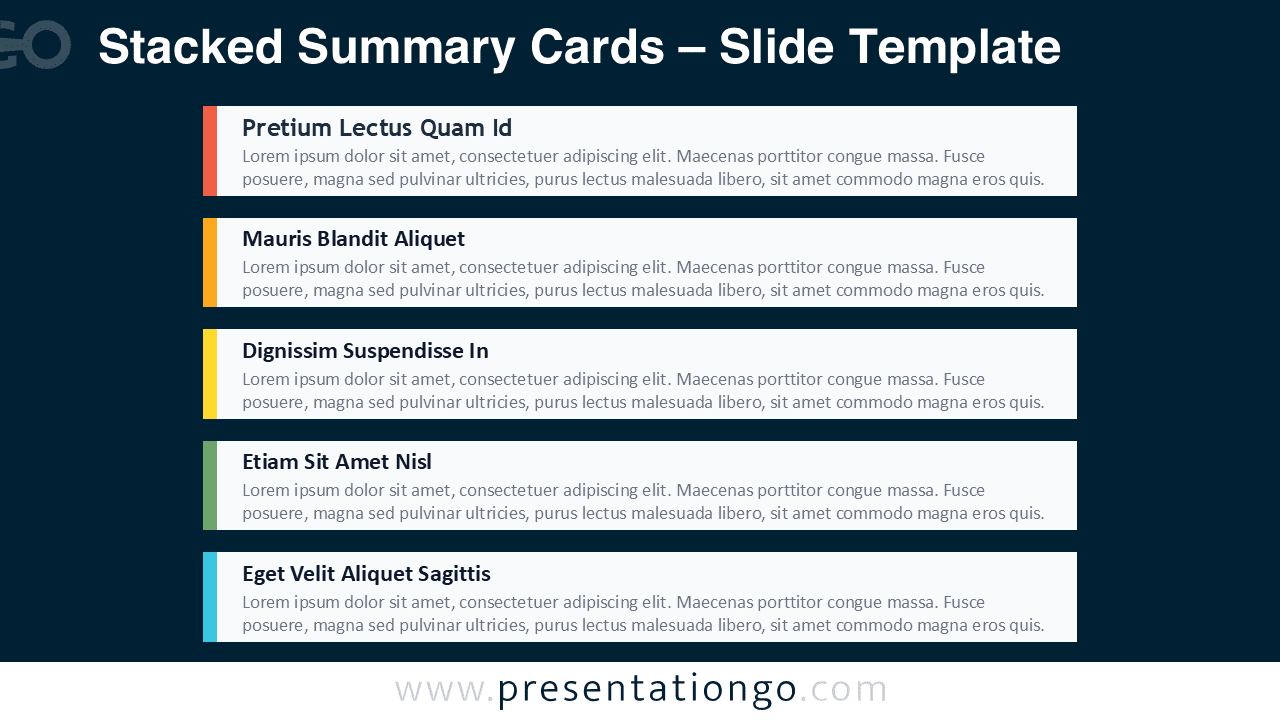
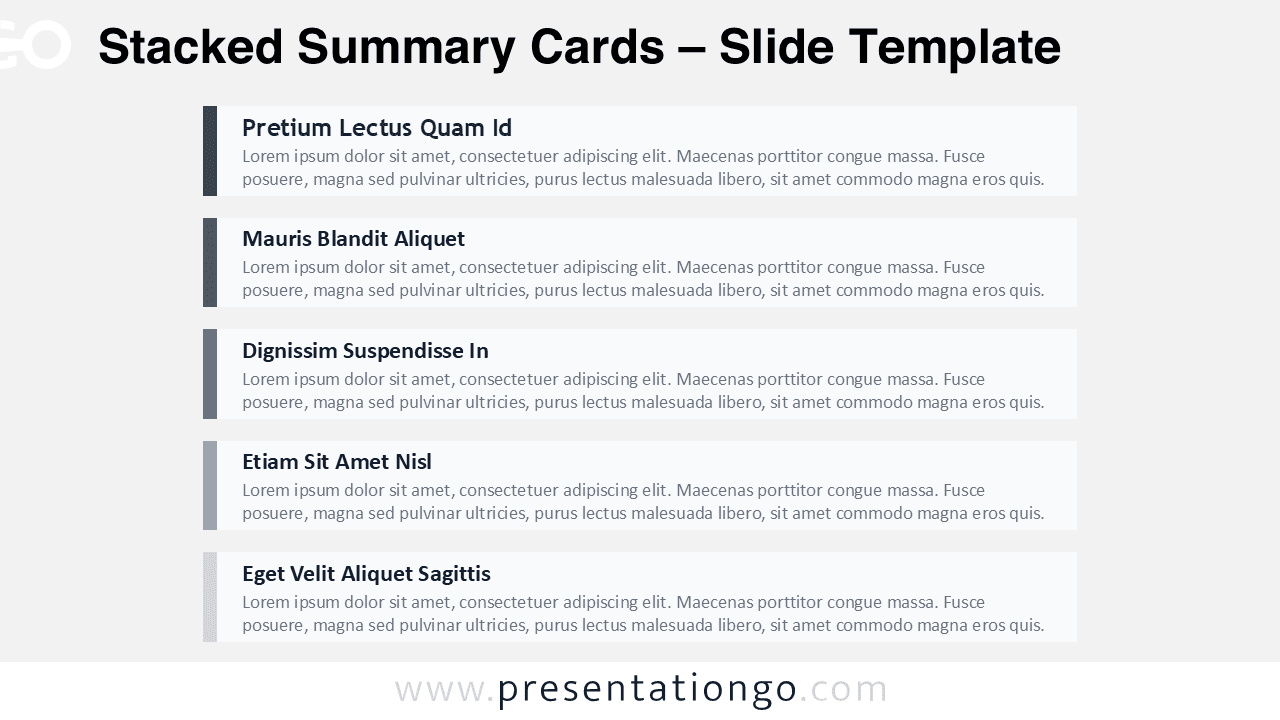
The Stacked Summary Cards diagram helps you present five key points in a clean, scannable format for PowerPoint and Google Slides. It uses stacked content cards with bold headings, supportive text, and a left accent bar for quick navigation.
Use it when you want an agenda, an executive recap, or a structured list that stays easy to read on screen. This diagram includes four visual variations, so you can match different themes and presentation contexts.
Diagram Preview
Features and Customization Options
- 4 unique slides with light and dark theme options.
- Two accent styles, including a single color option and a multi-color option.
- Fully editable text placeholders for titles and supporting paragraphs.
- Customizable card shapes, accent bars, and spacing for complete layout control.
- Easy to reorder, duplicate, or remove cards to fit your message length.
- Available in Widescreen (16:9) ratio.
- Provided in both PowerPoint PPTX and Google Slides formats.
Design and Layout Overview
The layout follows a modern card-based structure that creates clear hierarchy and consistent alignment. Each card separates one idea, so your audience can scan headings first and read details second. The left accent bar adds visual structure and helps you group topics without adding extra icons or complex graphics.
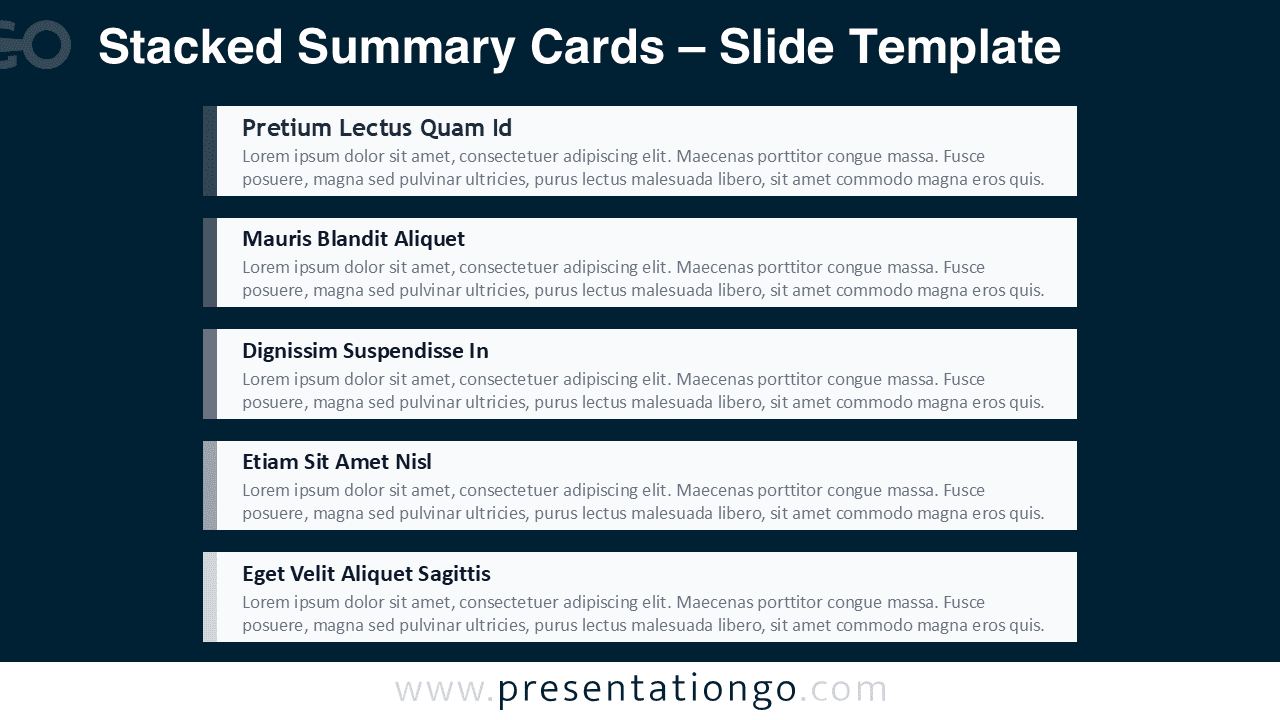
The light theme supports bright decks and print exports, while the dark theme fits stage screens and high-contrast styles. You can keep a single accent color for a unified look, or use multiple accents to label categories at a glance.
Practical Applications
- Agenda and table of contents for meetings and workshops.
- Executive summary slide for reports, proposals, and reviews.
- Weekly status updates with deliverables, risks, and next steps.
- Training or lesson outlines with modules and key takeaways.
- Project planning lists, priorities, and action items.
- Product or service highlights with five structured points.
Summary
Stacked Summary Cards gives you a polished way to present five messages with strong hierarchy and clean spacing. Edit text, colors, and shapes in minutes, then reuse the layout across multiple sections for consistent communication. Choose the light or dark theme variation and deliver a clear overview slide in PowerPoint or Google Slides.