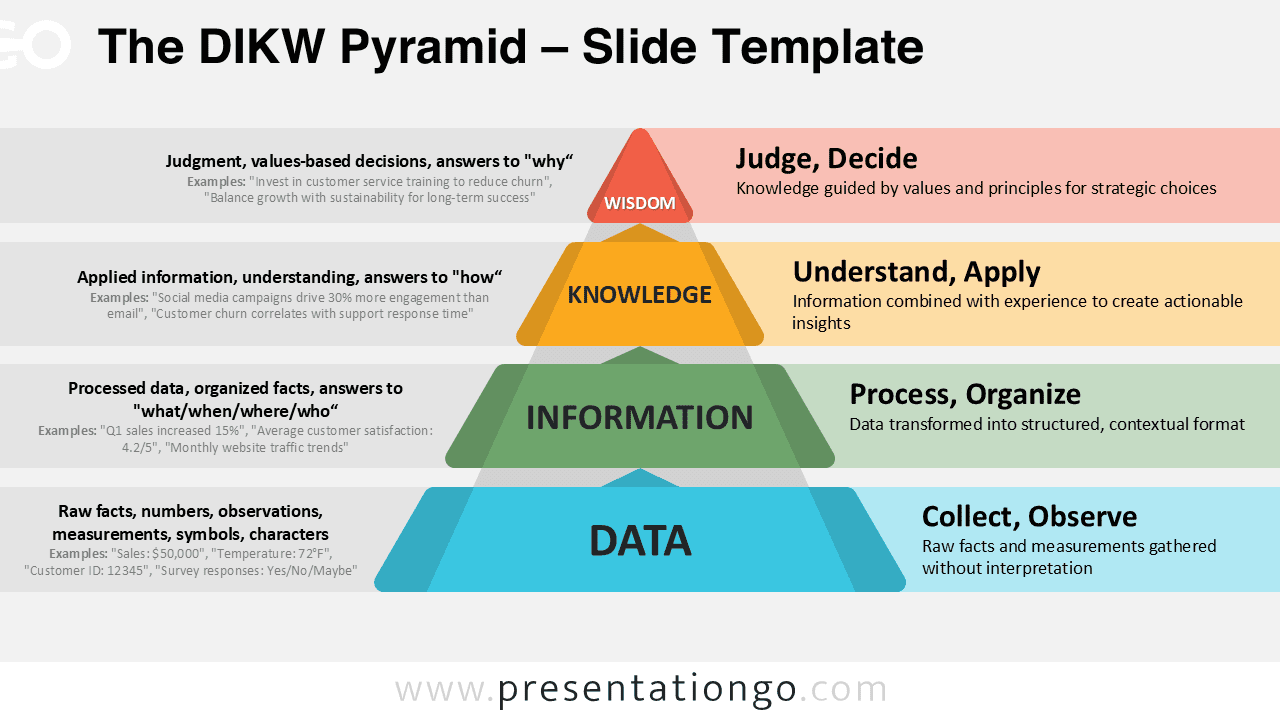
The DIKW Pyramid presents a four-step model designed for PowerPoint and Google Slides, illustrating the progression from data to wisdom.
Four-Level Diagram Depicting Progressive Knowledge Transformation
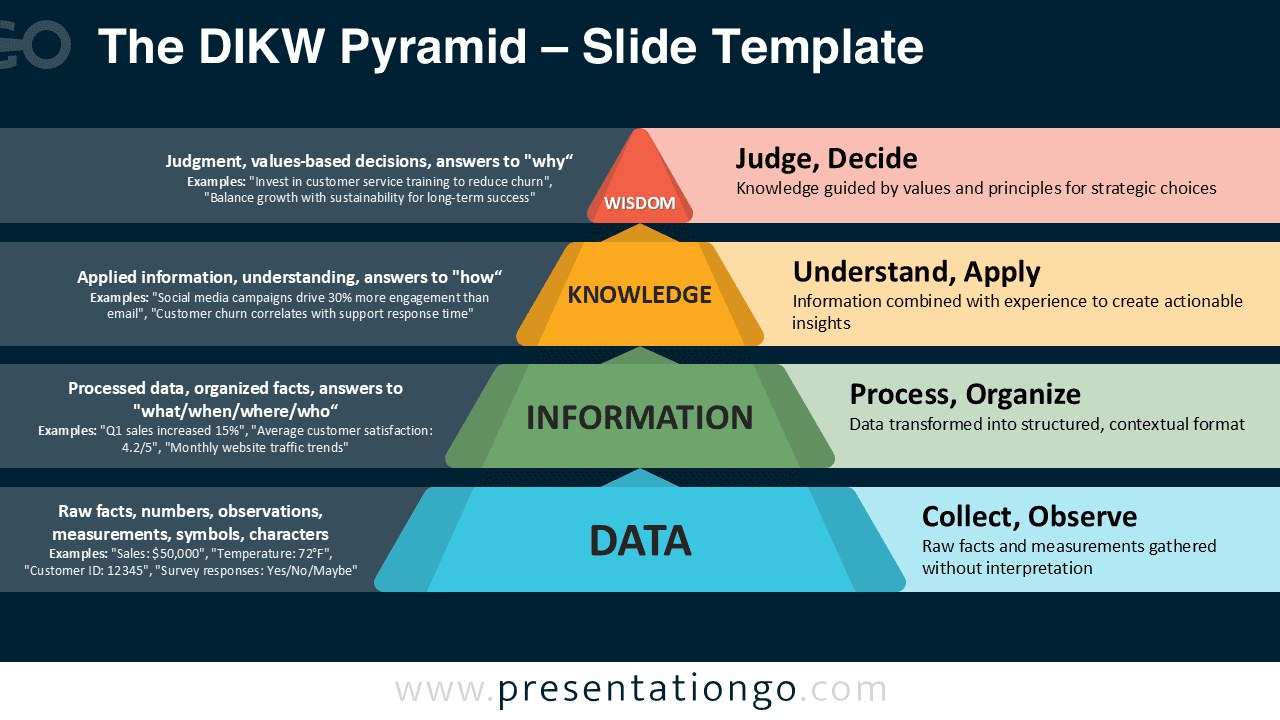
This diagram features a regular pyramid divided into four horizontal layers that narrow toward the top, emphasizing upward progression. Each level is composed of a trapezoidal shape with consistent angled sides, creating visual uniformity. On the left side, text blocks with bullet points and examples offer detailed explanations, while the right side displays bold labels and concise definitions. Small, meaningful icons reinforce each stage’s concept. The color palette transitions from blue at the base to warm red-orange at the top, creating a sense of flow. Balanced spacing between sections ensures readability, while the dual-zone format supports both text-rich content and visual clarity.
In presentations, this diagram helps audiences understand how each stage builds on the last to create greater value. Businesses can connect operational metrics to strategic outcomes, such as turning customer feedback into retention plans. Educators can show how research develops into practical solutions, while consultants can map decision-making processes to organizational goals. Its clear flow makes complex ideas easier to follow.
The template offers two unique slides with fully customizable shapes, allowing color changes to match branding. It comes in both light and dark theme options, and is available in standard (4:3) and widescreen (16:9) formats. Compatibility with PowerPoint PPTX and Google Slides ensures flexibility in usage.
Download this four-step diagram to present the transformation from raw data to informed wisdom.
Widescreen (16:9) size preview:


This template offers:
- 2 unique slides
- Options for both light and dark themes
- Fully customizable shapes for complete control
- Available in both Standard (4:3) and Widescreen (16:9) ratios
- Offered in both PowerPoint PPTX and Google Slides formats