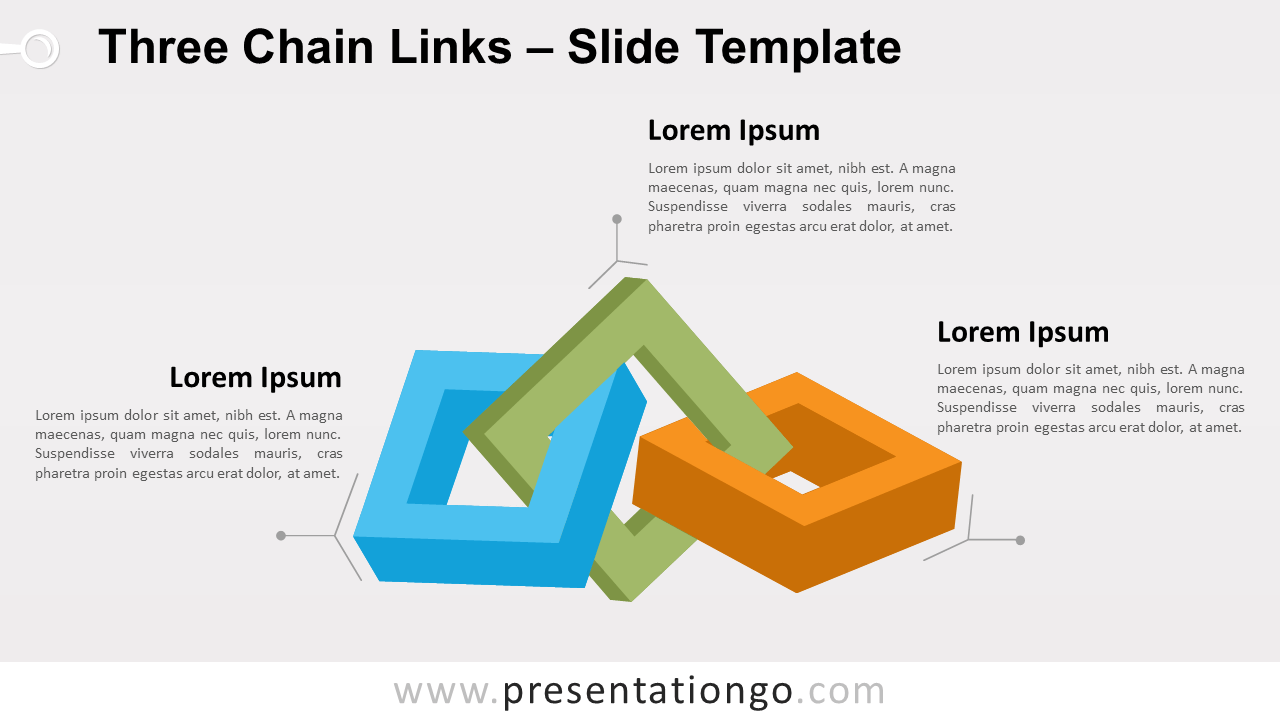
Free infographic of three chain links for PowerPoint and Google Slides. A series of three interlocked square linking rings. Editable graphics with text placeholders.
Three Chain Links
It can sometimes be complex to find the right visual to show and present your information. If you are looking for a graphic that can show three ideas in a different and original way, this three chain links one can help you tremendously.
More specifically, this graphic features 3 square links, with a 3D effect. The links are interlocked, creating a chain.
This “three chain links” infographic will be perfect to showcase 3 groups of information or sequential steps in a task, process, or workflow. Also, the interlocking chain links help emphasize the interaction or relationships among the groups of information.
Shapes are 100% editable: colors and sizes can be easily changed.
Includes 2 slide option designs: Standard (4:3) and Widescreen (16:9).
Widescreen (16:9) size preview:
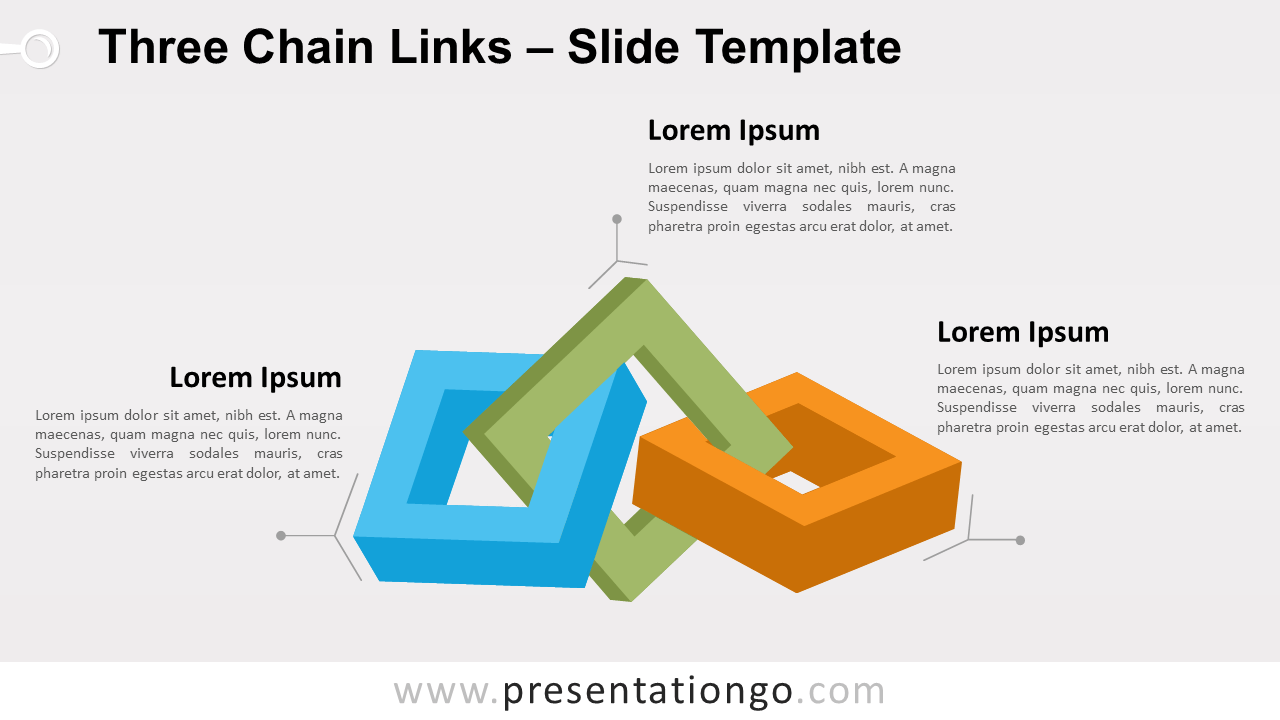
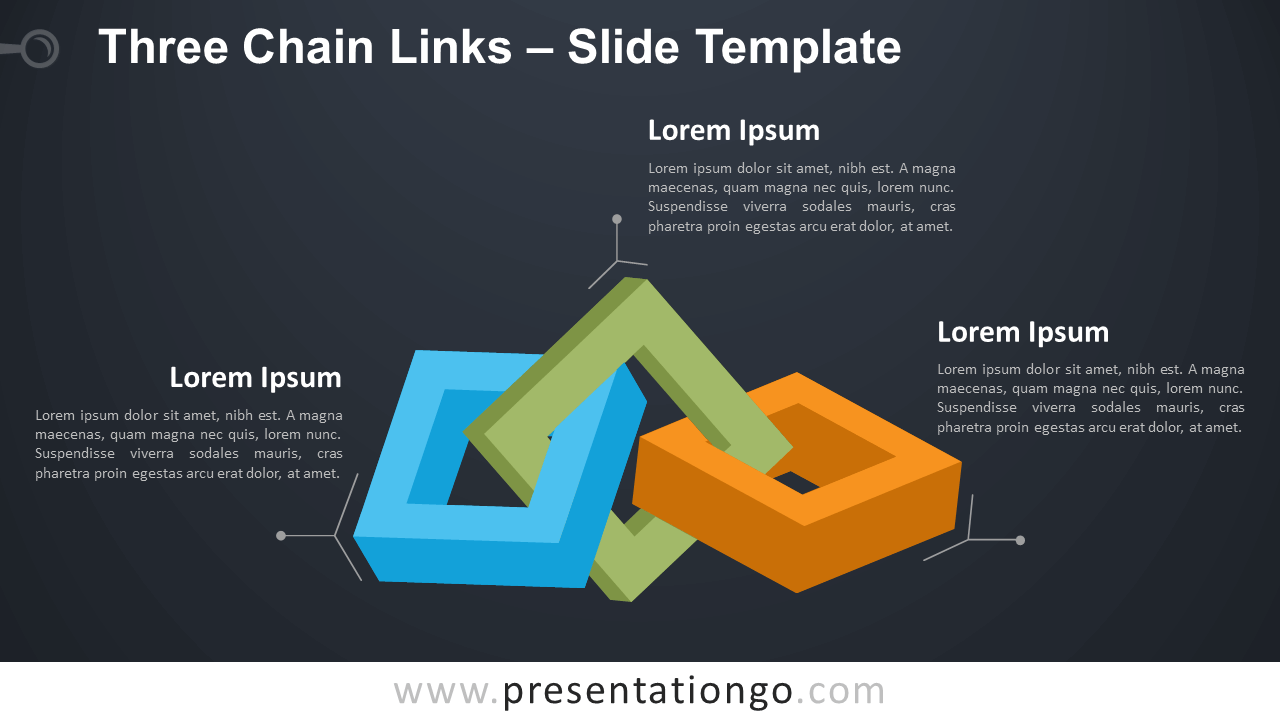


This ‘Three Chain Links for PowerPoint and Google Slides’ features:
- 2 unique slides
- Light and Dark layout
- Ready to use template with text placeholders
- Completely editable shapes
- Uses a selection of editable PowerPoint icons
- Standard (4:3) and Widescreen (16:9) aspect ratios
- PPTX file and for Google Slides
Free fonts used:
- Helvetica (System Font)
- Calibri (System Font)