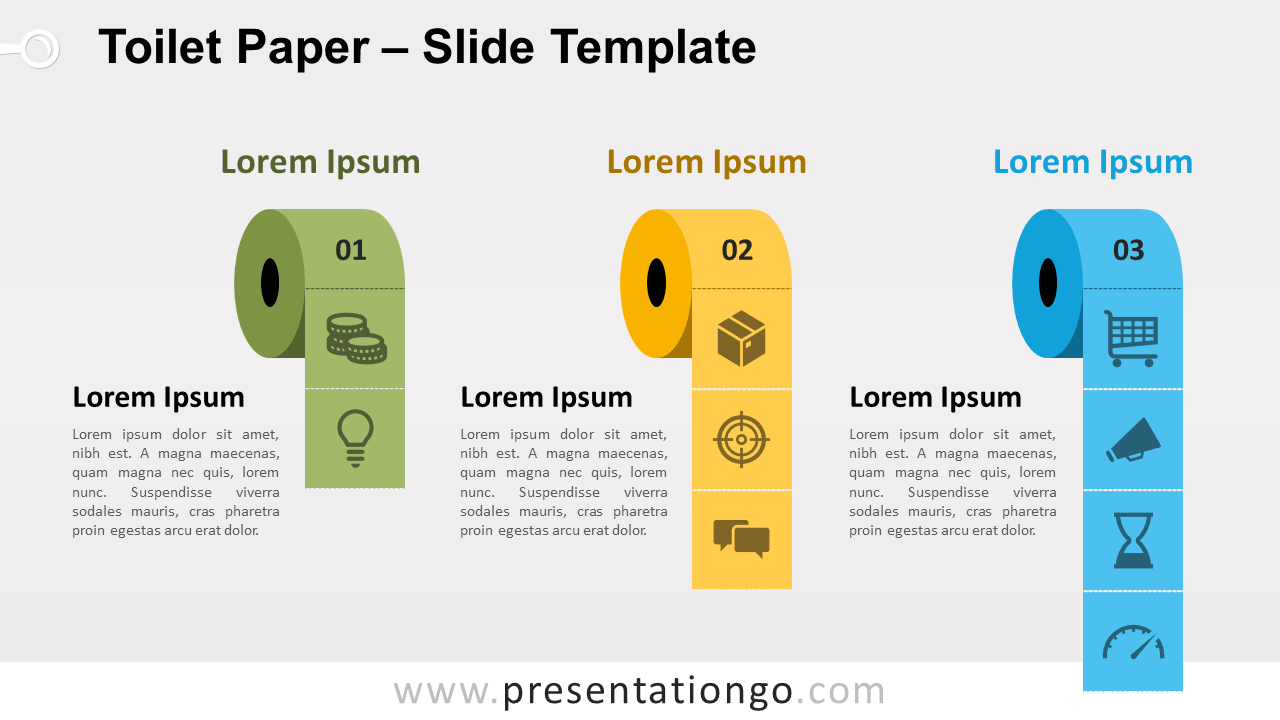
Free toilet paper for PowerPoint and Google Slides. Illustration of three toilet paper rolls with different paper lengths. Editable graphics with text placeholders.
Toilet paper infographics
You may be thinking: “Why did these guys think presenters could use toilet paper graphics in their presentation?”. First, we thought that was a fun and creative idea. Also, this is an item that popped-up as a topic of interest lately. For unfortunate reasons.
The current coronavirus pandemic has led to toilet paper shortage all around the world. But you can find some rolls at PresentationGO… for free!
For example, you can also use it as a metaphor about hygiene, quarantine…
But we won’t give you too many tips this time on how to use this template. We designed it for fun. We hope you will find it useful though. Don’t hesitate to share with us (in the comment section) how you used it in your presentation!
Shapes are 100% editable: colors and sizes can be easily changed.
Includes 2 slide option designs: Standard (4:3) and Widescreen (16:9).
Widescreen (16:9) size preview:


This ‘Toilet Paper for PowerPoint and Google Slides’ features:
- 2 unique slides
- Light and Dark layout
- Ready to use template with icons and text placeholders
- Completely editable shapes
- Uses a selection of editable PowerPoint icons
- Standard (4:3) and Widescreen (16:9) aspect ratios
- PPTX file and for Google Slides
Free fonts used:
- Helvetica (System Font)
- Calibri (System Font)