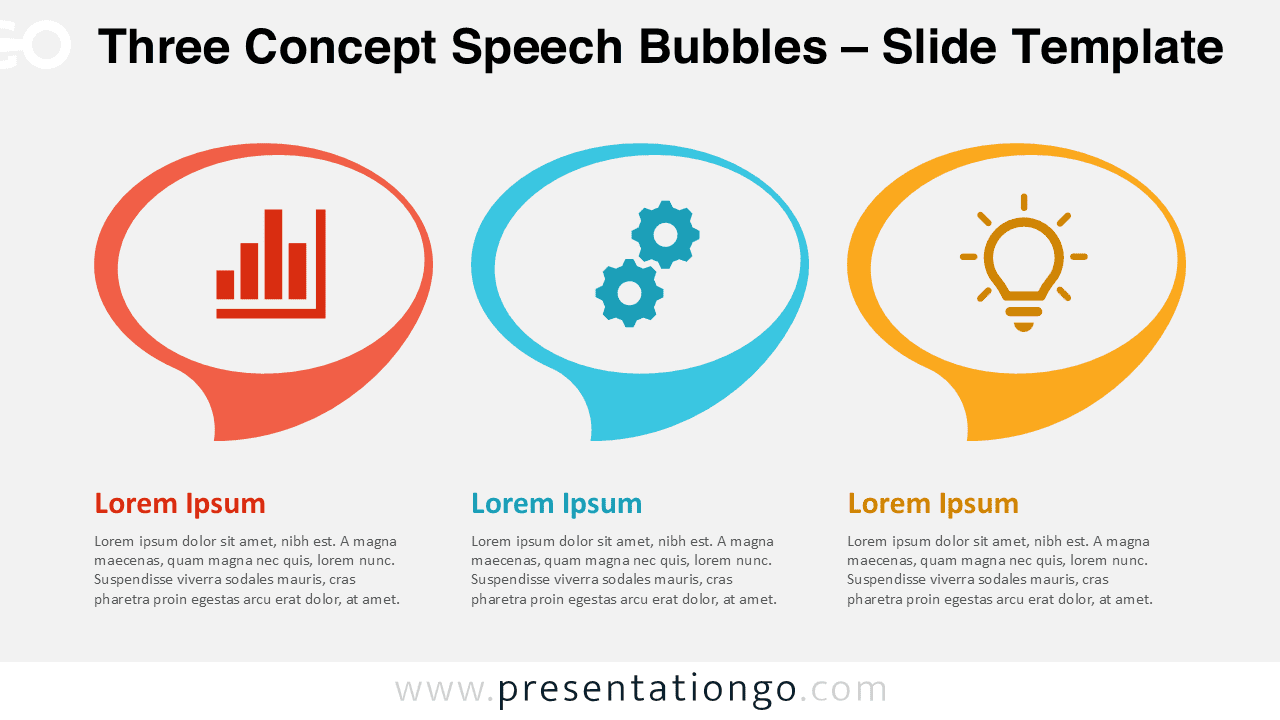
The Three Concept Speech Bubbles diagram is designed to help presenters communicate ideas in a clear and visually engaging way. This diagram uses three speech bubble shapes to represent parallel concepts, messages, or insights within a single slide.
Speech bubbles create a conversational and approachable visual metaphor. They work especially well when you need to explain ideas, highlight key points, or compare concepts without overwhelming your audience.
Diagram Preview
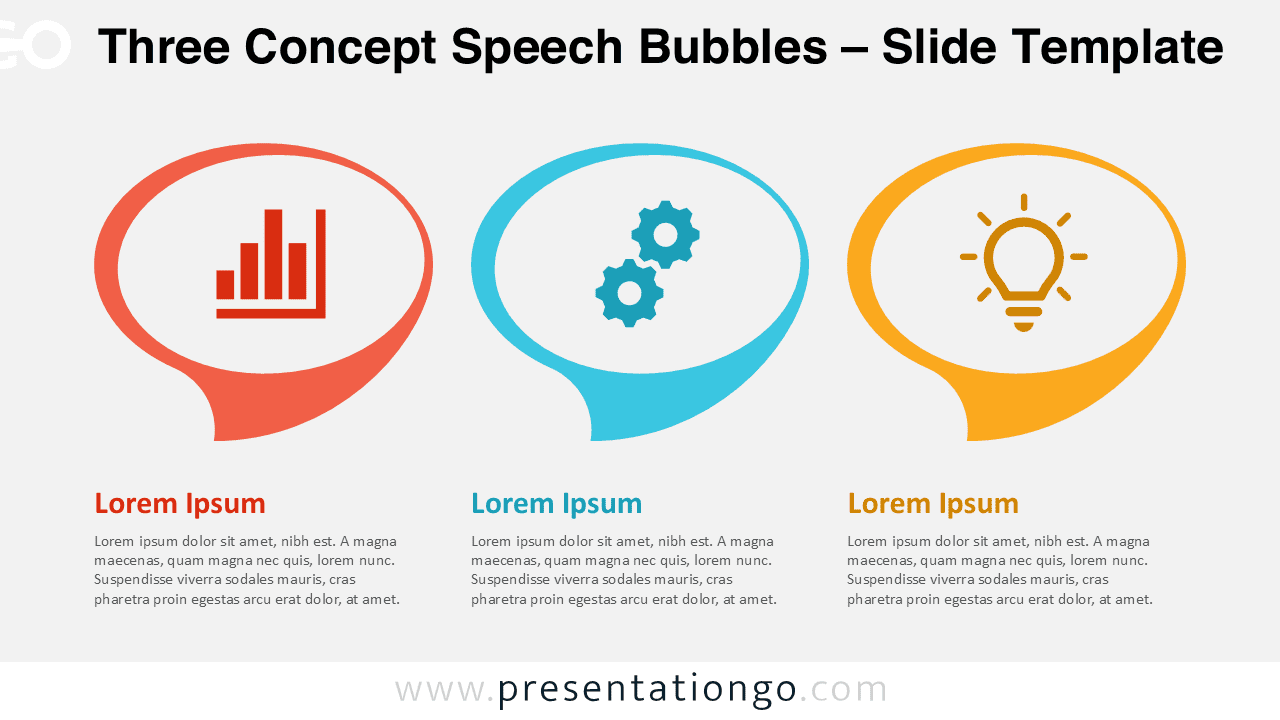
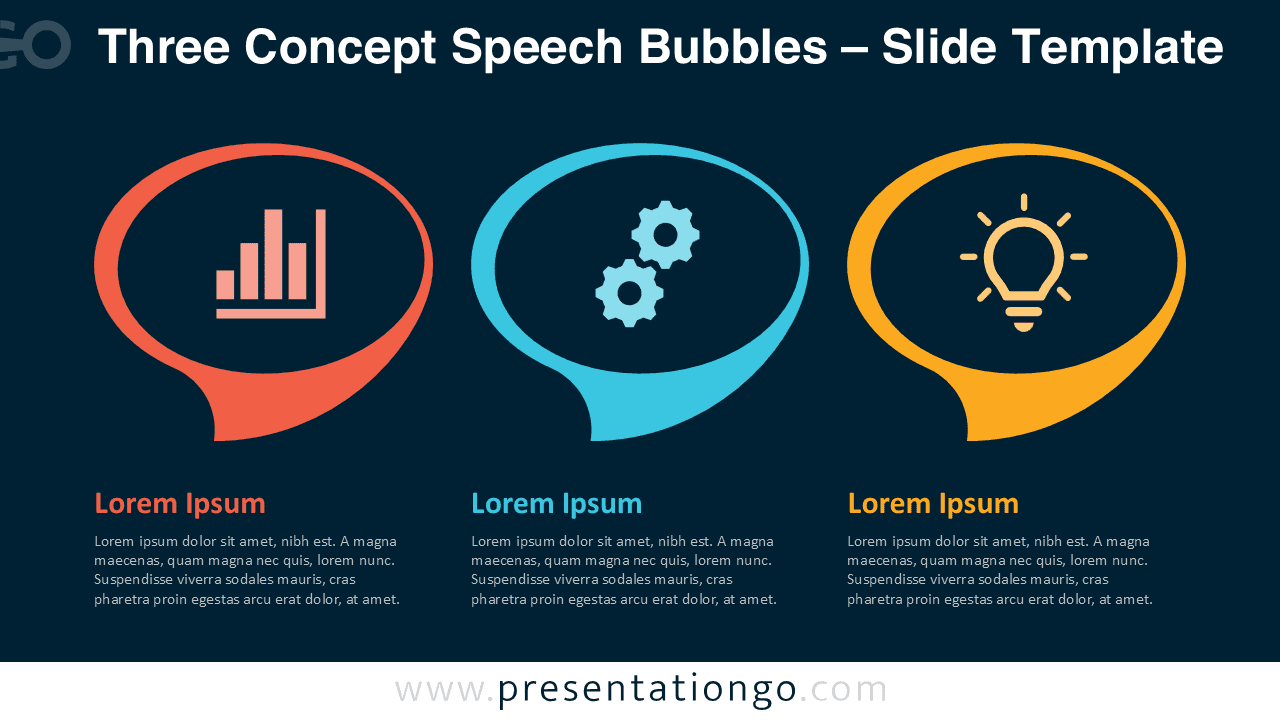


Diagram Features and Customization Options
- Three distinct speech bubble shapes for clear concept separation
- Includes editable icon placeholders for visual reinforcement
- Fully customizable colors, shapes, and text
- Available in light and dark background versions
- Compatible with PowerPoint and Google Slides
Design and Structure
The diagram is structured as a horizontal layout with three evenly spaced speech bubbles. Each bubble contains an icon area, a title, and a short text description.
This structure ensures balanced visual weight and easy scanning during presentations.
The use of flat design and strong contrast makes the diagram suitable for professional environments. It adapts well to both corporate presentations and educational content.
Practical Applications
- Presenting three business pillars or strategic priorities
- Explaining performance, process, and innovation concepts
- Highlighting key product features or service benefits
- Supporting training, workshops, or consulting sessions
- Summarizing insights in executive presentations
Summary
The Three Concept Speech Bubbles diagram offers a simple yet effective way to communicate ideas visually. Its clear structure, editable icons, and adaptable design make it a versatile asset for PowerPoint and Google Slides users.
Whether used for strategy, storytelling, or explanation, this diagram helps keep messages focused and engaging.