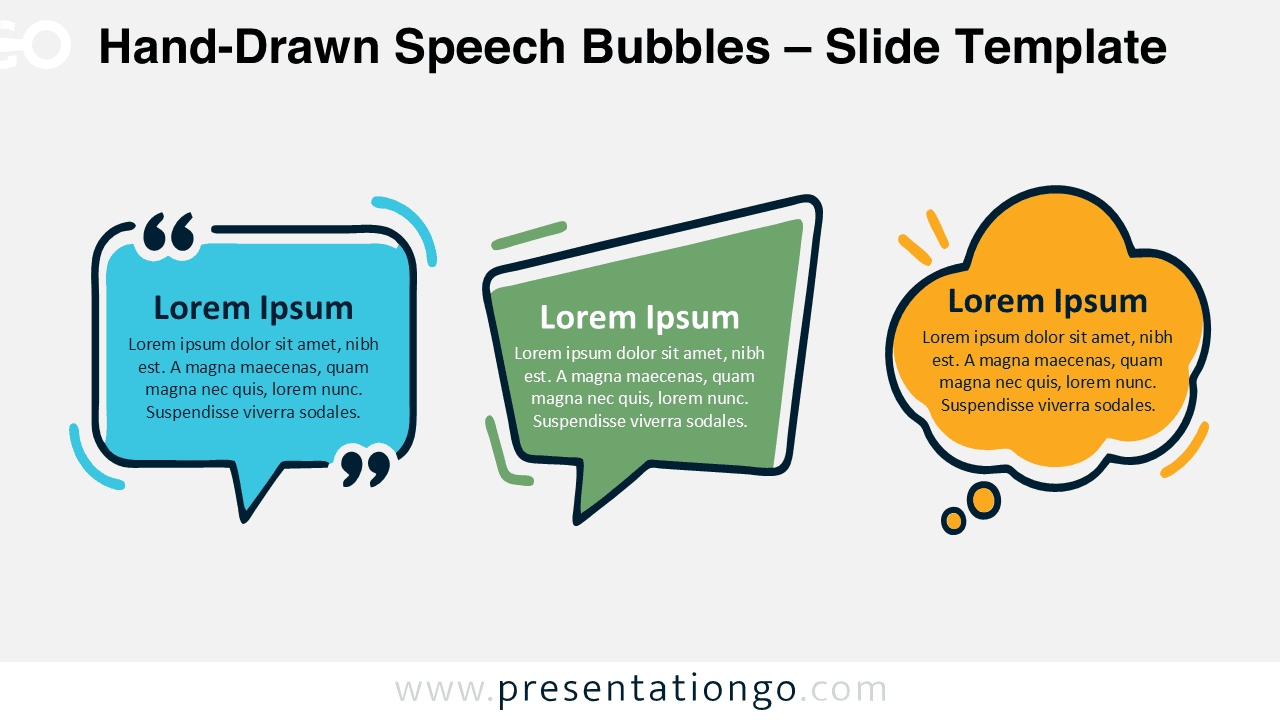
Hand-Drawn Speech Bubbles offer a lively way to display quotes, thoughts, conversations, and short messages. The diagram includes three distinctive bubble styles for PowerPoint and Google Slides. Each shape supports a different communication purpose while keeping the overall design visually connected. Use the set to make dialogue, feedback, testimonials, or ideas easier to identify at a glance.
Diagram Preview


The layout places three communication shapes side by side for quick comparison and flexible storytelling. One bubble highlights quotations, another suggests direct conversation, and the thought bubble works naturally for ideas or reflections. Their hand-drawn outlines give the composition an informal character without reducing readability. The arrangement also leaves enough room for short headings and supporting text.
Features and Customization Options
- Compatible with Microsoft PowerPoint and Google Slides
- Three editable speech bubble designs
- Editable text, shapes, colors, and sizes
- 100% editable vector shapes — no quality loss when resized
- Includes both light and dark background versions
Design and Structure
The three shapes create a simple visual sequence without forcing a specific reading order. The quotation bubble suits testimonials, cited statements, or customer comments. The central speech bubble works well for dialogue, explanations, and direct messages. The thought bubble provides a natural space for ideas, observations, or internal reflections.
Decorative strokes and uneven outlines reinforce the hand-drawn character throughout the diagram. Each bubble remains visually independent, so you can use all three or remove unnecessary elements. You can also resize the shapes, edit the text, and rearrange the composition to suit your slide.
Practical Applications
- Highlight customer testimonials and audience feedback
- Present quotations or memorable statements
- Visualize conversations between people or teams
- Display ideas during brainstorming sessions
- Compare different opinions or viewpoints
- Summarize workshop discussions and comments
- Show thoughts, reflections, or internal observations
- Emphasize key messages in educational presentations
Summary
Hand-Drawn Speech Bubbles combine three familiar communication symbols in one flexible presentation graphic. The design works equally well for quotes, dialogue, feedback, and ideas. Its editable construction makes it easy to adapt the shapes to different subjects and presentation styles. PowerPoint and Google Slides users can quickly adjust the text, sizing, and arrangement for their own content.
Use the complete trio when you need several communication types on one slide. You can also isolate a single bubble for a focused message. The hand-drawn treatment adds personality while keeping the information clear, structured, and easy to understand.