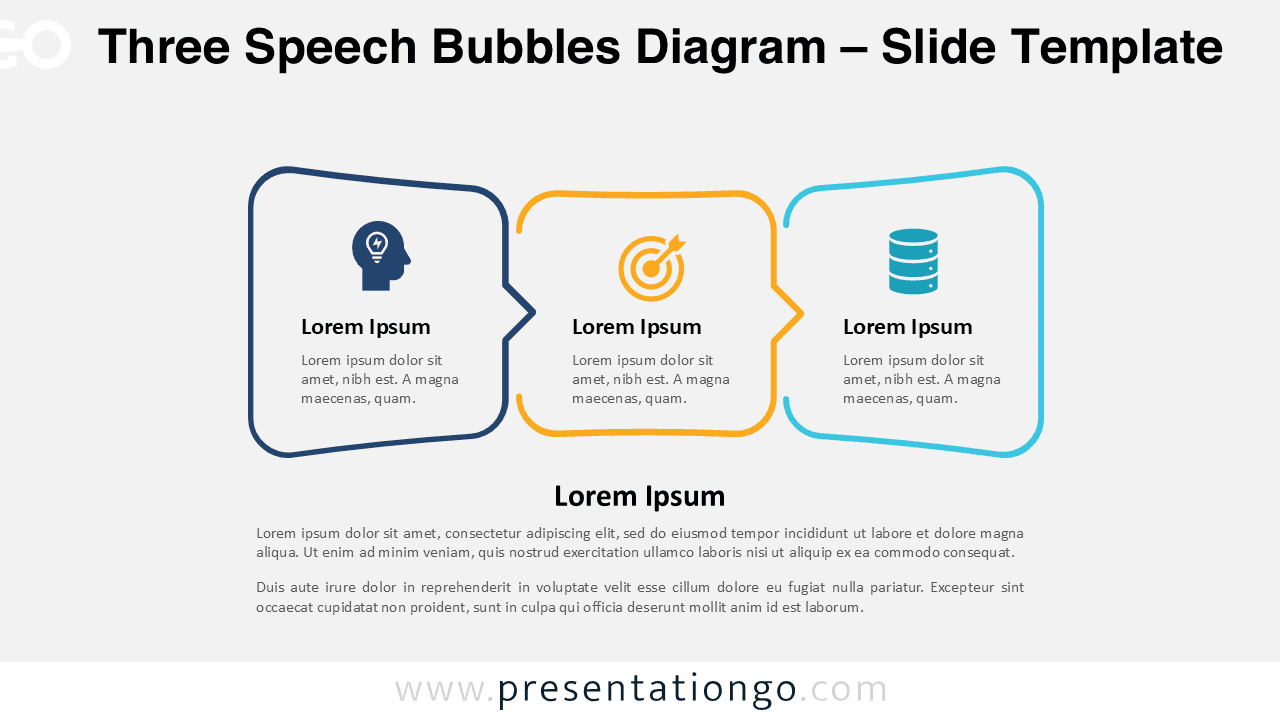
The Three Speech Bubbles Diagram presents three conversation-style elements designed to showcase dialogue, comparison, or sequential processes in PowerPoint and Google Slides presentations.
A Visual Format for Ideas, Opinions, or Arguments
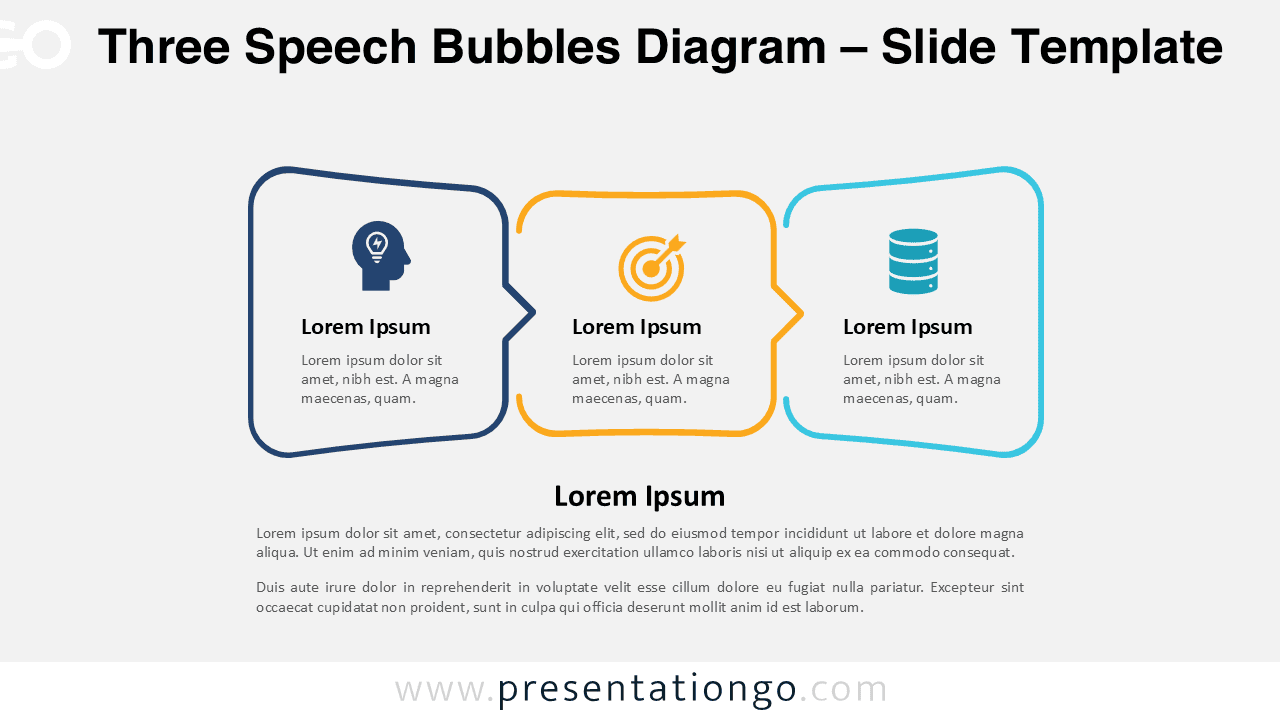
This template features three horizontally positioned speech bubble shapes. Each bubble contains a dedicated icon space at the top. Bold title placeholders and descriptive text appear below each icon. The center bubble receives subtle highlighting through distinctive border treatment. This establishes visual hierarchy and draws attention to the primary message. The outer bubbles maintain consistent formatting that mirrors each other perfectly. A comprehensive text block at the bottom provides space for conclusions and context.
Speech bubble graphics serve as powerful visual metaphors in presentations. They immediately convey interaction and dialogue to audiences. This specific diagram transforms abstract concepts into relatable conversation formats. Presenters can effectively utilize this template for multiple purposes.
Common applications include showcasing three customer perspectives during market research presentations. The format also works well for comparing stakeholder viewpoints in strategic planning sessions. Additionally, presenters can outline problem-analysis-solution sequences in project proposals. The template proves particularly valuable for presenting feedback discussions and team brainstorming results.
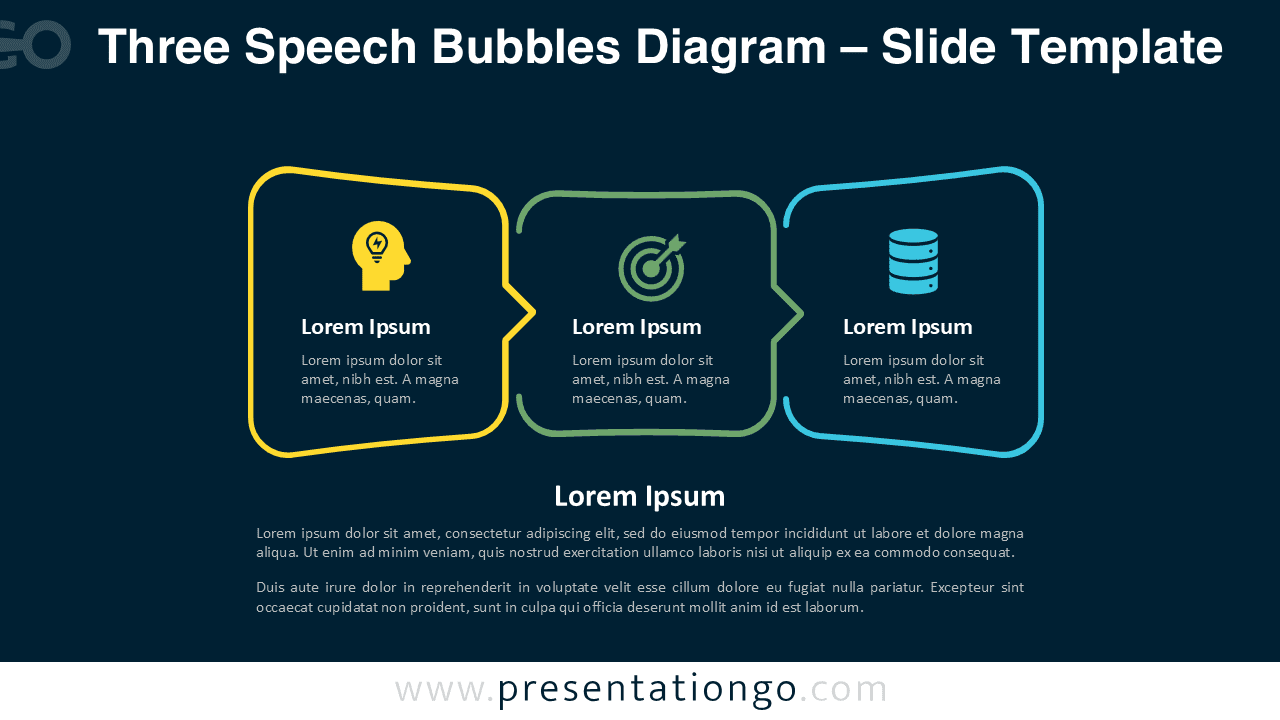
This template includes two unique slides, each pre-filled with text placeholders, numbers, and icons. Every element is fully customizable to fit your color scheme and content preferences. Available in both standard (4:3) and widescreen (16:9) formats, the diagram also includes light and dark background versions. It is compatible with both PowerPoint and Google Slides, ensuring flexibility for any presenter.
Download this versatile three-part communication template to transform your dialogue-based presentations into engaging visual conversations.
Widescreen (16:9) size preview:


This template offers:
- 2 unique slides
- Options for both light and dark themes
- Pre-populated with icons and text placeholders
- Fully customizable shapes for complete control
- Available in both Standard (4:3) and Widescreen (16:9) ratios
- Offered in both PowerPoint PPTX and Google Slides formats