
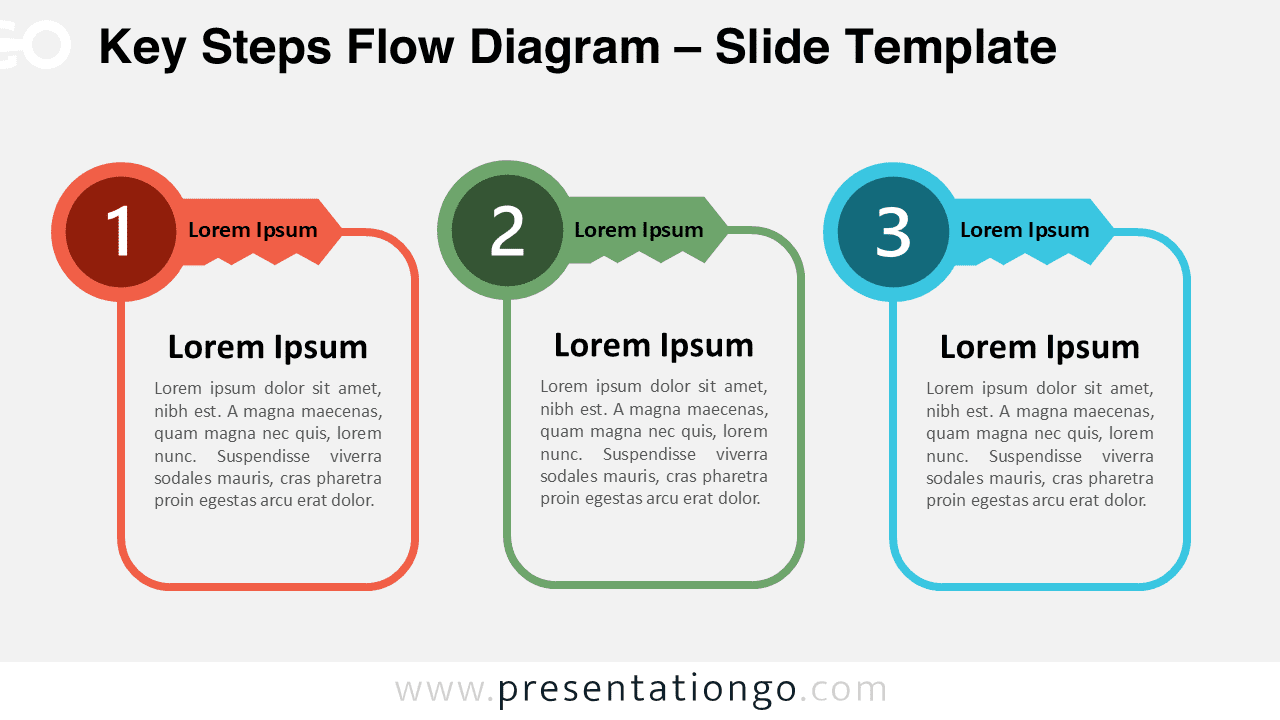
The Key Steps Flow Diagram offers a clean and modern way to present sequential ideas in PowerPoint and Google Slides.
This editable infographic uses connected key-shaped headers to symbolize access, solutions, milestones, and strategic progression. The layout combines rounded containers, flowing connectors, and structured spacing to create a highly readable visual flow for professional presentations.
Diagram Preview
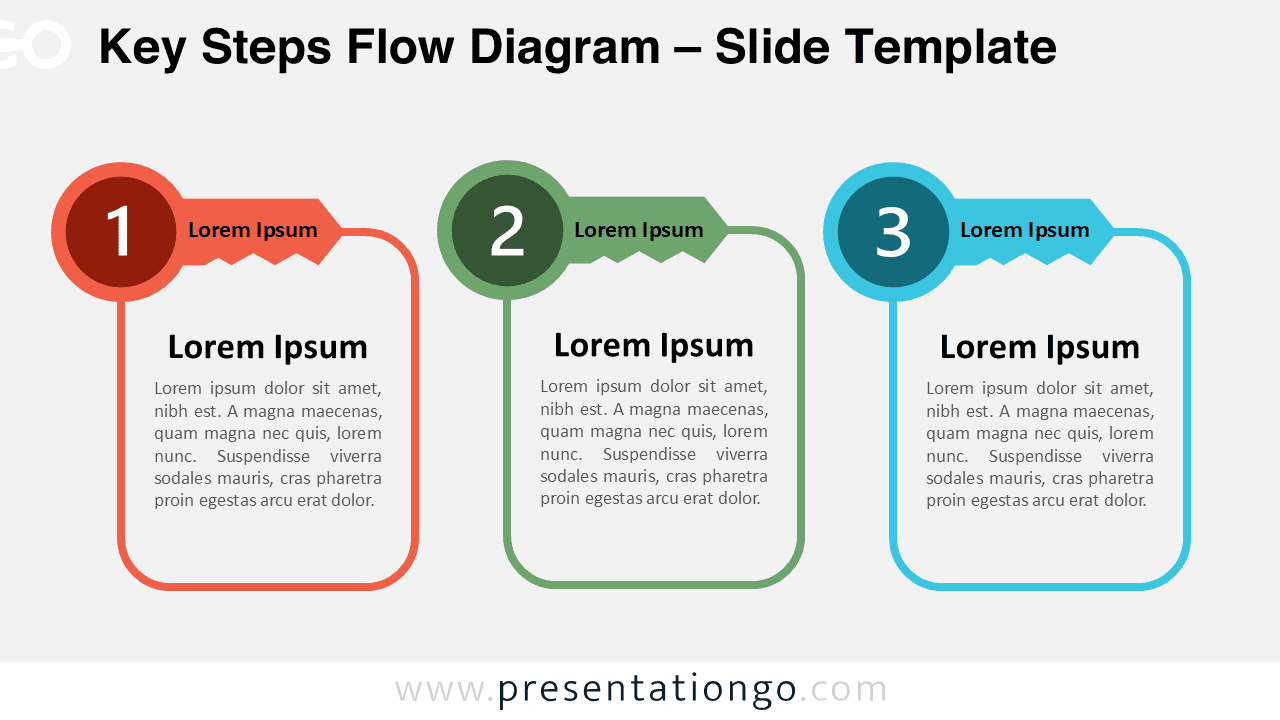
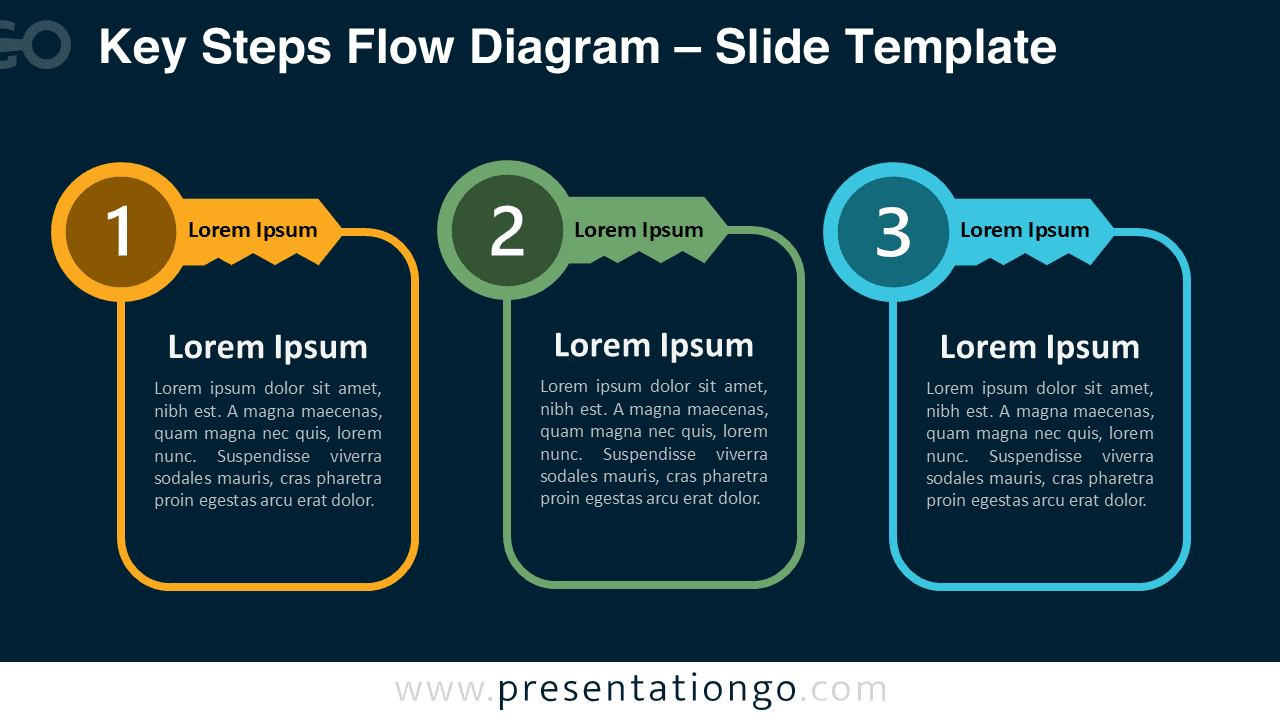


Diagram Features and Customization Options
- Fully editable shapes and text placeholders
- Includes light and dark slide versions
- 3-step connected workflow layout
- Modern flat design with rounded elements
- Customizable typography and layouts
- Compatible with PowerPoint and Google Slides
- Numbers use Office library icons that are easy to modify and replace
Design and Structure
The diagram features three vertically extended panels connected through key-shaped headers. Each section highlights a numbered step with dedicated space for titles and supporting descriptions, helping audiences follow the sequence naturally.
The continuous connector lines reinforce progression between stages while maintaining a clean and organized composition. The key metaphor adds conceptual meaning by representing unlocking ideas, accessing opportunities, or identifying critical success factors in a process.
The balanced structure and minimalist styling make this diagram suitable for both corporate and educational presentations. Its adaptable design allows users to customize content quickly while preserving visual consistency.
Practical Applications
- Business strategy presentations
- Project milestone explanations
- Workflow visualization
- Customer journey presentations
- Strategic planning sessions
- Educational process explanations
- Training and onboarding materials
Summary
The Key Steps Flow Diagram provides a professional and visually engaging solution for presenting structured workflows and strategic concepts. Its editable design, connected key metaphor, and dual background versions make it suitable for a wide range of business, educational, and creative presentations.



