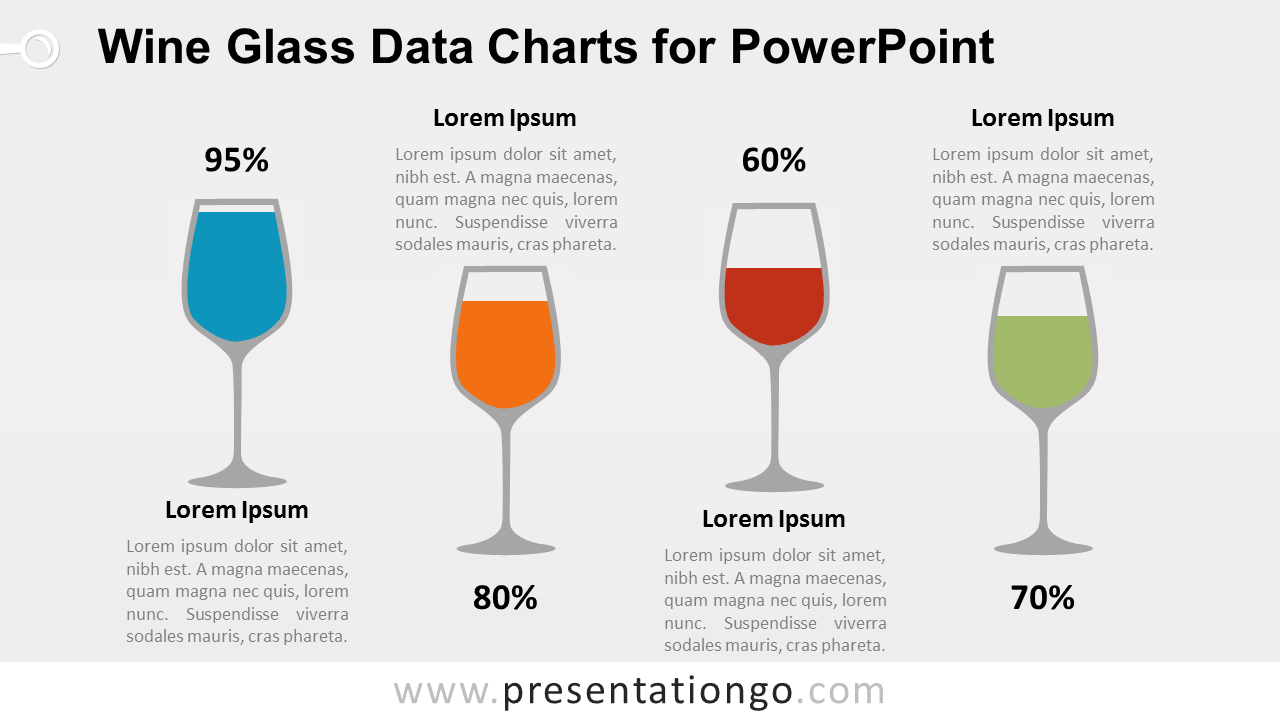
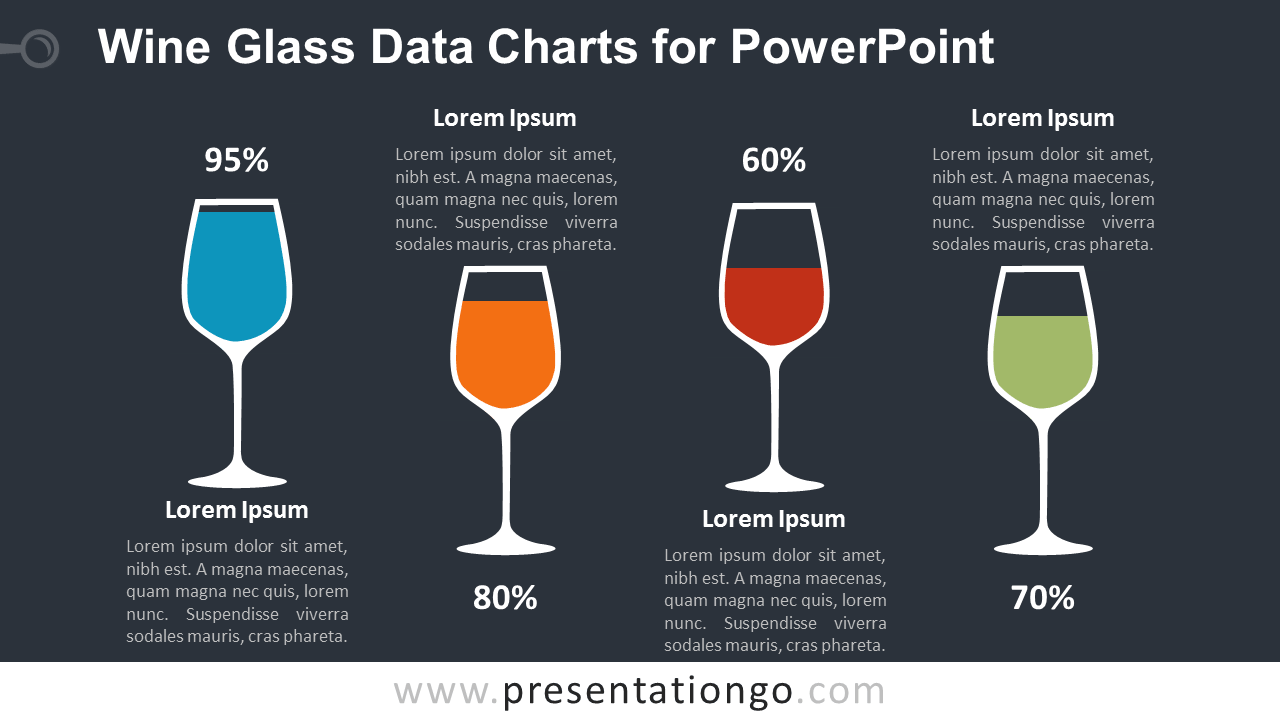
The Wine Glass Charts for PowerPoint present four percentage values through wine glass-shaped data-driven charts. Each glass combines a visual fill level, percentage label, heading, and supporting text. The layout works well for comparing performance, survey results, KPIs, completion rates, category values, or other quantitative data in a more visual format.
Diagram Preview


Features and Customization Options
- Includes 16:9 and 4:3 versions for Microsoft PowerPoint
- Includes 2 editable slides with matching layouts
- 4 wine glass data-driven charts, fully editable
- Edit chart data series and formatting directly in PowerPoint
- Editable percentage labels, text, shapes, and sizes
- 100% editable vector graphics — no quality loss when resized
- Includes both light and dark background versions
Design and Structure
The Wine Glass Charts use four separate wine glass graphics arranged across the slide. Each glass represents one quantitative value through a visible fill level and percentage label. Supporting headings and text areas give you space to explain each figure without overcrowding the layout.
The charts are data-driven, so you can change the underlying values directly in PowerPoint and update the visual fill levels accordingly. You can also edit the percentage labels, headings, descriptions, shapes, and chart formatting. The template includes both 16:9 and 4:3 presentation sizes for different PowerPoint formats.
Practical Applications
- Compare four KPI or performance values
- Present survey or polling percentages
- Show completion rates or progress levels
- Compare product or service performance
- Visualize category-based quantitative results
- Summarize business or marketing metrics
Summary
The Wine Glass Charts provide an editable, data-driven PowerPoint solution for presenting four percentage values in a distinctive visual format. Their wine glass graphics, percentage labels, supporting text areas, and customizable chart data suit business, marketing, reporting, and comparison presentations.