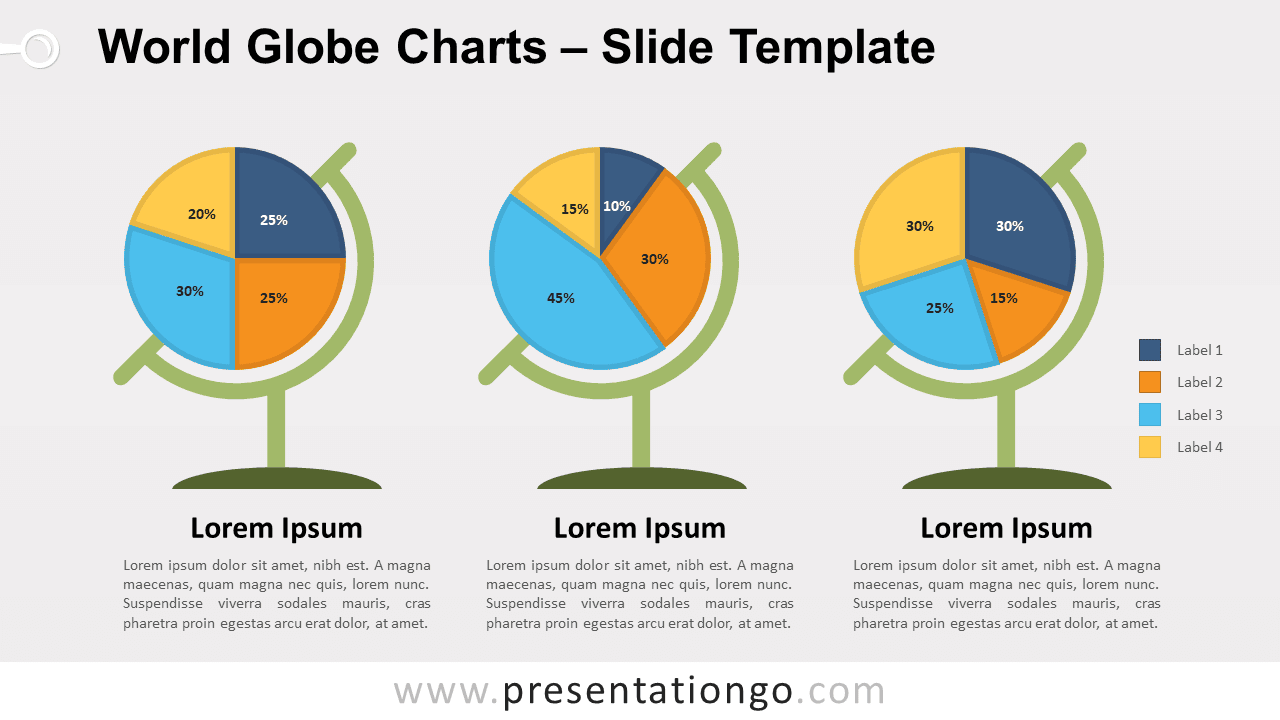
Free world globe charts for PowerPoint and Google Slides. World globe stands to showcase your pie charts. Editable graphics with data-driven charts and text placeholders.
World Globe Charts
This is another amazing way to present your pie charts for your attendance. Instead of displaying the mere pie charts, you can now showcase and highlight them with these nice world globe stands.
Use these world globe charts in your presentation to compare quantitative results.
Shapes are 100% editable: colors and sizes can be easily changed.
Usage instructions – the PowerPoint (PPTX) version:
The template includes built-in data driven PowerPoint pie charts, you can easily change data series and format (e.g., colors). Just right-click the chart to edit the data series (Edit Data).
Includes 2 slide option designs: Standard (4:3) and Widescreen (16:9).
Widescreen (16:9) size preview:


This ‘World Globe Charts for PowerPoint and Google Slides’ features:
- 2 unique slides
- Light and Dark layout
- Ready to use template with text placeholders
- Completely editable shapes
- Data-driven (pie) charts
- Standard (4:3) and Widescreen (16:9) aspect ratios
- PPTX file and Google Slides
Free fonts used:
- Helvetica (System Font)
- Calibri (System Font)