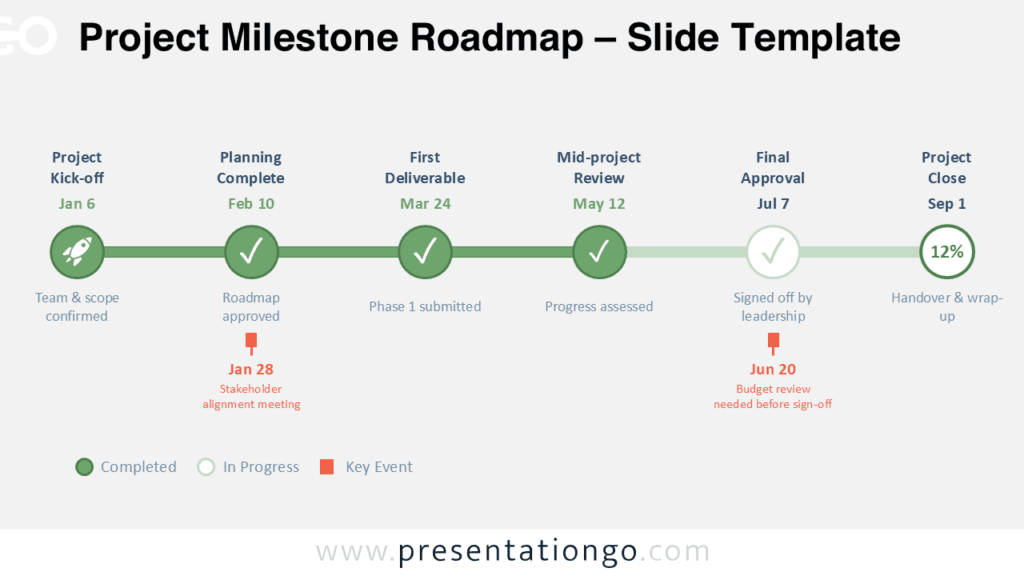
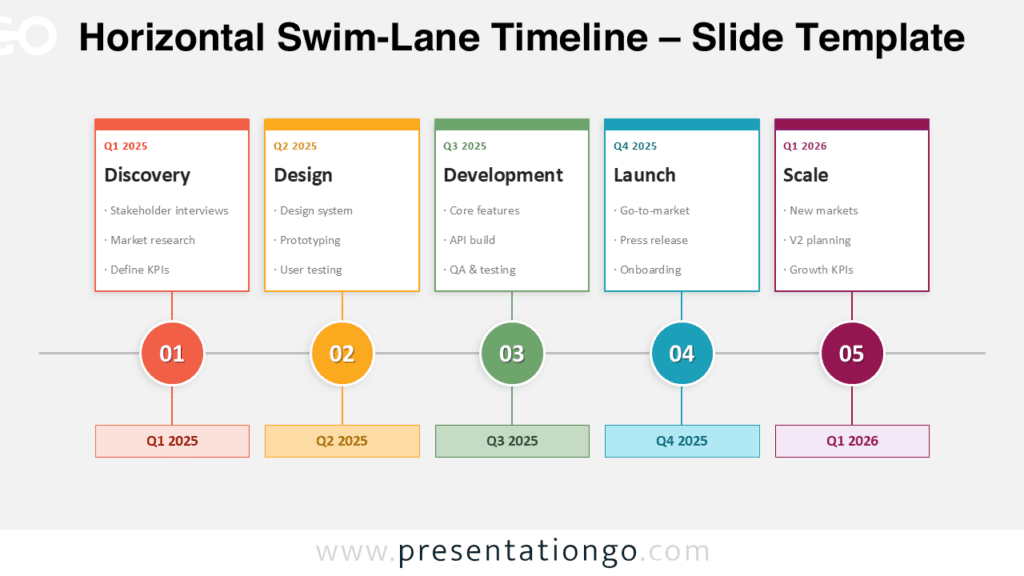
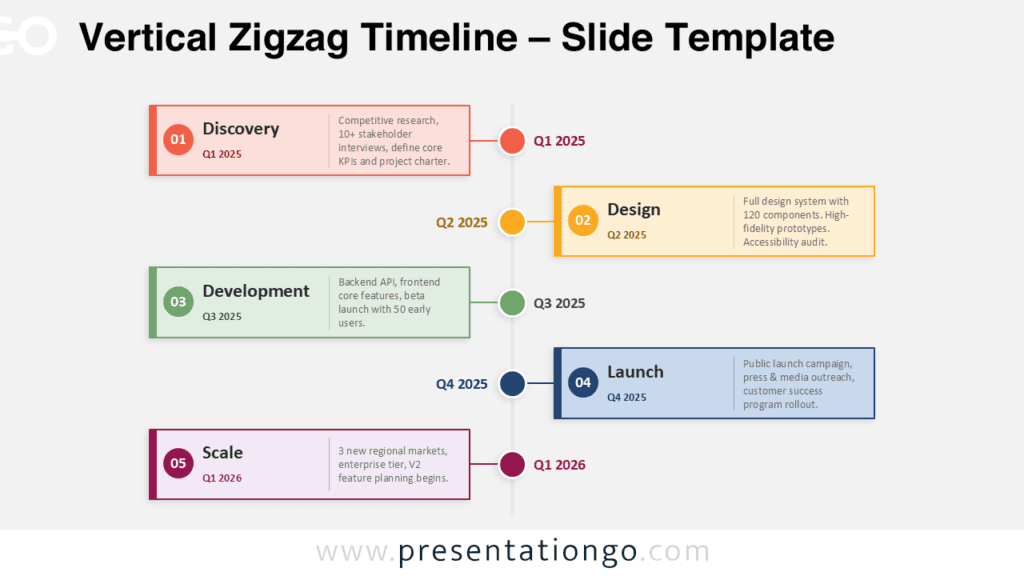
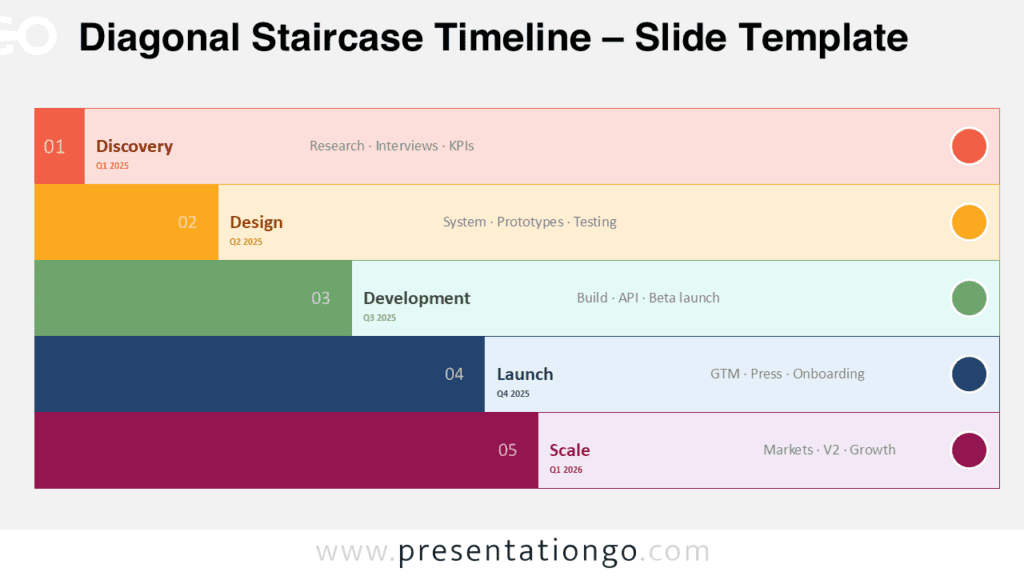
The Timeline Roadmap presents a horizontal sequence of six chronological milestones designed for PowerPoint and Google Slides presentations.
Present Strategic Progression with Clear Yearly Milestones
This linear diagram features a timeline that clearly maps six connected milestones. Rounded shapes contain each year, and a thin horizontal line links them to emphasize flow and continuity. Each milestone includes a title and body text positioned alternately above and below the timeline, which maintains symmetry and improves readability. Distinct colors differentiate each phase while reinforcing the sequence visually.
Presenters often rely on timelines when they need to show chronological progression with clarity. This template fulfills that purpose through its balanced design and straightforward layout. Users can walk their audience through a company roadmap, outline a strategic planning process, explain historical developments, or break down product development stages. For example, a startup can chart its five-year growth plan, while a teacher might present key events across decades.
The template includes two slide layouts with ready-to-use placeholders. You can customize all shapes and colors to match your project’s branding or style. You’ll find both light and dark background options, and you can choose between Standard (4:3) and Widescreen (16:9) formats. Since the template works with both PowerPoint and Google Slides, you can edit and share it effortlessly.
Download this six-milestone Timeline Roadmap to streamline your chronological presentation needs.
Widescreen (16:9) size preview:
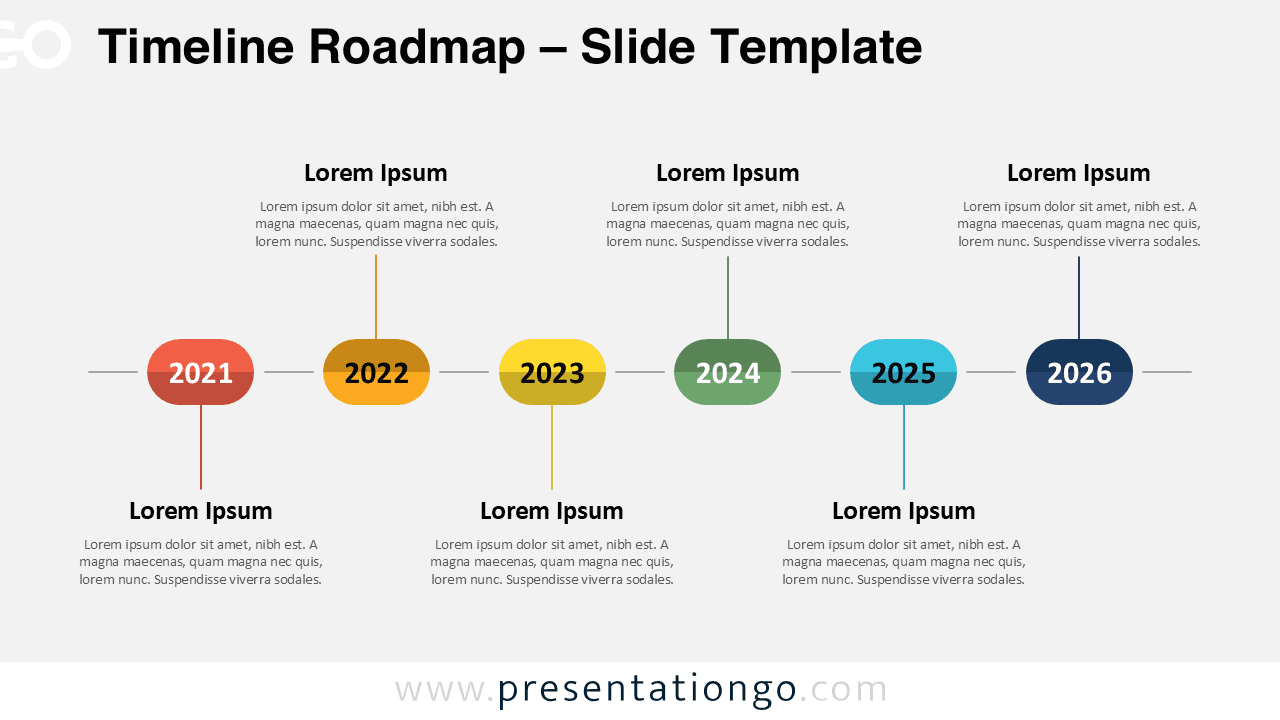
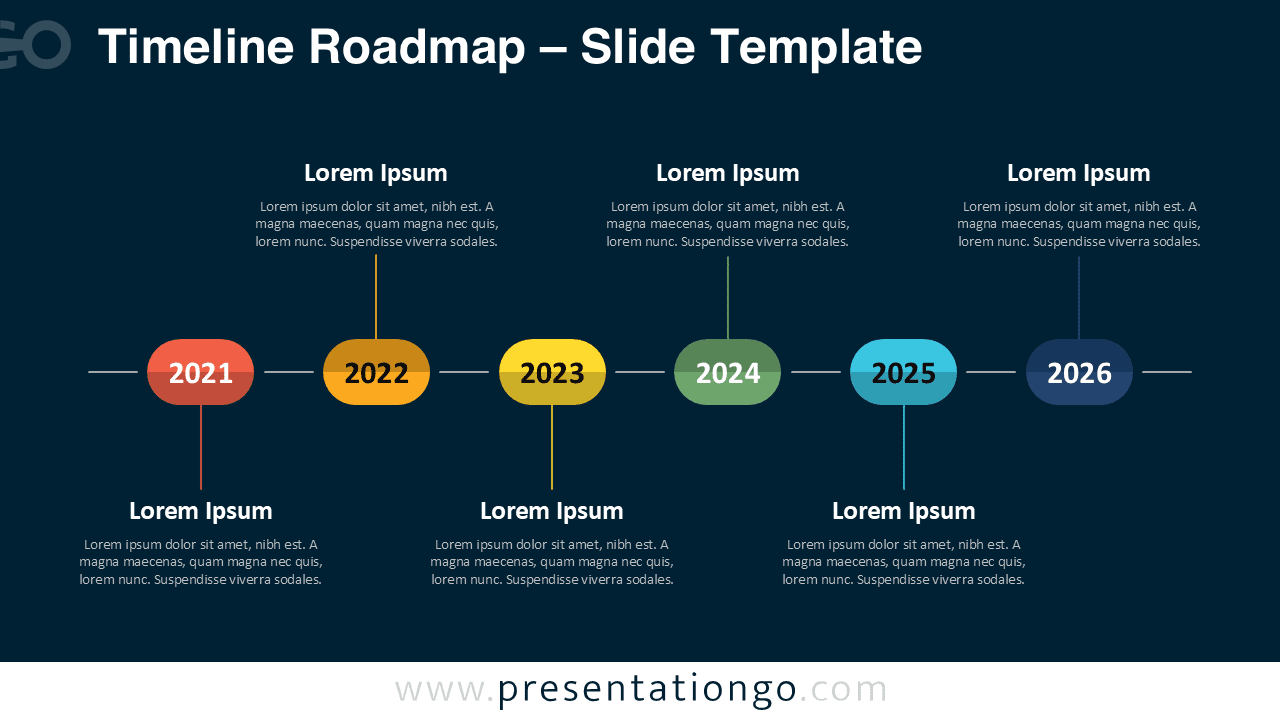
This template offers:
- 2 unique slides
- Options for both light and dark themes
- Pre-populated with dates and text placeholders
- Fully customizable shapes for complete control
- Available in both Standard (4:3) and Widescreen (16:9) ratios
- Offered in both PowerPoint PPTX and Google Slides formats