
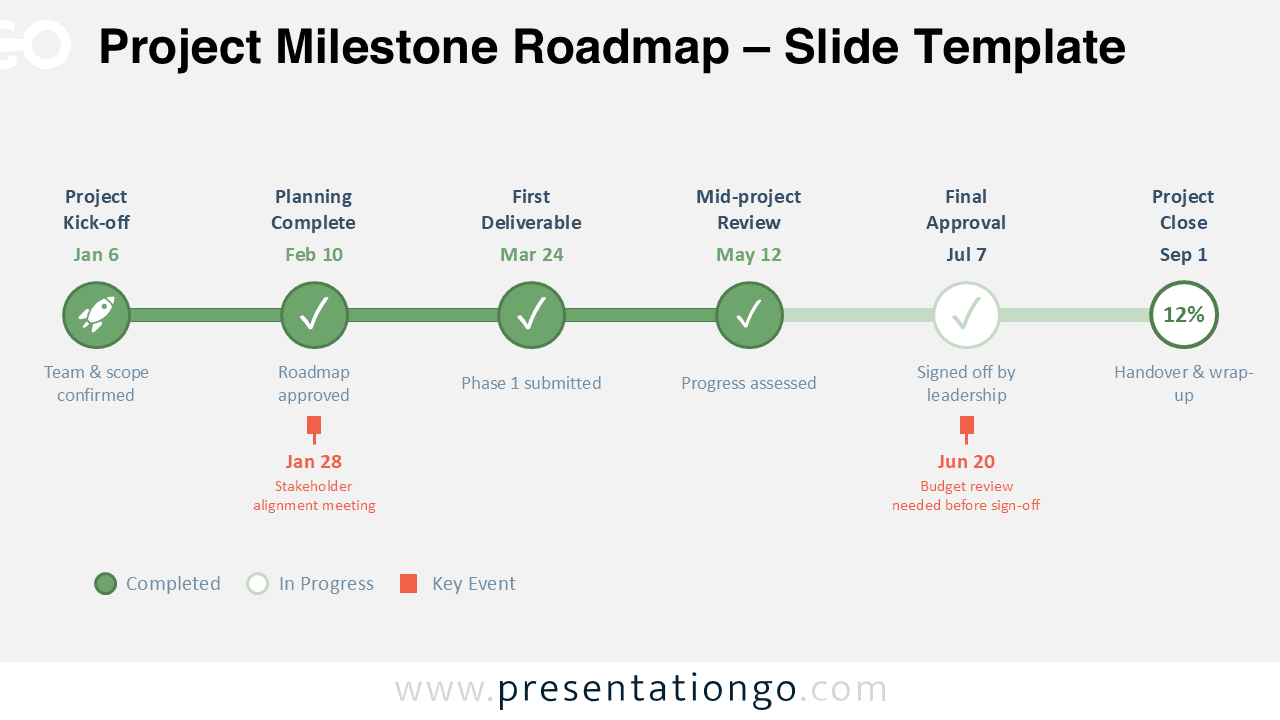
The Project Milestone Roadmap is a clean and practical timeline diagram for PowerPoint and Google Slides. It helps you present major project phases, milestones, review points, and key events in one clear visual.
This design works well for teams that need a simple way to show progress over time. It combines milestone markers, date labels, status indicators, and short descriptions, so your audience can understand the project journey quickly.
Diagram Preview
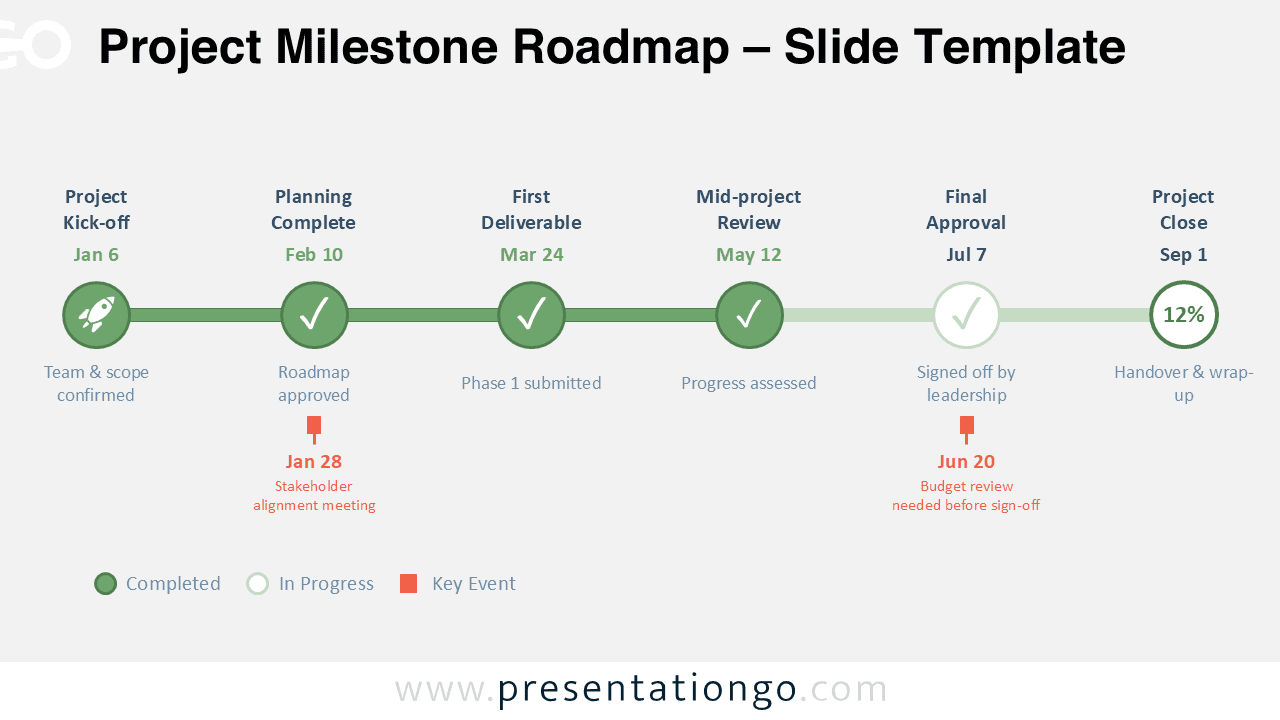
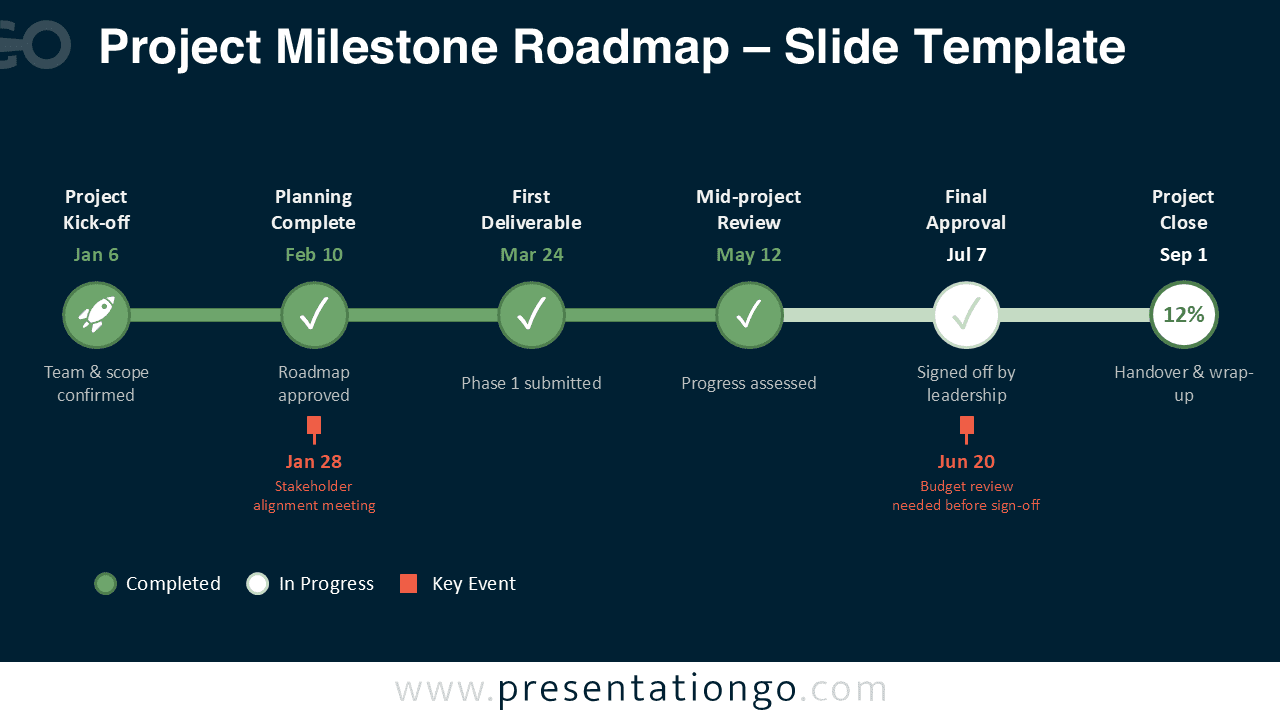


Diagram Features and Customization Options
- Includes 2 slide versions for different presentation themes
- Designed for PowerPoint and Google Slides
- Fully editable shapes, lines, text, dates, and milestone labels
- Uses icons from the Office icon library, making them easy to modify, replace, or remove
- Supports milestone dates, short descriptions, and key event callouts
- Offers a clean horizontal timeline for structured communication
- Helps present completed, in-progress, and upcoming stages clearly
Design and Structure
The diagram uses a horizontal roadmap layout with six milestone nodes placed along a single timeline. Each node includes a title, a date, and a short description. The circular markers make each milestone easy to identify, while the connecting line reinforces the flow from start to finish.
Completed stages, active checkpoints, and key events are clearly separated through status markers and callouts. The Office icons add visual clarity without overloading the slide, and users can adapt them quickly to match their topic or audience.
The overall style feels professional, modern, and easy to scan. Because the design stays minimal, it fits project management decks, internal reports, client presentations, and executive summaries.
Practical Applications
- Track project milestones from kickoff to final delivery
- Present launch schedules and implementation plans
- Show approval stages during stakeholder meetings
- Summarize progress during weekly or monthly updates
- Explain deliverables, review points, and deadlines to clients or leadership
Summary
The Project Milestone Roadmap gives you a clear and professional way to present project progress in PowerPoint and Google Slides. Its editable layout, Office icons, and dual presentation versions make it useful for many business communication needs.



