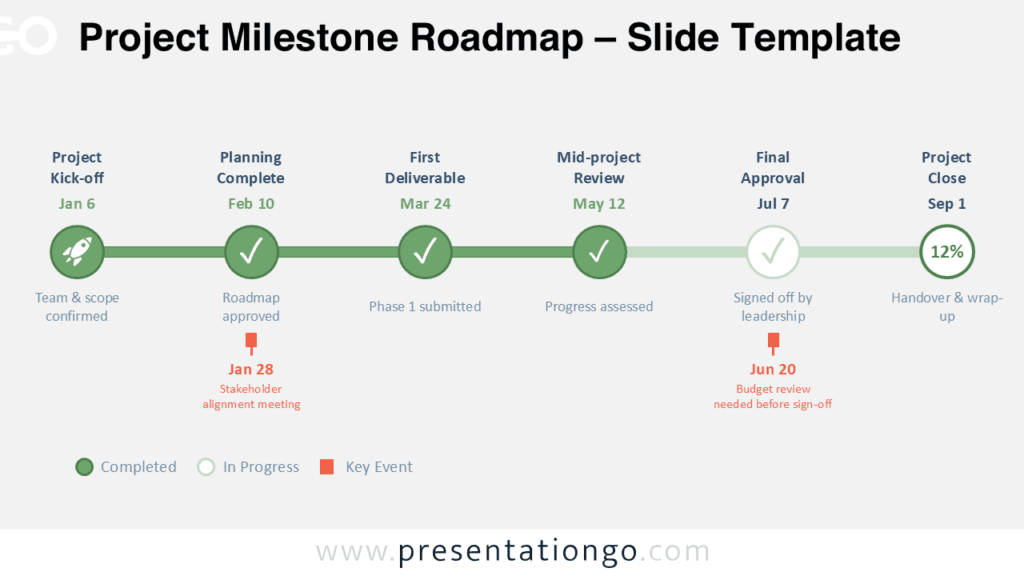
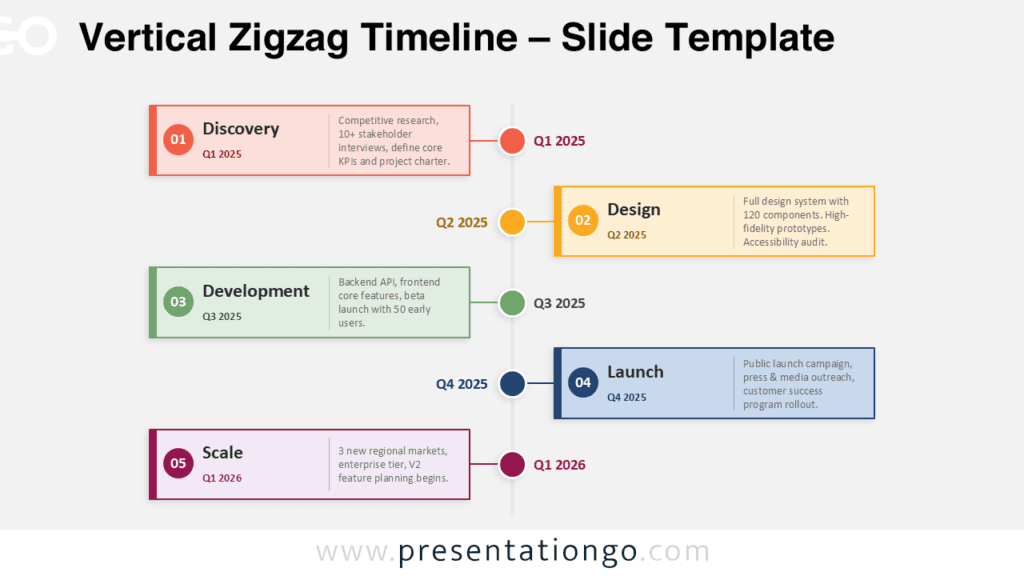
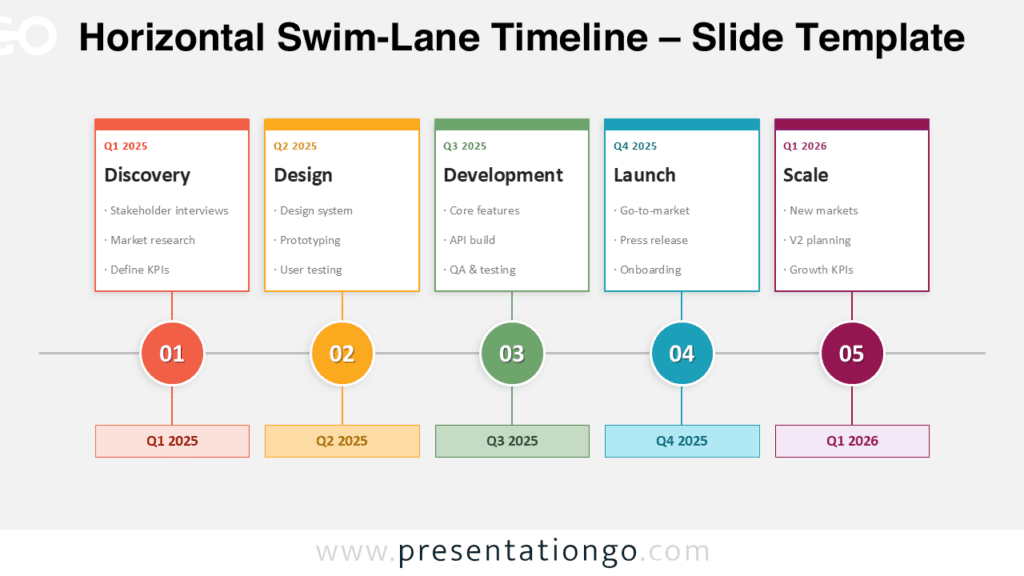
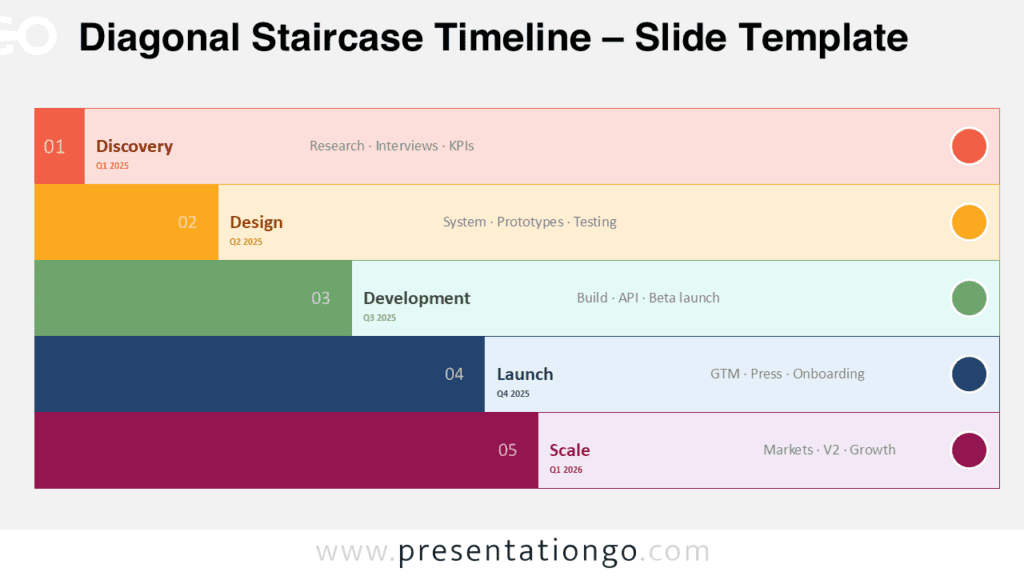
The Ascending Path Timeline is a five-step diagram designed for PowerPoint and Google Slides to display chronological progression.
Progressive Milestone Display with 3D Pathway Design
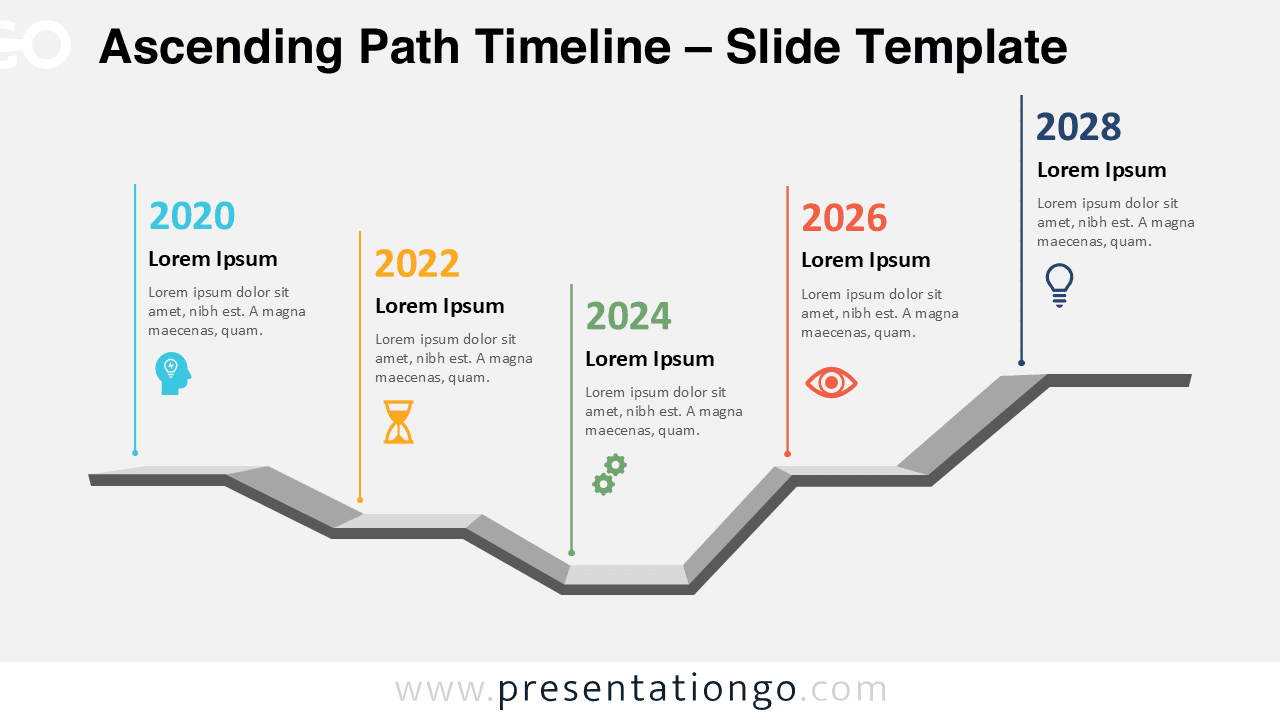
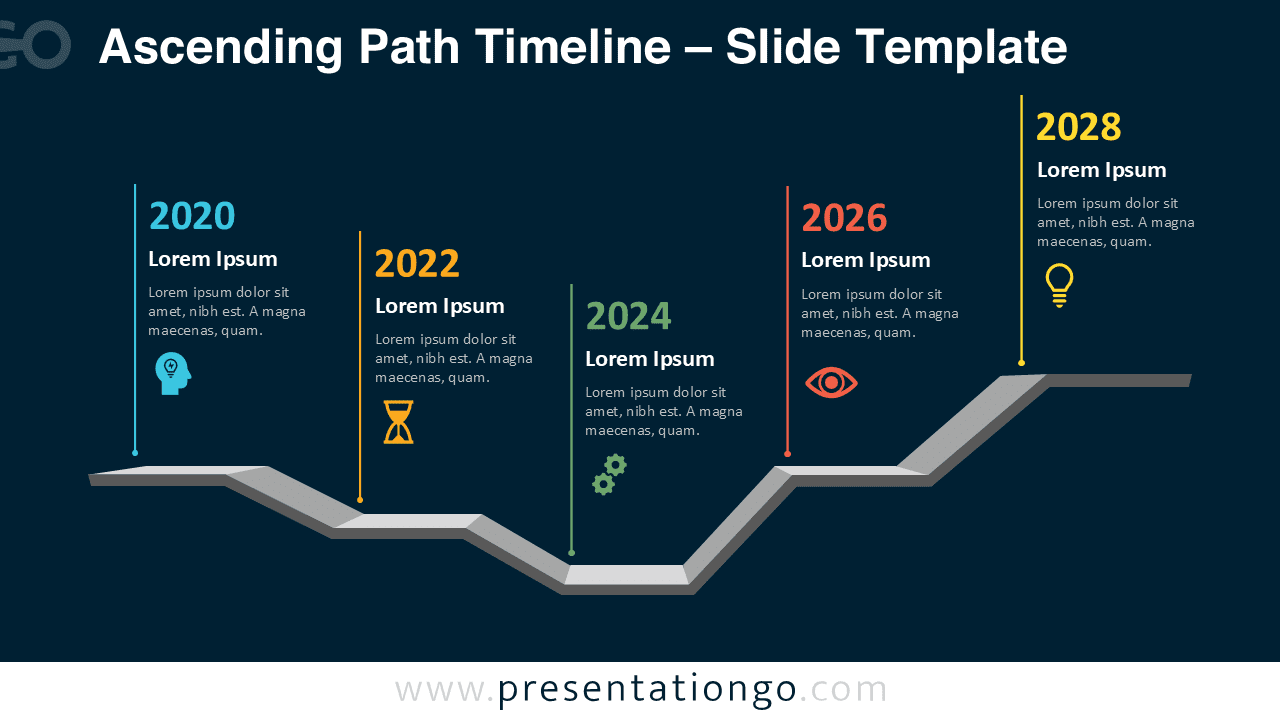
This diagram showcases a five-step, stair-like path that ascends from left to right. The design consists of alternating vertical lines that connect text boxes to a block-style path—some rising above the line and others positioned below, offering a visually rhythmic flow. Each milestone year is paired with an icon and color-coded number, creating instant visual anchors. The subtle 3D effect of the pathway adds depth without clutter, and the consistent alignment ensures clarity throughout the slide. These features combine to guide the viewer’s attention step by step while reinforcing a sense of progress or elevation.
Timelines and roadmaps help presenters communicate sequences, growth, or strategic development in a visual and digestible format. This particular timeline works exceptionally well for presentations that aim to show business growth, project milestones, or long-term strategy rollouts. For instance, a startup could highlight its product roadmap from inception to future innovation, while a teacher might use it to outline a five-year learning plan. Thanks to its alternating layout and ascending visual metaphor, the diagram keeps audiences engaged while communicating progress clearly.
This template comes with two pre-designed slides, already filled with milestone years, placeholder text, and intuitive icons. You can easily tailor the content by adjusting colors, swapping icons, or editing the years to match your narrative. It’s available in both standard (4:3) and widescreen (16:9) formats and includes light and dark background options. The design is fully editable and compatible with PowerPoint (.pptx) and Google Slides, making it flexible for a wide range of presentation needs.
Download this five-step timeline template to transform your chronological content into an engaging visual journey that clearly communicates progress and achievement.
Widescreen (16:9) size preview:
This template offers:
- 2 unique slides
- Options for both light and dark themes
- Pre-populated with dates, icons, and text placeholders
- Fully customizable shapes for complete control
- Available in both Standard (4:3) and Widescreen (16:9) ratios
- Offered in both PowerPoint PPTX and Google Slides formats