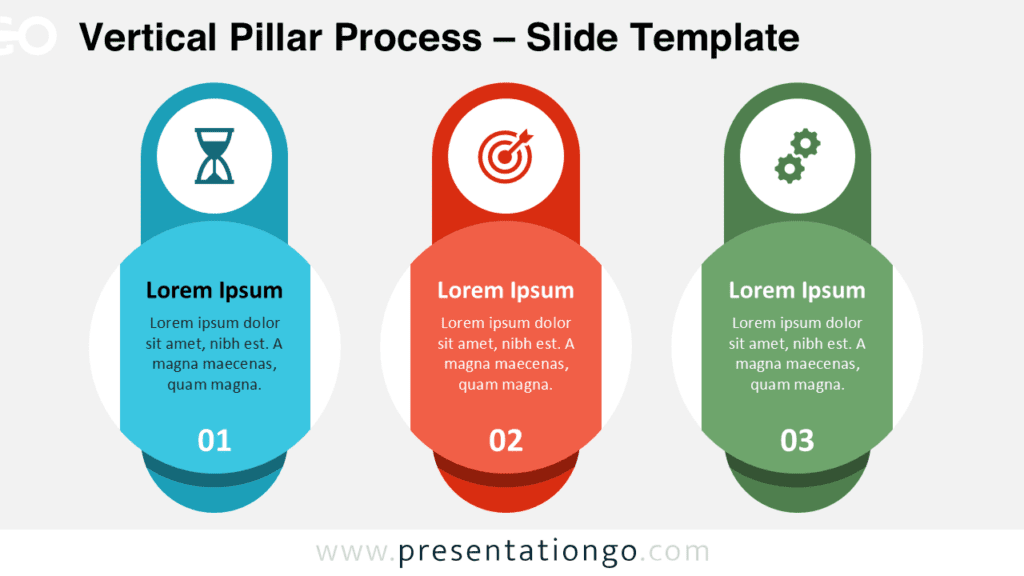
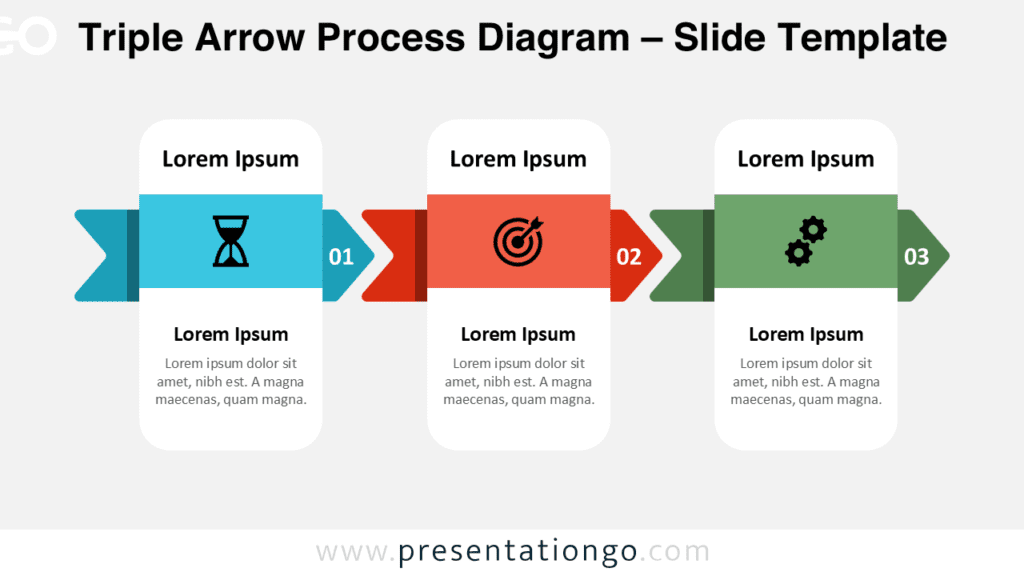
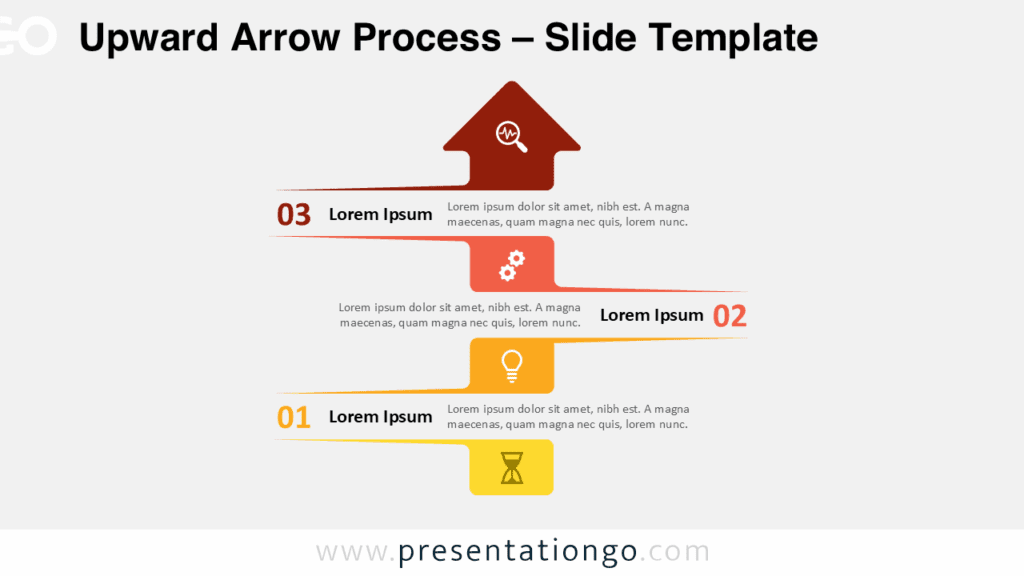
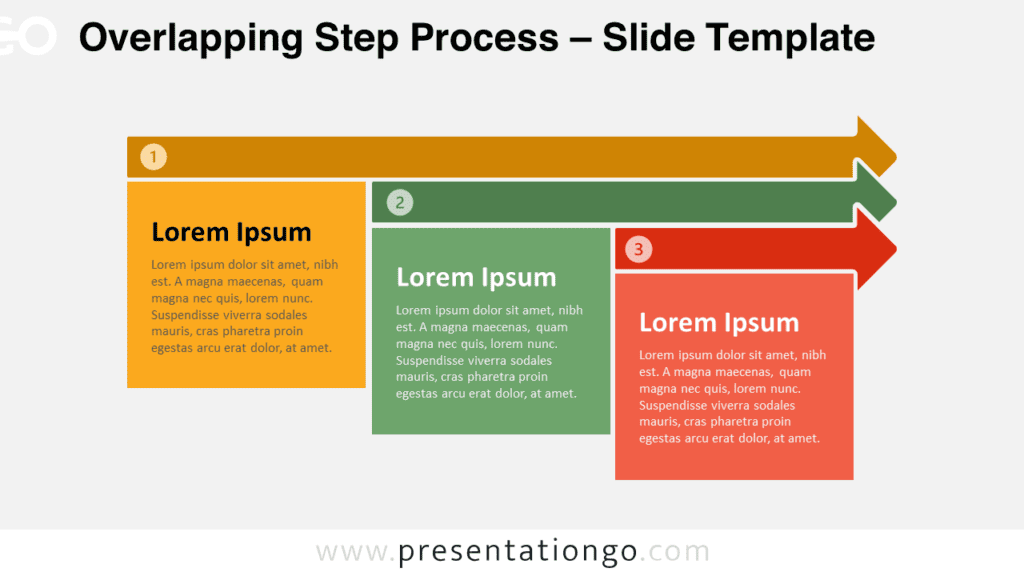
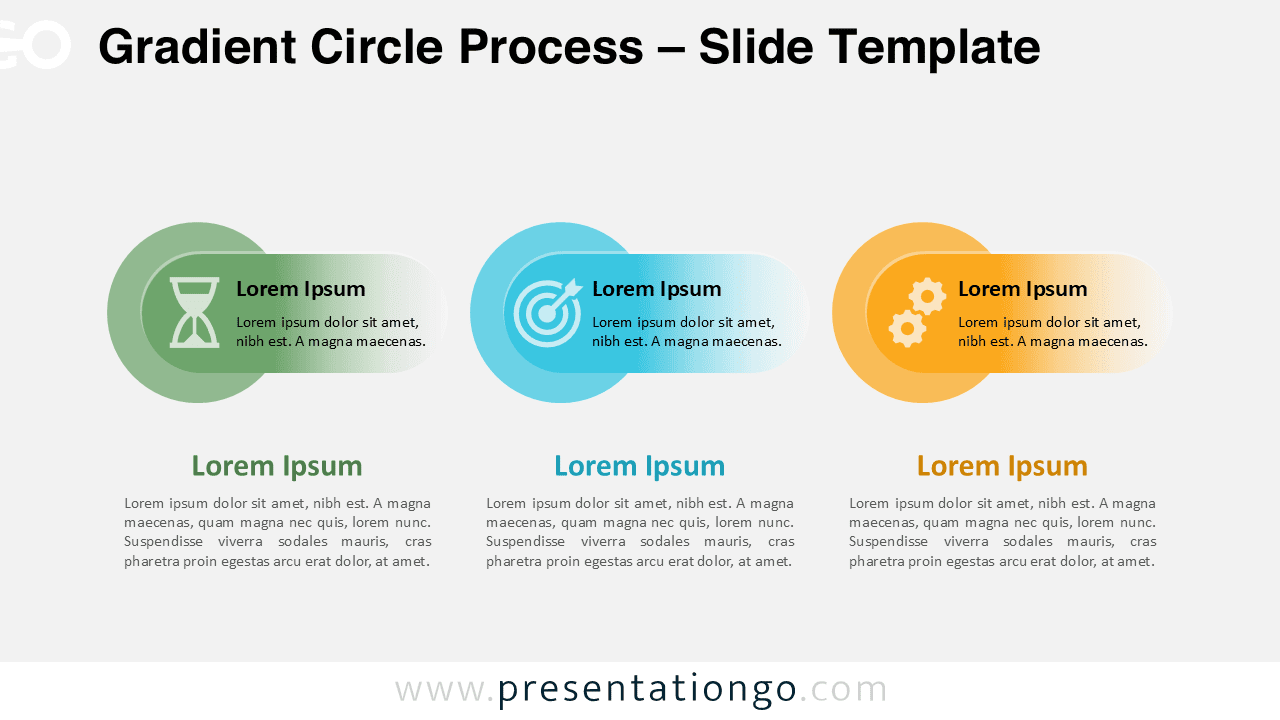
The Gradient Circle Process diagram helps you present structured workflows with clarity and visual impact. Designed for PowerPoint and Google Slides, this three-step layout combines circular overlays, soft gradients, and clear icon elements to guide your audience through each phase of your process.
The horizontal arrangement creates a natural left-to-right flow, making it ideal for explaining sequences, strategies, or operational frameworks. Each step includes a title, short description, and supporting text area, allowing you to balance visuals and detailed explanations.
Diagram Preview
Features and Customization Options
- Three-step horizontal process layout
- Overlapping circular background elements
- Modern gradient overlays
- Fully editable shapes and text fields
- Includes editable icon placeholders
- Compatible with PowerPoint and Google Slides
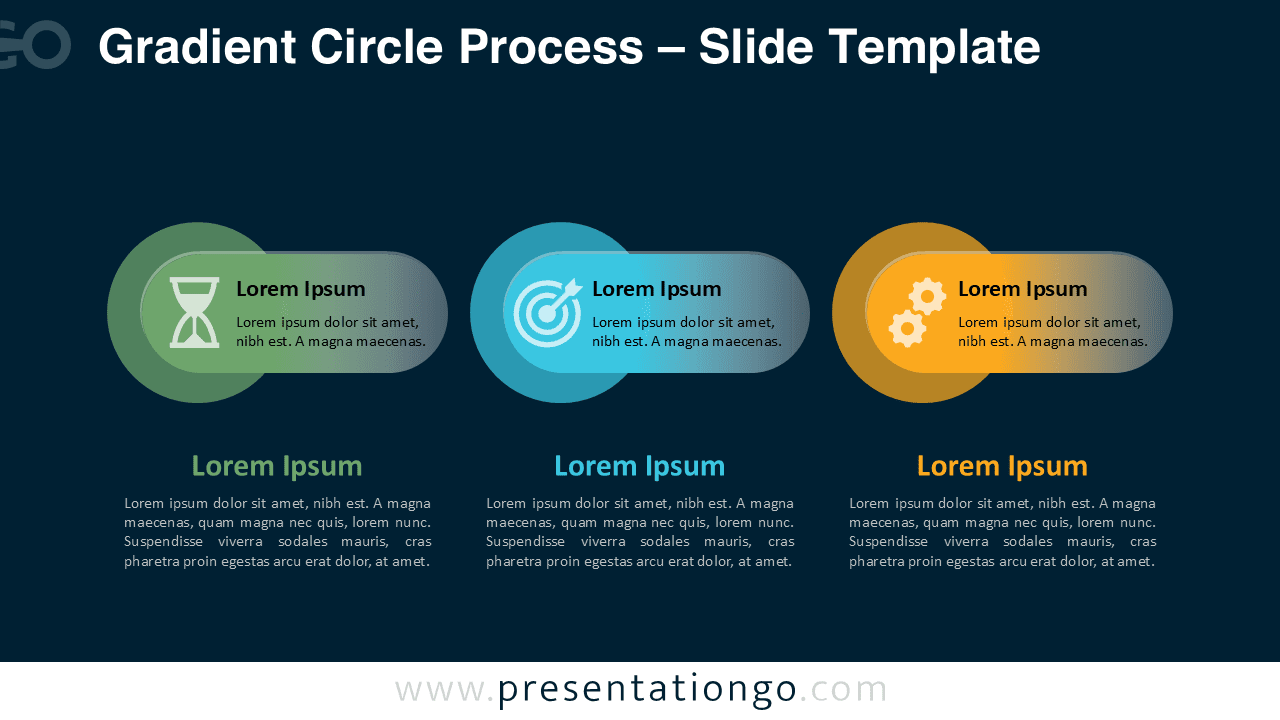
- Available in light and dark background versions
Design and Structure
Each step sits inside a rounded pill-shaped container layered over a large circular background. This layered design adds depth while maintaining simplicity. The color scheme uses green, teal, and orange tones to differentiate each stage clearly.
Icons reinforce the meaning of each step and help viewers scan the content quickly. You can replace the icons, adjust the colors, and modify the text to match your branding or presentation theme. The clean typography ensures strong readability in both light and dark versions.
Practical Applications
- Explaining a three-phase business strategy
- Presenting a product development cycle
- Describing onboarding or training steps
- Showing performance improvement stages
- Outlining marketing or operational workflows
Summary
The Gradient Circle Process diagram provides a professional and flexible way to present structured information. Its balanced layout, modern gradients, and editable icon placeholders make it suitable for corporate, educational, and consulting presentations. Customize the content, adapt the colors, and integrate it seamlessly into your next PowerPoint or Google Slides deck.