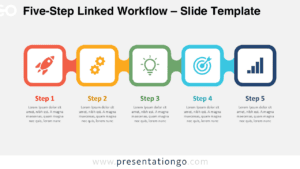
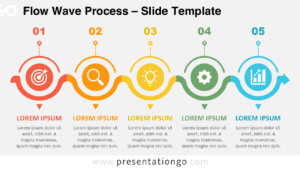
The Connected Outline Circles diagram features five sequential, icon-filled circular elements connected by arrows, designed for PowerPoint and Google Slides presentations.
Five-Step Process Flow with Connected Circles
This template features five evenly spaced outline circles, each enclosing a distinctive icon that visually represents a specific step. The circles are connected by right-facing arrows, emphasizing logical progression. The clean, structured layout ensures clarity, while text placeholders provide space for descriptions. The design is fully customizable, allowing users to modify colors and replace icons to align with their content.
Process diagrams like this one help present information in an organized, easy-to-follow format. Whether used for business strategies, project timelines, training modules, or step-by-step instructions, this visual structure enhances audience understanding. For example, a marketing team could use it to outline campaign phases, or a project manager might illustrate key milestones in a workflow.
This template includes two unique slides with a pre-populated layout featuring icons and text placeholders. The shapes are fully customizable, allowing for adjustments in size, colors, and visual elements. Users can choose between light and dark themes, and the slides are available in both Standard (4:3) and Widescreen (16:9) formats. Compatible with PowerPoint PPTX and Google Slides, this template ensures flexibility for various presentation needs.
Download this five-step process diagram to create clear, structured presentations that effectively communicate workflows, project phases, or sequential processes.
Widescreen (16:9) size preview:


This template offers:
- 2 unique slides
- Options for both light and dark themes
- Pre-populated with icons and text placeholders
- Fully customizable shapes for complete control
- Available in both Standard (4:3) and Widescreen (16:9) ratios
- Offered in both PowerPoint PPTX and Google Slides formats