The Descending Step Timeline helps you present four stages in a clear and memorable sequence. Its decreasing panel heights create a strong visual direction from left to right. Each panel combines a numbered stage, an icon, a heading, and supporting text. This structure makes complex information easier to scan and understand. You can use the diagram in PowerPoint and Google Slides for business, education, training, or project communication.
Diagram Preview
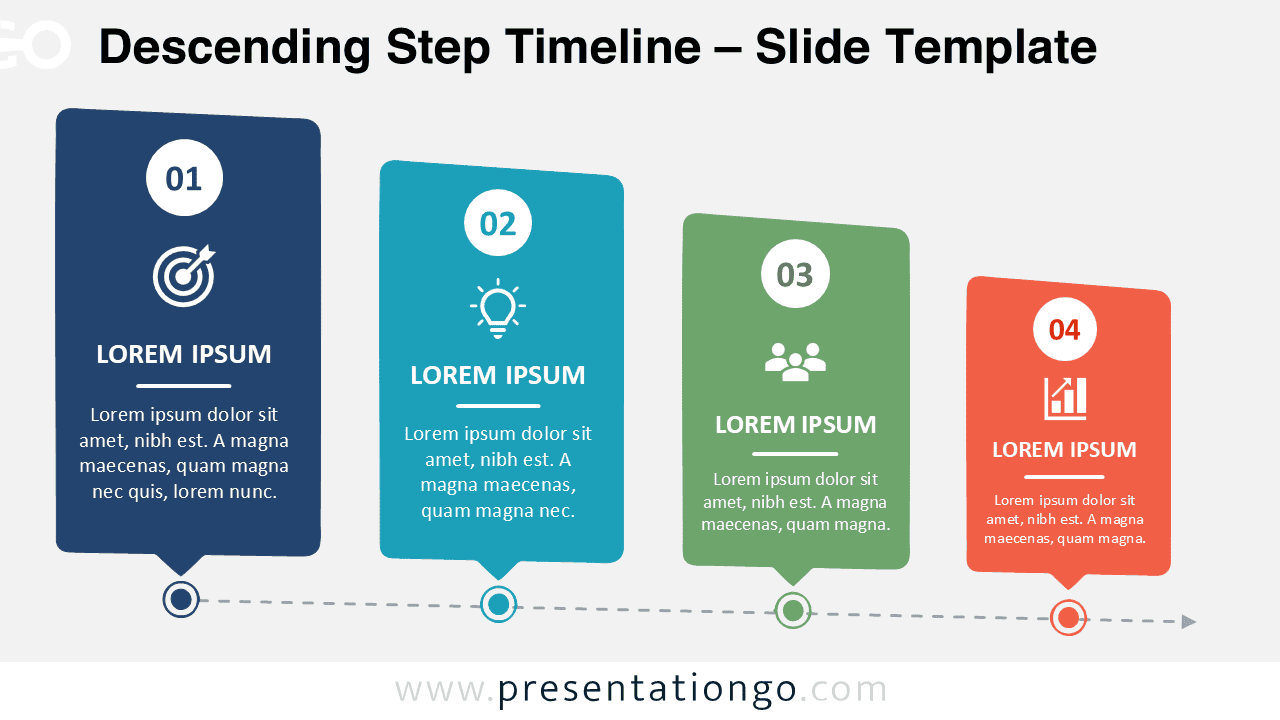
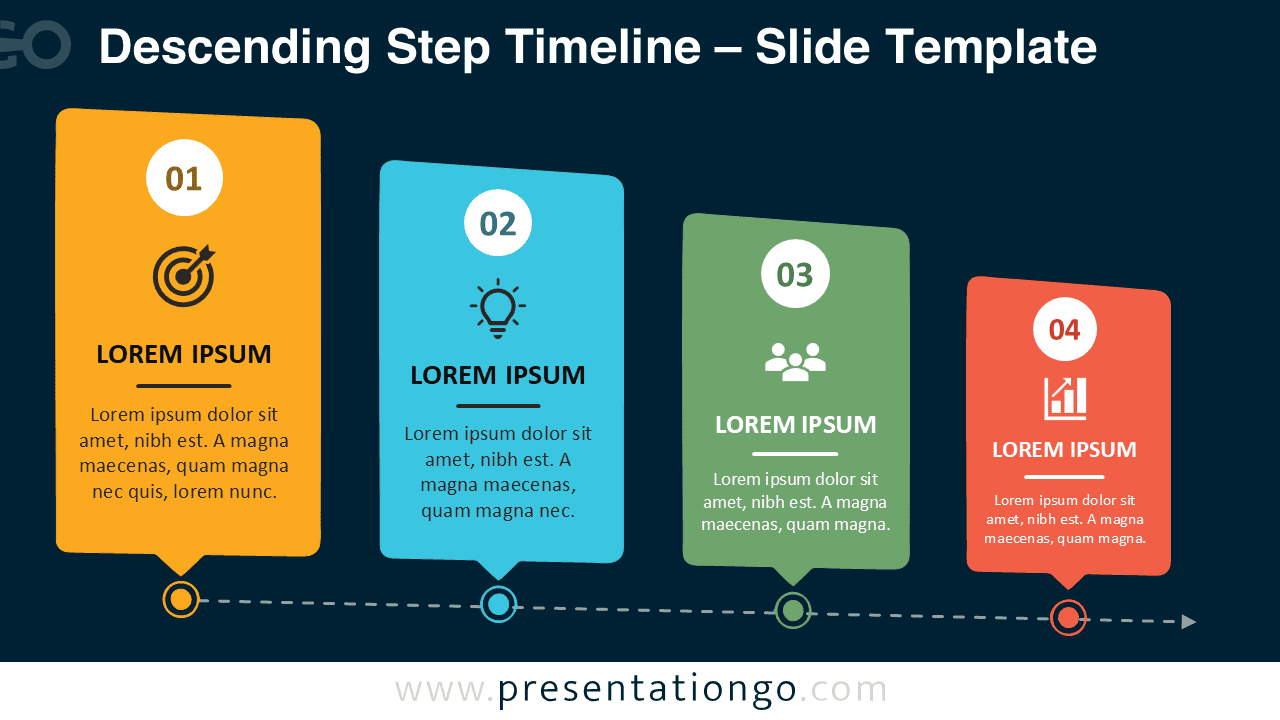
The layout connects all four stages with a horizontal timeline and distinct milestone markers. Each panel points toward its matching position on the line. This connection reinforces the sequence and helps viewers follow the process. The descending structure can represent prioritization, narrowing focus, reduced scale, or movement toward a final outcome.
Features and Customization Options
- Includes four clearly numbered stages arranged in a descending sequence.
- Provides editable text placeholders for titles and supporting descriptions.
- Uses fully editable shapes, lines, labels, and milestone markers.
- Includes icons from the Microsoft Office icon library.
- Allows users to modify, recolor, replace, or resize the Office library icons easily.
- Supports quick editing in both PowerPoint and Google Slides.
- Includes separate versions designed for different slide environments.
- Works well with company branding, presentation themes, and custom typography.
Design and Structure
The Descending Step Timeline uses four vertical cards with gradually decreasing heights. This arrangement adds rhythm while keeping every stage visually connected. Circular number labels identify the sequence immediately. Icon placeholders provide an extra layer of meaning for each step. Short text areas encourage concise explanations and reduce visual clutter.
The horizontal connector creates a consistent reading path across the slide. Each milestone marker aligns with a panel above it, which strengthens the relationship between the timeline and its content. The final arrow suggests forward movement and supports process-based storytelling. The balanced spacing also leaves enough room for labels without making the slide feel crowded.
Practical Applications
- Explain a four-stage business process or operational workflow.
- Present project phases from initiation through completion.
- Show priorities that narrow toward a final objective.
- Outline a product development or implementation roadmap.
- Summarize four milestones in a strategic plan.
- Visualize a customer journey or service delivery process.
- Organize training modules or educational steps.
- Compare sequential actions within a transformation plan.
Summary
The Descending Step Timeline provides a practical way to explain four connected stages. Its tapered arrangement guides attention across the slide and emphasizes progression. Editable text, shapes, connectors, and Office library icons make the diagram easy to adapt. Use it to create structured presentations that communicate workflows, milestones, priorities, and plans with clarity.